Survey Blocks Reference
Blocks are the screens a respondent moves through inside a Survey. Choose blocks based on the answer format you need, not based on visual style.
Start with Understanding and Building Surveys if you want the end-to-end Survey workflow before using this block reference.
Prompt Blocks
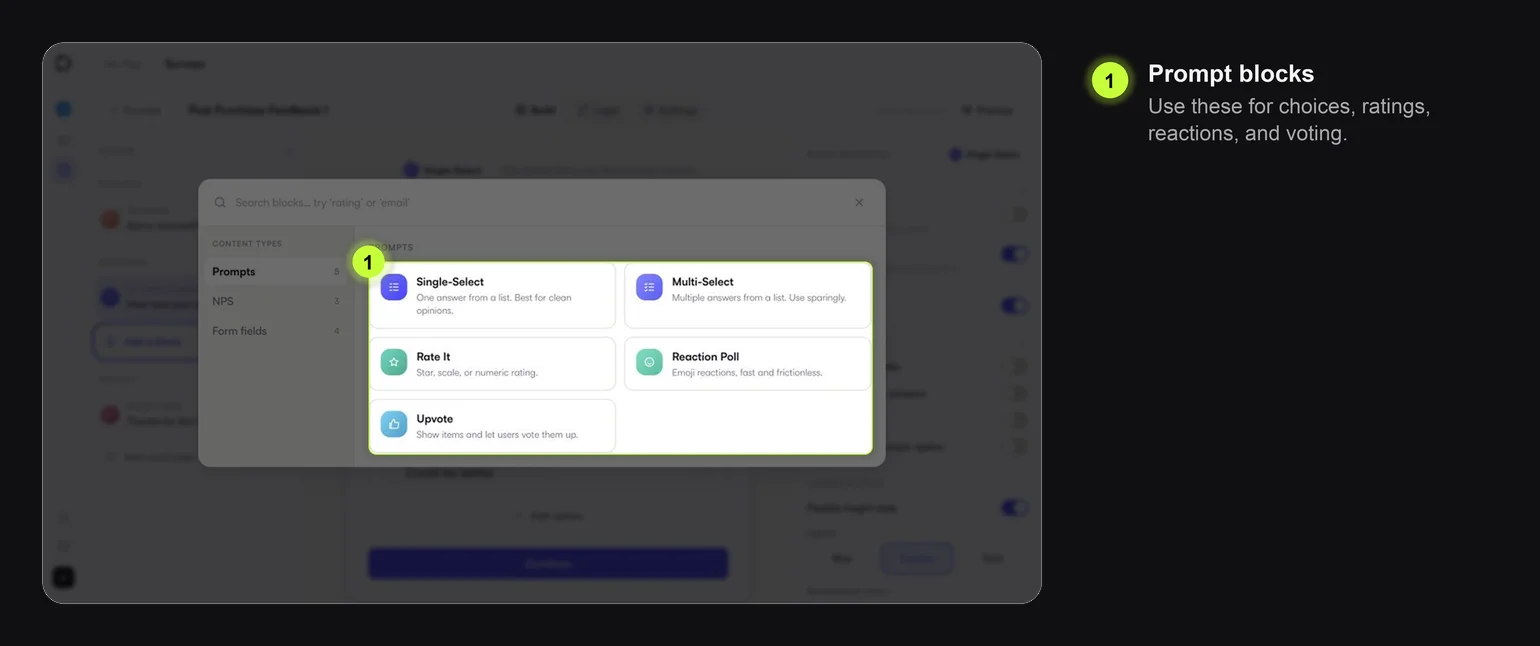
| Block | Use it for | Notes |
|---|---|---|
| Single-Select | One answer from a list | Best for clean segmentation, such as Smooth vs Could be better |
| Multi-Select | Multiple reasons or preferences | Use sparingly; too many options increase effort |
| Rate It | Star, scale, or numeric rating | Good for satisfaction, usefulness, and quick quality checks |
| Reaction Poll | Fast emotional response | Good for lightweight sentiment, not detailed research |
| Upvote | Let users vote for preferred items | Useful for feature ideas, topics, or priorities |
Common settings across prompt blocks:
- title and optional description
- answer labels
- required or optional response
- media visibility
- tag visibility
- answer layout
- answer styling
Do not repeat the same styling decision for every block. Pick a consistent Survey style and only override individual blocks when it helps comprehension.
NPS Blocks
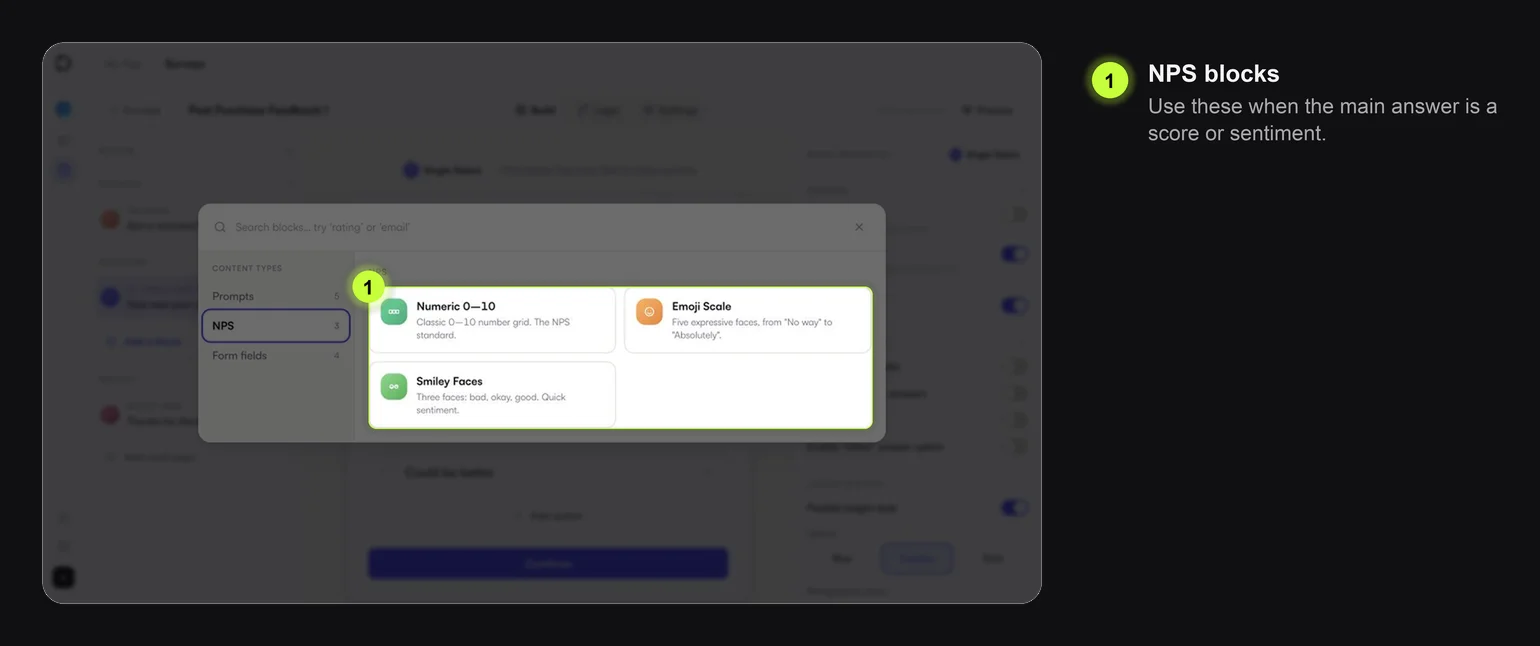
| Block | Use it for | Notes |
|---|---|---|
| Numeric 0-10 | Standard NPS or score collection | Use when you need the classic NPS scale |
| Emoji Scale | Friendly sentiment scale | Good when precision matters less than tone |
| Smiley Faces | Quick positive, neutral, negative feedback | Best for very short Surveys |
For NPS-style Surveys, consider branching:
| Score or sentiment | Possible next step |
|---|---|
| Low | Ask what went wrong |
| Neutral | Ask what would improve the experience |
| High | Thank the user or ask for a review |
Form Field Blocks
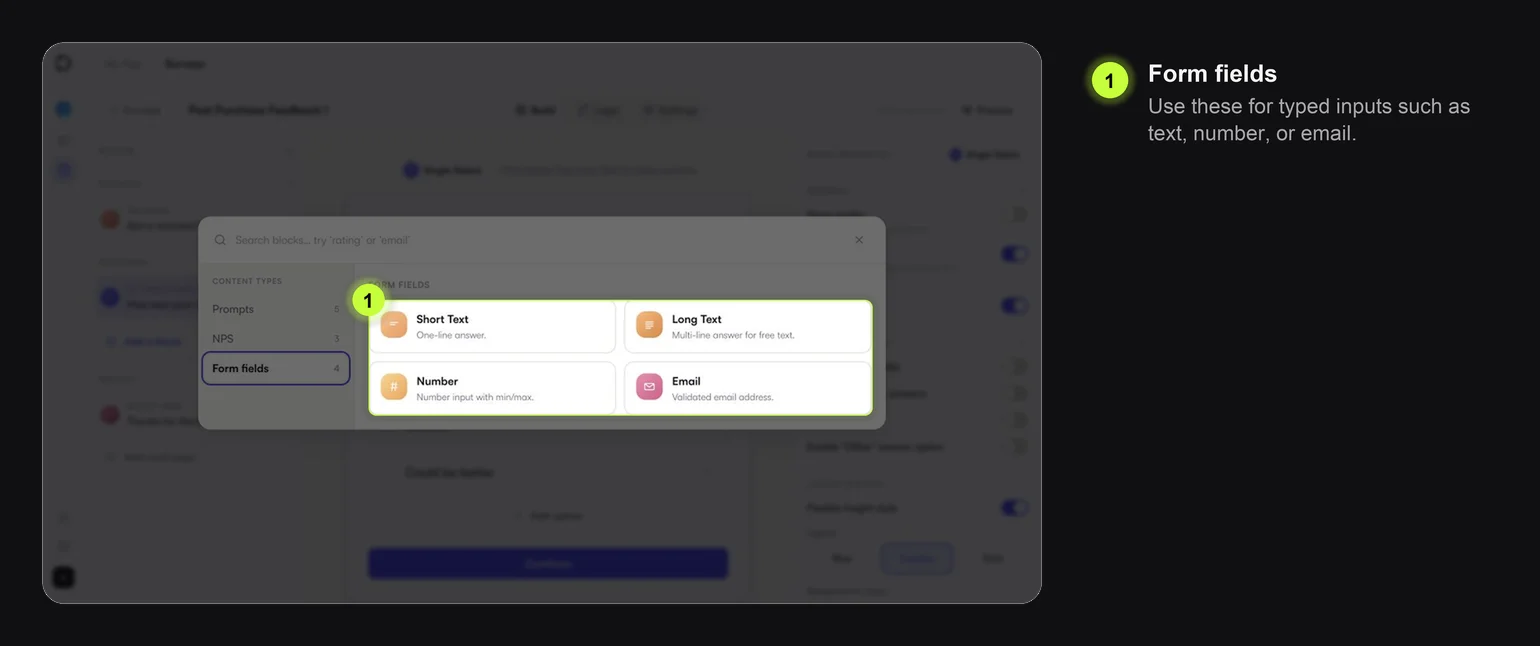
| Block | Use it for | Notes |
|---|---|---|
| Short Text | One-line open response | Use for names, short reasons, or quick comments |
| Long Text | Detailed feedback | Use after a rating or negative answer |
| Number | Numeric input | Use when min or max validation matters |
| Contact information | Use only when follow-up is part of the flow |
Typed responses require more effort than taps. Ask for them only when the answer is worth the friction.
Welcome and Result Pages
| Block | Use it for | Notes |
|---|---|---|
| Welcome | Introduce why you are asking | Optional; skip it for very short contextual Surveys |
| Result Page | End the flow | Use one or more result pages if different branches need different endings |
A result page should make it clear that the Survey is complete.
Choosing the Right Block
Use this shortcut:
| If you need... | Choose... |
|---|---|
| A clean segment | Single-Select |
| Reasons or preferences | Multi-Select |
| A score | Numeric 0-10 or Rate It |
| Mood or sentiment | Emoji Scale, Smiley Faces, or Reaction Poll |
| Written detail | Long Text |
| Follow-up contact | |
| A ranked priority signal | Upvote |