TL;DR: A tooltip is behavior-triggered only if it can fire on what the user just did (tapped an element, repeated an action, hesitated on a screen, or skipped a step) and render beside the element they need, within a second. Most tools sell "targeting" and quietly gate real event triggering behind a higher plan. For mobile apps heading into 2027, Amplitude Guides has the widest documented trigger set, including rage taps and time on screen. Plotline and Digia Engage render native tooltips without an app release, and Pendo and Appcues suit teams that already run them on web. Every option needs your engineers to tag anchor elements once, so trigger depth and latency should decide the shortlist. Keep tours short: Chameleon's 2024 benchmark found completion falls to 21.6% at five steps.
Editorial disclosure: Digia Engage is one of the tools reviewed in this article and integrates with CleverTap, MoEngage, and WebEngage. In November 2026 we reviewed each vendor's public documentation, SDK requirements, pricing pages, and comparison pages. We did not run paid trials of every tool. Where a vendor does not publicly state a capability, we say "not stated" rather than assume it.
What counts as a behavior-triggered tooltip?
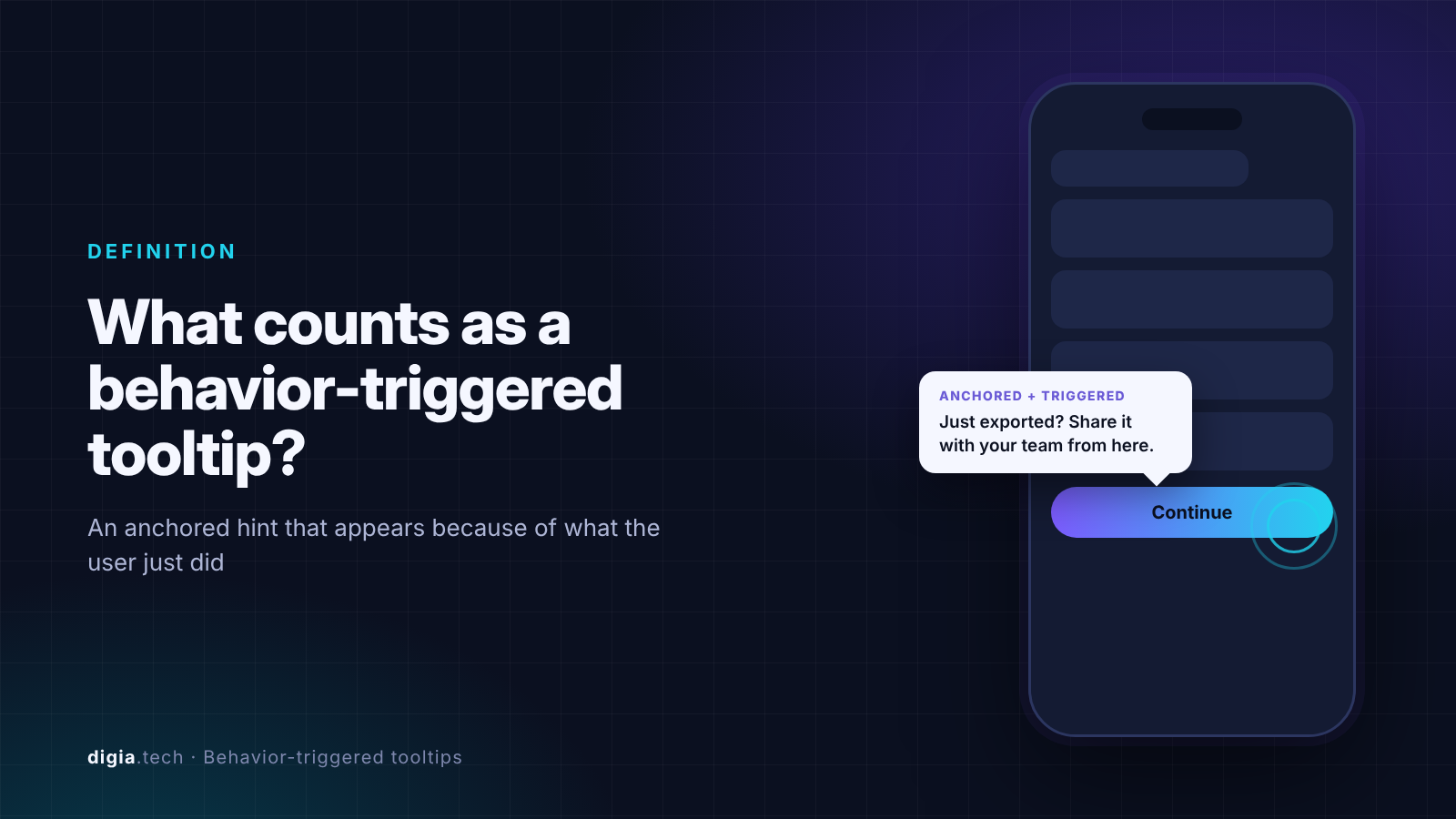
A behavior-triggered tooltip is an anchored hint that appears because of a specific user action, at the moment that action makes the hint useful. It points at a real control on screen, and it shows up in response to an event the user generated in the current session.
Two things separate it from an ordinary tooltip.
Trigger and targeting are different jobs
Targeting decides who is eligible. Triggering decides when the tooltip appears. Appcues spells out the gap in its own docs. Event targeting uses events as audience conditions and evaluates them on the next page load, while event triggering shows a flow at the moment an event occurs and is an Enterprise feature or a paid add-on. A tool that only targets on events will show a "you just exported a file, here's how to share it" tooltip on the next screen load, which on mobile can be minutes or a session later.
The tooltip must attach to a real element
On the web, tools find elements with CSS selectors. Native apps have no equivalent. According to Amplitude's comparison of mobile guide tools, mobile targets have to be tagged in code, and new tags ship with an app release, though copy, targeting, timing, and step order can change without one. Every tool in this review carries that one-time engineering cost. The difference is what you can change afterwards without going back to engineering.
Why do most tooltips get ignored?
Tooltips fail for timing reasons far more often than for design reasons.
Nielsen Norman Group's guidance on mobile instructional overlays makes the core point. Users cannot read an overlay and use the app at the same time, so a chain of tips forces them to memorize steps they will forget within seconds. NN/g recommends showing one tip at a time, when users reach the part of the app it explains, so they learn by doing.
The benchmark data agrees. Chameleon's 2024 Benchmark Report put the average product tour completion rate at 33.5%, against 64% for tours users launched by choice. Five-step tours fell to 21.6%. Chameleon's data comes mostly from web SaaS, and mobile attention is shorter, so treat these as upper bounds for an app.
The practical rule: a tooltip should answer a question the user is about to have, triggered by the behavior that reveals the question. A tour on first launch answers questions nobody has asked yet.
For placement and frequency rules, see Digia's guide to designing non-annoying nudges.
The trigger types that matter on mobile
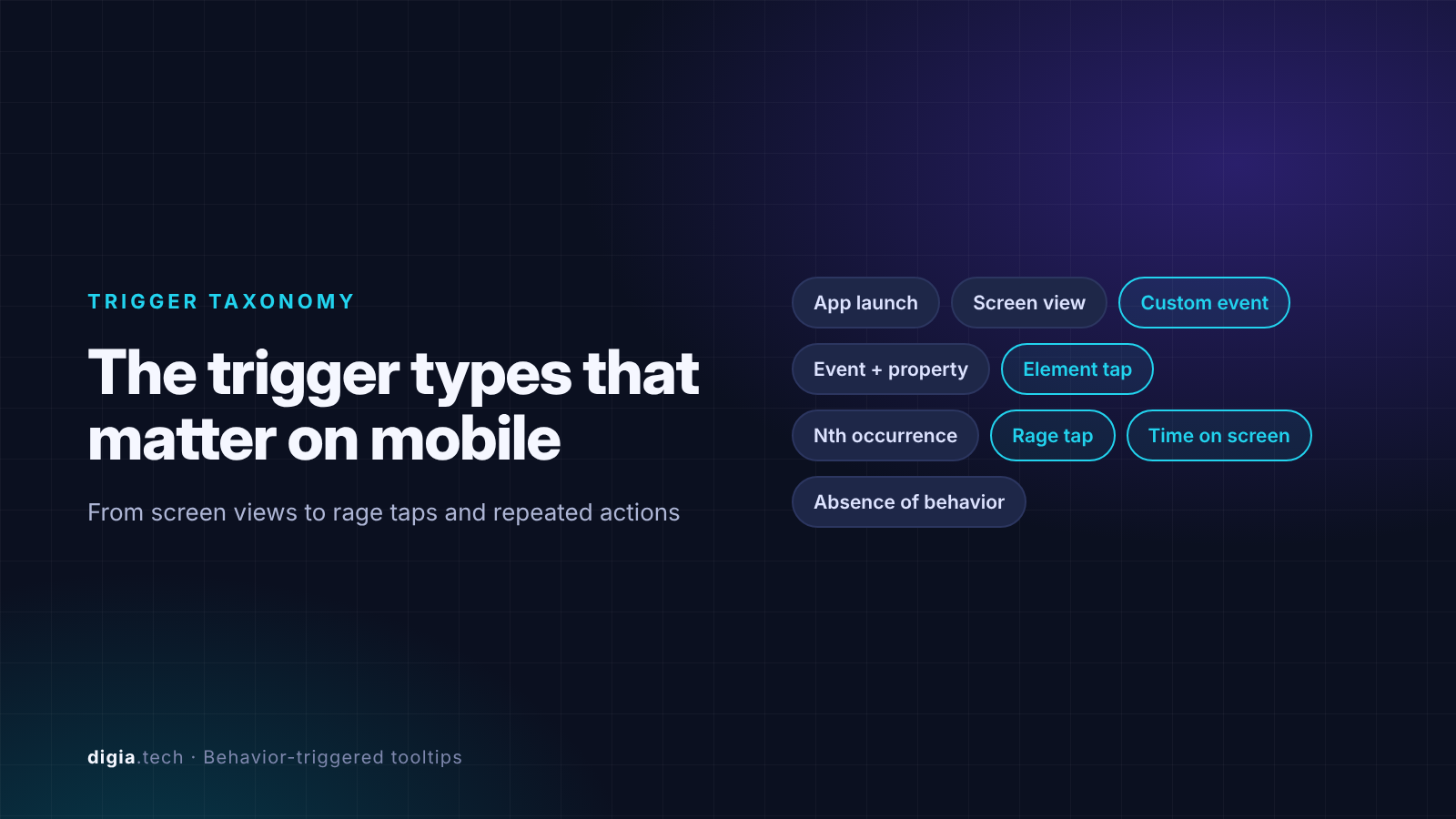
Before comparing vendors, decide which behaviors you need to react to. These are the trigger types that show up in mobile SDK docs, ordered from basic to advanced.
| Trigger type | Example | Why it matters |
|---|---|---|
| App launch or screen view | Show a tip on the Portfolio screen | Basic. This is targeting with a location, and almost every tool has it |
| Custom event | User completes first transfer, then sees the "repeat payment" tip | The core of behavior triggering. Needs an event call from your app or CEP |
| Event plus property | User filters by price more than once, or adds an item above a set value | Lets one event drive different tooltips |
| Element tap | User taps a locked feature, a tooltip explains how to get access | Direct response to intent |
| Repeated or Nth occurrence | Third search with no result triggers a filter tip | Catches struggle, not just activity |
| Hesitation signals | Rage taps, long time on a screen without the expected action | The closest thing to detecting confusion |
| Absence of behavior | Users who set up a SIP but never used auto top-up | Usually built as a segment, then triggered on screen view |
The last three are where tools separate. Amplitude's mobile Guides SDK documents immediate, view-appear, tap, time-on-screen, rage-tap, tracked-event, and Nth-event-in-session triggers, with the Nth-event option requiring SDK 3.7.0 or later. Most other vendors document custom events and screen views, and leave hesitation signals to you.
Latency is part of the trigger
A trigger that fires 30 seconds late is a different trigger. Plotline claims its tooltips render within 100ms of an event, and says CEP-delivered in-app messages often arrive a minute or more after the event fires. That is a vendor claim about competitors, so test it on your own device. Amplitude's comparison reports that Gainsight PX's mobile SDK batches events and that Gainsight advises scheduling activation at least 20 seconds after a user qualifies. Ask every vendor for a trigger-to-render number and verify it in the trial.
For a deeper look at trigger design across formats, see Behaviour-Triggered In-App Campaigns: The Complete Guide.
How we evaluated the tools
In November 2026 we scored each tool on six criteria, drawn from the failure modes above.
- Trigger depth. Which of the trigger types above are documented for mobile, and on which plan.
- Trigger-to-render latency. Whether the tooltip appears in the same moment as the behavior.
- Anchoring. How elements are tagged, and which screens resist anchoring (scroll views, tab bars, bottom sheets).
- Native rendering. Whether the tooltip renders as native UI or in a WebView or HTML template.
- Release independence. What a growth team can change without an app release.
- Framework coverage and pricing. iOS, Android, React Native, and Flutter support, and whether pricing is public.
We weighted the first two most heavily, because a tooltip that fires late or on the wrong signal fails however good it looks.
Comparison table
"Not stated" means we found no public statement in the vendor's docs or pricing pages as of November 2026.
| Tool | Best documented triggers | Anchoring method | Rendering | Mobile frameworks | Public entry price |
|---|---|---|---|---|---|
| Amplitude Guides | Tap, rage tap, time on screen, tracked event, Nth event | Code tags (accessibility IDs, testID) | Native SDK plugin | iOS, Android, React Native | Free tier with 1 live guide |
| Plotline | Events and screen views, claims under 100ms | SDK element targeting | Native | iOS, Android, React Native, Flutter, Unity | From $999/month |
| Digia Engage | Any trigger event from your CEP, or its own triggers | Anchor keys registered in the app | Native, no WebView | iOS, Android, React Native, Flutter | From $499/month |
| Pendo | Page view, feature tap, track event, event plus property | Pendo tags in code | Native SDK | Wide, including Flutter and .NET MAUI | Free up to 500 MAU, paid plans quoted |
| Appcues | Screen targeting, event triggering on Enterprise or add-on | Screen capture from a device | Native SDK | iOS, Android, React Native, Flutter, Ionic | Spark at $3,600/year |
| Userpilot | Events, properties, screen autocapture | Anchored tooltips not listed | Native | iOS, Android, React Native, Flutter, MAUI | Mobile is a paid add-on |
| CEP native (CleverTap, MoEngage, Braze) | Strong event triggers | You build the anchored UI | Your code or HTML | Broad | CEP pricing |
| Custom build | Whatever you instrument | Your code | Native | Your stack | Engineering time |
The 8 tools reviewed
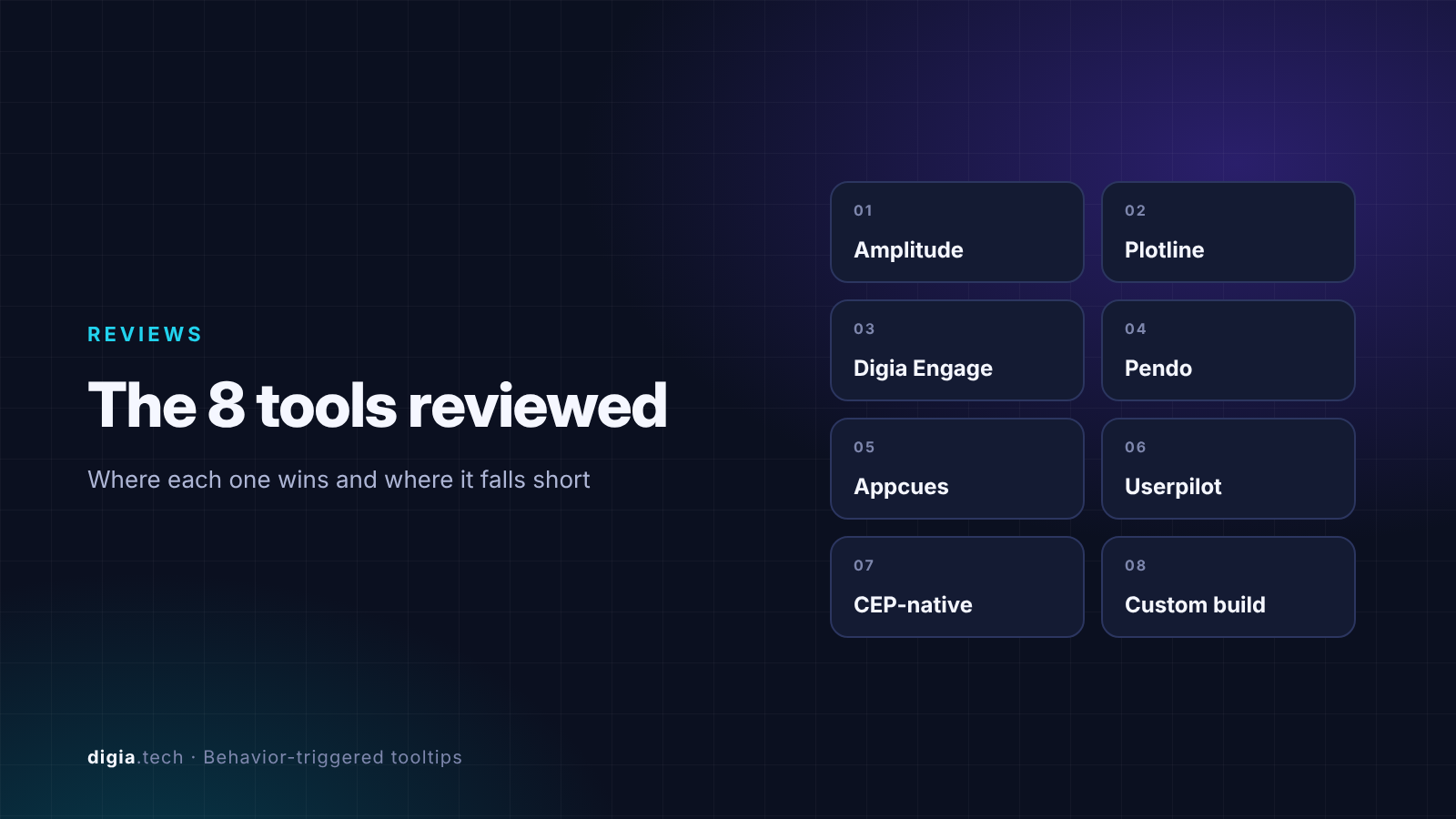
1. Amplitude Guides: the deepest trigger set on mobile
Amplitude's Guides and Surveys SDK installs as a plugin to its Analytics SDK, so guides share the same user identity and events as your charts.
Where it wins. The trigger list is the most complete we found for mobile: tap, view appear, time on screen, rage taps, tracked events, and N events in a session. Hesitation triggers like rage taps are rare in this category and are exactly what "triggered by user behavior" should mean. You can also set a minimum SDK version to stop guides on a bad build.
Where it falls short. By Amplitude's own account, there is no offline mode, tab bar items and animated containers cannot be targeted, and the Free and Plus plans allow only one live guide or survey. Framework coverage stops at iOS and Android plus React Native, and React Native requires the New Architecture on version 0.79.2 or later. Flutter teams are out.
Best for: teams already on Amplitude analytics that want tooltips driven by the same events.
2. Plotline: mobile-first, real-time, priced for funded teams
Plotline positions itself as a consumer mobile tool, with tooltips, spotlights, stories, and other formats triggered in real time by user behavior. It says integration takes about 20 minutes, after which growth teams launch campaigns without app releases.
Where it wins. Native rendering, a format library built for consumer apps, and a public latency claim of under 100ms. Framework coverage includes Flutter and Unity.
Where it falls short. Pricing starts at $999 per month and combines MAU slabs with impression-based charges. Amplitude's comparison notes that campaigns stop when the monthly impression cap is hit and that A/B tests need the Growth plan. Hesitation triggers are not documented publicly.
Best for: consumer apps with budget that want a dedicated in-app layer and do not already run a CEP for in-app.
3. Digia Engage: native tooltips driven by the CEP you already run
Digia Engage builds multi-step tooltip guides in a dashboard and renders them natively. In its CEP mode, the CEP decides the audience, trigger event, schedule, and priority, and Digia decides what renders. The same setup works with CleverTap, where triggers such as Product Viewed or Checkout Started start the tour. For teams without a CEP, a standalone mode lets each campaign carry its own trigger and priority.
Where it wins. Teams on CleverTap, MoEngage, or WebEngage reuse the events and segments they already maintain, so a tooltip can fire on any behavior the CEP already tracks. Each step maps to an anchor key, and frequency rules such as "until completed" keep a tour reappearing across sessions until the user finishes it. Experiences render as native components with no WebViews across Flutter, Android, iOS, and React Native. Pricing starts at $499 per month on annual contracts.
Where it falls short. In CEP mode, trigger latency and trigger logic depend on your CEP, so test the trigger-to-render time on a device. Digia does not document hesitation triggers such as rage taps. And, as with every tool here, a tooltip only attaches if the target element is mounted on screen and its anchor key matches exactly.
Best for: mobile teams already on a CEP that want native tooltips without adding a second targeting system.
4. Pendo: strong analytics, uneven mobile tooltip support
Pendo's mobile tooltip guides anchor to tagged features, and since SDK 3.3.0 you can tag elements in code. Guides can activate on a page view, a tap on a tagged feature, or a custom track event.
Where it wins. If Pendo already runs your web analytics, mobile guides reuse the same segments and reporting. Framework coverage is wide.
Where it falls short. Support varies by framework. Pendo's docs state that tooltips are not available for React Native apps using custom routers, where guides activate only on app launch or a track event. Amplitude reports that Compose tooltips do not work inside bottom sheets or pop-ups. Paid pricing is not public, and the free tier covers 500 MAU.
Best for: B2B and SaaS companies standardizing on Pendo across web and mobile.
5. Appcues: fast to build, event triggering costs extra
Appcues supports anchored and floating mobile tooltips, built from a screen capture of your app. Tapping the target can advance the flow, trigger another flow, track an event, or update a user property.
Where it wins. The builder is approachable for non-engineers, and floating tooltips work on all supported frameworks, including Ionic.
Where it falls short. Event triggering, the feature that makes a tooltip fire the moment a behavior happens, is an Enterprise feature or a lower-tier add-on. Without it, you are targeting on events rather than triggering on them. Amplitude's comparison adds that anchored tooltips cannot target elements that require scrolling. The Spark plan costs $3,600 a year for 1,000 MAU, per the same comparison.
Best for: SaaS teams with web onboarding in Appcues that want a matching mobile layer.
6. Userpilot: event-aware, light on anchored tooltips
Userpilot's mobile SDK covers iOS, Android, Flutter, React Native, Capacitor, Cordova, and .NET, with event and screen autocapture. Its mobile product page lists carousels, slideouts, push notifications, and surveys as the native formats.
Where it falls short. Amplitude's comparison lists no anchored tooltips or spotlights for Userpilot mobile, and says mobile is a paid add-on below Enterprise. Confirm anchored tooltip support in a demo before shortlisting it for this use case.
Best for: Userpilot web customers who mainly need slideouts and carousels on mobile.
7. CEP-native in-app messages: great triggers, no anchored tooltip
CleverTap, MoEngage, and Braze all trigger in-app messages on events and segments. None of them treats an element-anchored tooltip as a standard native format. The usual route is a custom or self-handled message. MoEngage describes self-handled in-apps as messages delivered by the SDK but displayed by your app's own code, and Braze lets you intercept a message and render it in a customized manner.
That means the CEP owns when, and your engineers own what and where. Every new tooltip design becomes app code, which brings back the release cycle. This gap is why experience-layer tools such as Digia Engage plug into CEPs. For a CleverTap-specific view, see CleverTap alternatives for better in-app UI.
Best for: teams with spare engineering capacity and a small, stable set of tooltips.
8. Custom build with open-source libraries
Coach-mark libraries exist for every platform, such as Instructions for iOS and react-native-coachmarks. They are free to adopt and fully native.
The cost is ownership. Trigger logic, frequency capping, analytics, and copy changes all live in your codebase, and every change ships with a release. Libraries also age. The maintainer of Instructions has marked the project as deprecated. Build in-house when tooltips are few and rarely change. Buy when growth teams need to iterate weekly.
Which tool fits which team?
| If your team | Start with | Why |
|---|---|---|
| Runs Amplitude analytics and wants hesitation triggers | Amplitude Guides | Rage taps and time on screen are documented triggers |
| Runs CleverTap, MoEngage, or WebEngage | Digia Engage | Reuses existing CEP triggers and renders native tooltips |
| Has budget and no CEP for in-app | Plotline | Real-time native triggers in a dedicated tool |
| Standardizes on Pendo or Appcues for web | Pendo or Appcues | One builder and one segment model across platforms |
| Ships a handful of stable tooltips | Custom build | Lowest cost if nothing changes often |
Buyer checklist
Ask every vendor these eight questions in the demo, and test the first two on a real device during the trial:
- Which trigger types are available on mobile in the plan we are pricing, including custom events, element taps, and repeated actions?
- What is the measured time from event to rendered tooltip on a mid-range Android phone?
- How are elements tagged, and which containers cannot hold an anchored tooltip (scroll views, tab bars, bottom sheets, modals)?
- What happens on users' older app builds that lack a new anchor tag or SDK version?
- Is the tooltip native, or a WebView or HTML template?
- Can we cap frequency per user, suppress tooltips during stress states such as a failed payment, and stop after completion?
- Can a growth PM change copy, targeting, and step order without an app release?
- Which features in this answer are add-ons rather than part of the base plan?
Question six matters more than it looks. A well-timed tooltip shown to a user who just hit an error reads as noise. Digia's guide to suppression logic covers the rules.
Key Takeaways
- A tooltip is behavior-triggered only if it fires on a specific action in the current session and renders beside the relevant element within a second. Event targeting that waits for the next screen load is a weaker substitute.
- Trigger depth separates the tools. Amplitude documents hesitation triggers such as rage taps, while Appcues gates event triggering behind Enterprise or an add-on, and CEPs leave anchored tooltip UI to your engineers.
- Every mobile tooltip tool needs a one-time tagging effort from engineering. After that, the value is how much copy, targeting, timing, and step order a growth team can change without an app release.
- Keep it to one tip at a time where possible. Chameleon's 2024 data shows completion falling to 21.6% at five steps, and NN/g advises single, in-context tips over chains.
Further Reading
From Digia
- Behaviour-Triggered In-App Campaigns: The Complete Guide
- In-App Nudges: What They Are, When to Use Them, and 12 Examples
- Designing Non-Annoying Nudges: Frequency, Placement, and Context
- When NOT to Show a Nudge: Building a Suppression Logic
- How to Build an In-App Onboarding Flow That Gets Users to Their First Win
- Best Mobile App Engagement Platforms in 2026: An Honest Comparison
External
External Sources: All Claims Attributed
- Pro Tip: Event Triggering vs Event Targeting - Appcues docs
- Appcues mobile tooltips - Appcues docs
- 7 Best In-App Guide Tools for Mobile Apps in 2026 - Amplitude, accessed Nov 2026 (vendor-published comparison)
- Mobile instructional overlays - Nielsen Norman Group, Aurora Harley, 16 Feb 2014
- Chameleon Benchmark Report 2024 - Chameleon, 2024
- Plotline interactive demo and FAQ - Plotline
- Plotline product tour and FAQ - Plotline
- Plotline pricing - Plotline
- Multi-Step Tooltip Guide with MoEngage - Digia docs
- Multi-Step Tooltip Guide with CleverTap - Digia docs
- Digia Engage developer guides - Digia docs
- Add a tooltip guide to your mobile app - Pendo support
- React Native with custom navigation - Pendo support
- Pendo review: activation methods - Userpilot blog
- Userpilot Mobile - Userpilot
- MoEngage self-handled in-app messages (React Native) - MoEngage docs
- Braze in-app message customization (Android) - Braze docs
- Digia Engage pricing - Digia
- Instructions iOS library - GitHub
- Instructions deprecation note - Algolia DocSearch index of the repository
- react-native-coachmarks - npm
Want tooltips that fire on what users just did, without an app release? Digia Engage renders native, multi-step tooltip guides from a dashboard and triggers them from the CleverTap, MoEngage, or WebEngage events you already track, so your growth team can change copy, anchors, timing, and frequency the same day. Book a demo to see how it works.