UserGuiding boosts self-serve adoption. Digia deepens the app.
Digia vs UserGuiding: In-App Engagement
UserGuiding combines product tours, checklists, resource centers, surveys, knowledge base, and session replay in one platform. Digia Engage specializes in richer mobile-native widgets, gamification, stories, surveys, and video.
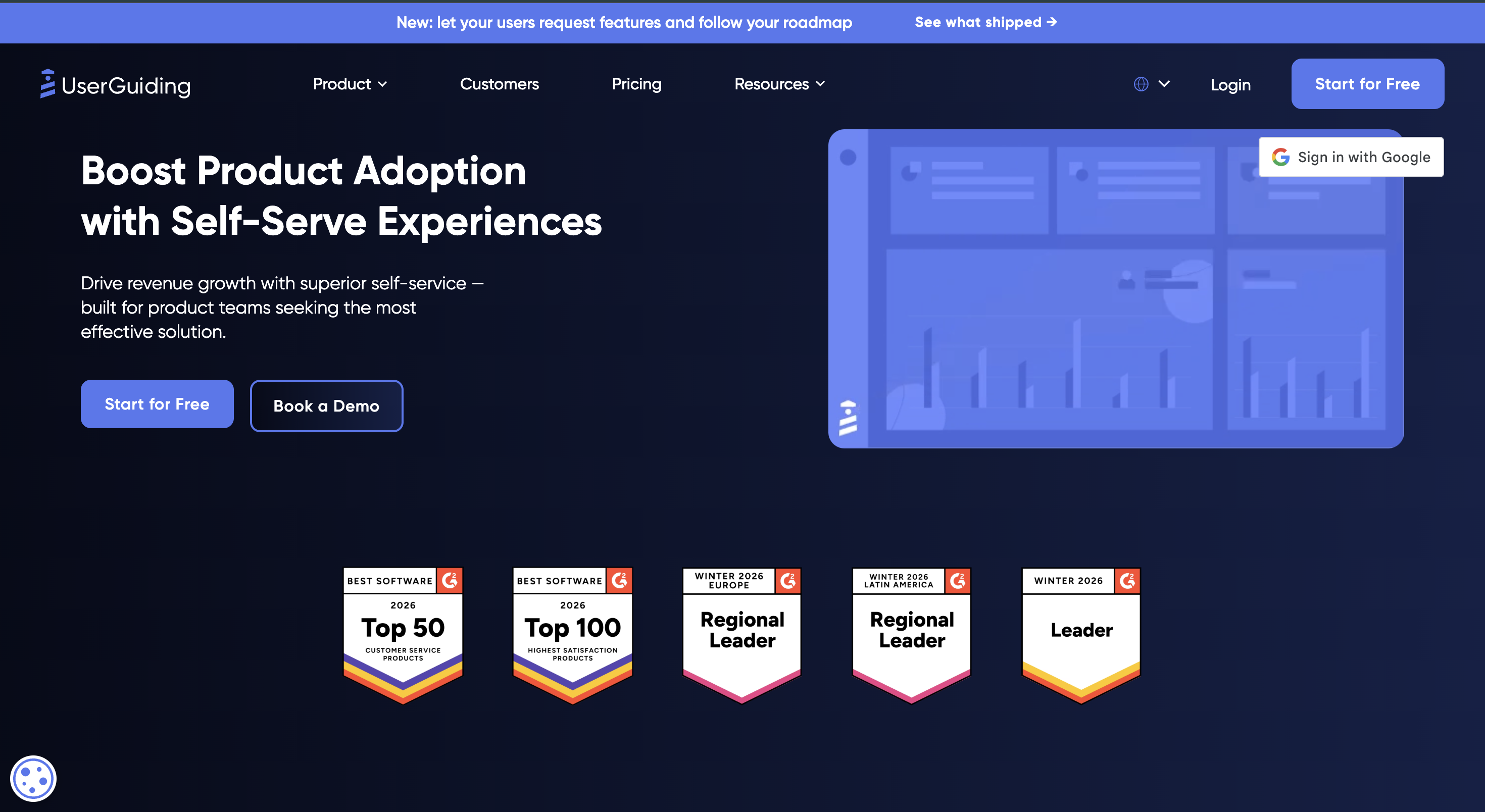
UserGuiding is a product adoption and self-service platform spanning analytics, session replay, onboarding, and contextual surveys. Digia Engage is a dedicated in-app engagement layer built around rich mobile-native components. This comparison is based on UserGuiding's published materials, not a hands-on UserGuiding SDK test.
What this comparison found, in short
- UserGuiding is an all-in-one product adoption and self-service platform whose center of gravity is self-serve onboarding, in-app help, feedback, and product updates.
- UserGuiding now publishes actionable product analytics with funnels, paths, retention reports, session replay, no-code onboarding, and contextual surveys.
- UserGuiding's published in-app layer centers onboarding patterns and surveys; it does not publish the same mobile-native library of widgets, stories, video, and gamification that Digia offers.
- Digia is narrower by design: a mobile-native rendering layer with widgets, stories, video, surveys, and native gamification that can sit beside an existing CEP.
How this comparison was put together
UserGuiding claims on this page trace to UserGuiding's own product pages. Broader competitor sections summarize each company's public homepage positioning. This is not a hands-on integration test, and unavailable public details are marked as such rather than guessed.
Disclosure. Digia sells Digia Engage and competes with UserGuiding on mobile in-app engagement. This page was written by Digia, is not independent, and is not sponsored by or affiliated with any platform named here.
. Something out of date? Email info@digia.tech.
At a glance
Feature comparison across product adoption platforms
| Feature / Capability | Digia Engage | Userpilot | Chameleon | UserGuiding | WalkMe |
|---|---|---|---|---|---|
| Best fit | Mobile teams already running a CEP | SaaS teams combining analytics and onboarding | Product teams building native-looking in-app guidance | Teams prioritizing self-serve onboarding and support | Enterprises driving adoption across employee software |
| In-app depth | Nudges, widgets, stories, surveys, video, native gamification | Flows, checklists, tooltips, banners, and surveys | Tours, tooltips, launchers, banners, HelpBar, microsurveys | Tours, checklists, hotspots, surveys, banners, resource centers | Walkthroughs, tooltips, notifications, surveys, automation, AI assistance |
| Authoring | Visual mobile-native builder with AI assistance | No-code onboarding and engagement builder | No-code builder with styling and A/B testing | No-code onboarding and self-service builder | Enterprise authoring, analytics, governance, and automation |
| Analytics | Reuses connected CEP analytics | Funnels, paths, retention, trends, and session replay | Experience analytics, goals, and experimentation | Onboarding, survey, and engagement analytics | Application, workflow, content, and adoption analytics |
| Gamification | Native scratch cards, spin-to-win, streaks, milestones, quizzes | No published native mechanic library | No published native mechanic library | No published native mechanic library | No published native mechanic library |
| Architecture | Dedicated mobile rendering layer added to an existing CEP | Standalone product growth platform | Standalone in-product adoption platform | Standalone adoption and self-service platform | Enterprise digital adoption platform across applications |
| Pricing | Custom quote | MAU-based paid plans | Public plans plus enterprise options | Public MAU-based plans | Custom quote |
UserGuiding vs Userpilot
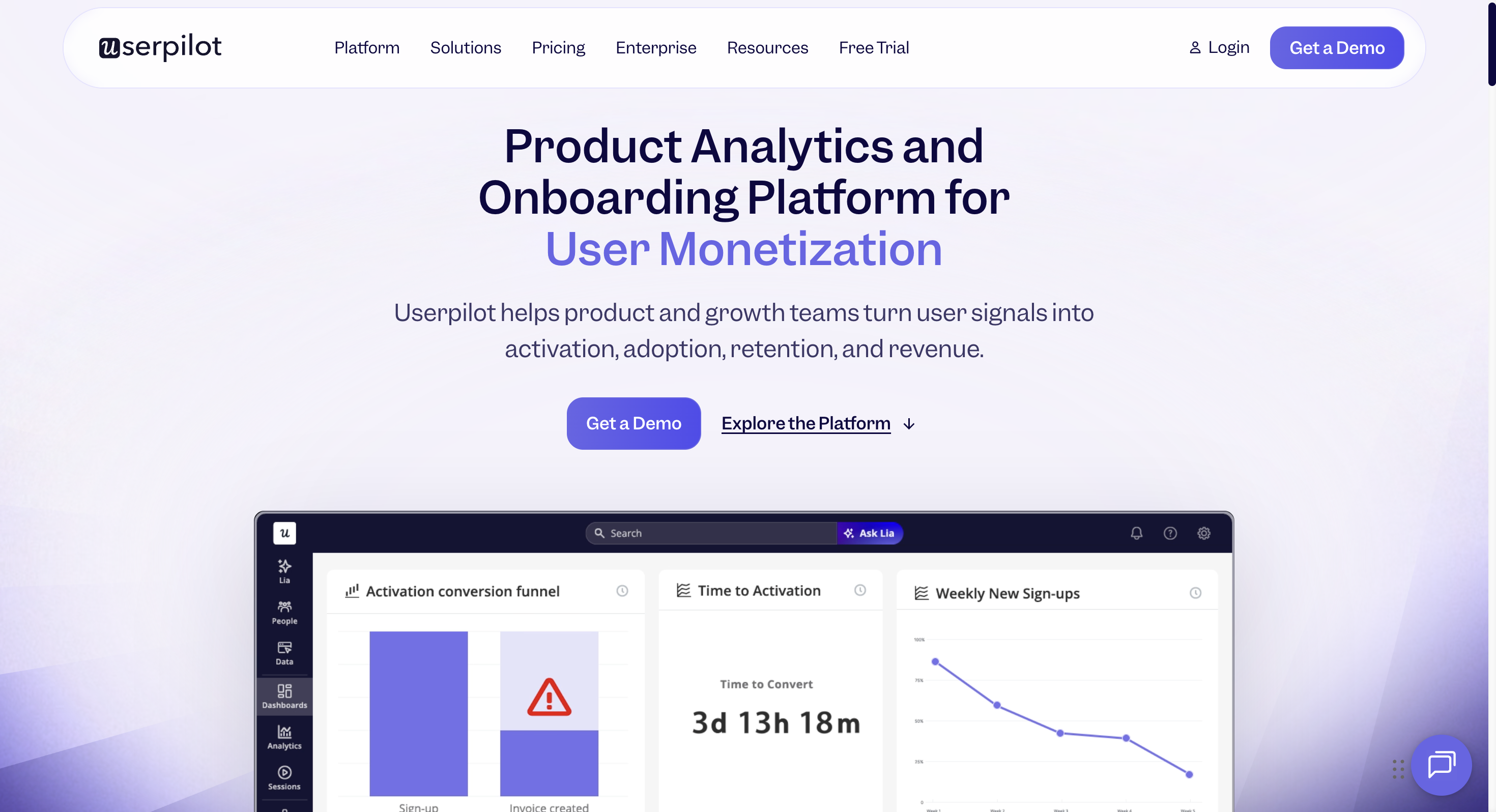
UserGuiding centers self-serve onboarding and support. Userpilot centers product analytics plus onboarding.
- Primary strength: UserGuiding: Self-serve onboarding and support. Userpilot: Product analytics plus onboarding.
- Experience library: UserGuiding publishes tours, checklists, hotspots, surveys, banners, and resource centers; Userpilot publishes flows, checklists, tooltips, banners, and surveys.
- Analytics: UserGuiding emphasizes onboarding, survey, and engagement analytics; Userpilot emphasizes funnels, paths, retention, trends, and session replay.
- Digia difference: Digia supplies a mobile-native rendering layer with widgets, stories, video, surveys, and gamification inside an existing CEP.
| Feature / Capability | UserGuiding | Userpilot |
|---|---|---|
| Primary strength | Self-serve onboarding and support | Product analytics plus onboarding |
| Experience library | Tours, checklists, hotspots, surveys, banners, and resource centers | Flows, checklists, tooltips, banners, and surveys |
| Analytics | Onboarding, survey, and engagement analytics | Funnels, paths, retention, trends, and session replay |
| Best fit | Teams prioritizing accessible self-service | SaaS teams combining insight and action |
| Pricing | Public MAU-based plans | MAU-based paid plans |
Choose UserGuiding if:
Teams prioritizing accessible self-service.
Choose Userpilot if:
SaaS teams combining insight and action.
UserGuiding vs Chameleon
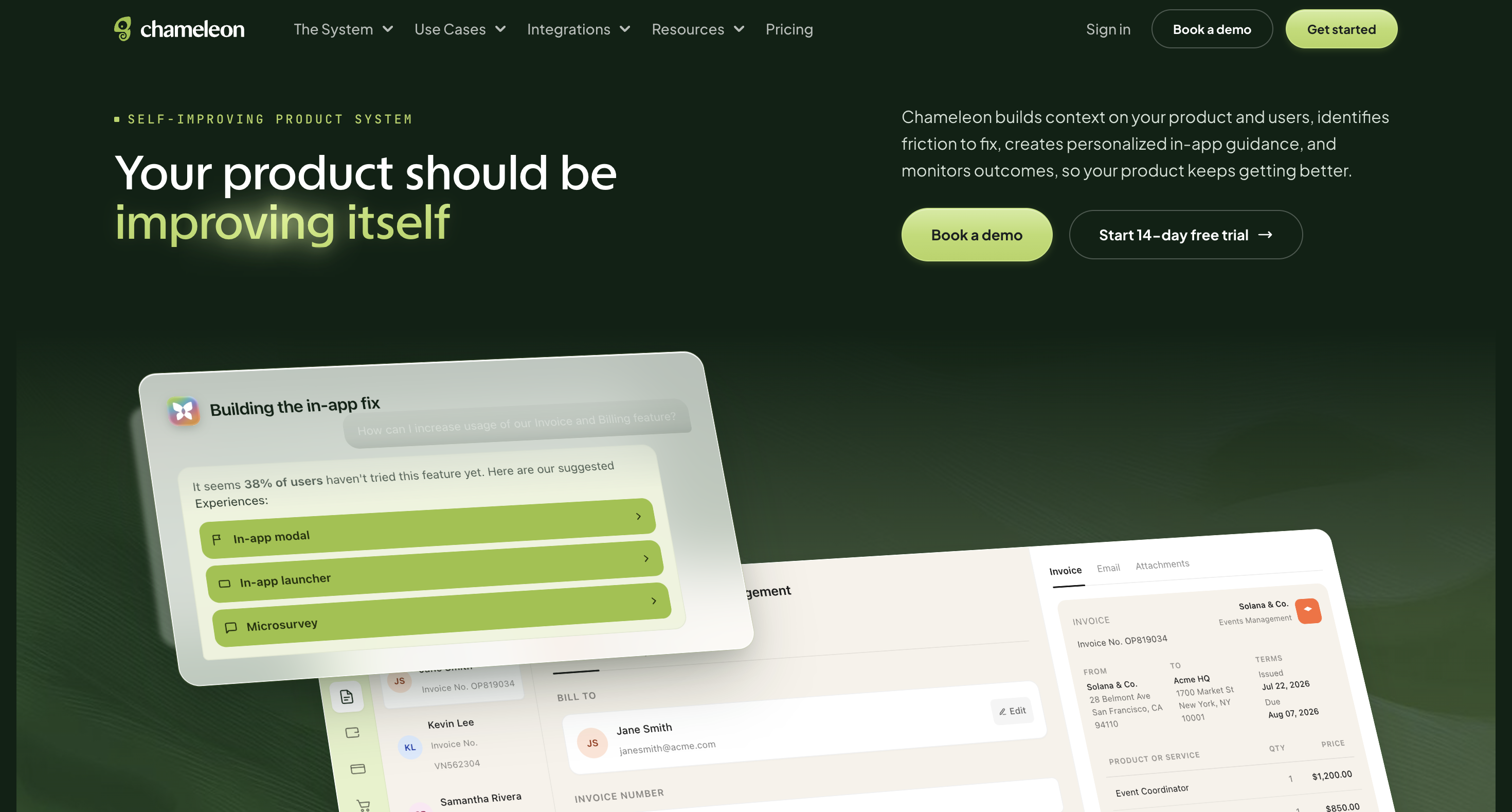
UserGuiding centers self-serve onboarding and support. Chameleon centers in-product guidance and experimentation.
- Primary strength: UserGuiding: Self-serve onboarding and support. Chameleon: In-product guidance and experimentation.
- Experience library: UserGuiding publishes tours, checklists, hotspots, surveys, banners, and resource centers; Chameleon publishes tours, tooltips, launchers, banners, helpbar, and microsurveys.
- Analytics: UserGuiding emphasizes onboarding, survey, and engagement analytics; Chameleon emphasizes experience analytics, goals, and experimentation.
- Digia difference: Digia supplies a mobile-native rendering layer with widgets, stories, video, surveys, and gamification inside an existing CEP.
| Feature / Capability | UserGuiding | Chameleon |
|---|---|---|
| Primary strength | Self-serve onboarding and support | In-product guidance and experimentation |
| Experience library | Tours, checklists, hotspots, surveys, banners, and resource centers | Tours, tooltips, launchers, banners, HelpBar, and microsurveys |
| Analytics | Onboarding, survey, and engagement analytics | Experience analytics, goals, and experimentation |
| Best fit | Teams prioritizing accessible self-service | Teams prioritizing native-looking guidance |
| Pricing | Public MAU-based plans | Public plans plus enterprise options |
Choose UserGuiding if:
Teams prioritizing accessible self-service.
Choose Chameleon if:
Teams prioritizing native-looking guidance.
UserGuiding vs WalkMe
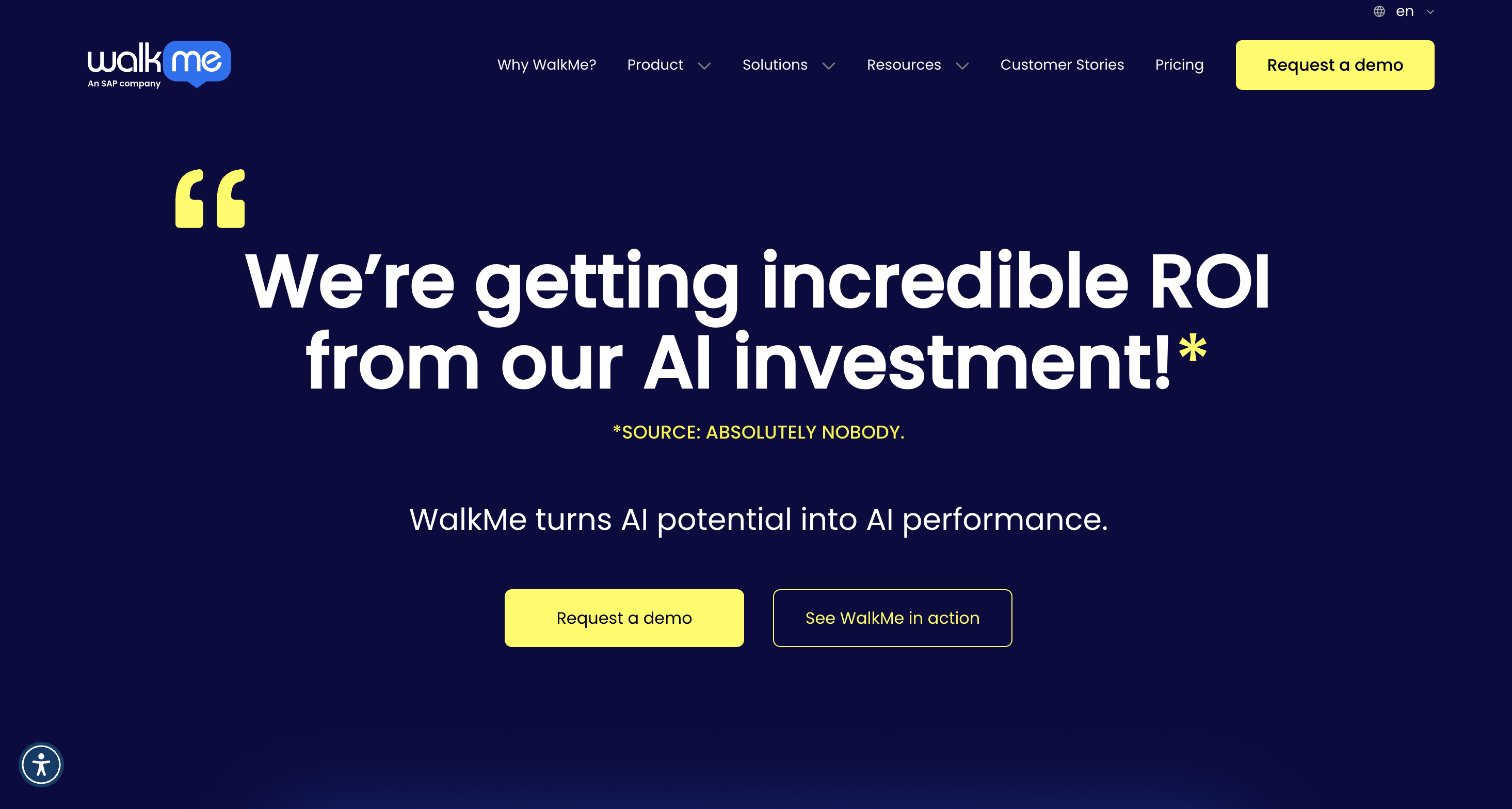
UserGuiding centers self-serve onboarding and support. WalkMe centers enterprise digital adoption.
- Primary strength: UserGuiding: Self-serve onboarding and support. WalkMe: Enterprise digital adoption.
- Experience library: UserGuiding publishes tours, checklists, hotspots, surveys, banners, and resource centers; WalkMe publishes walkthroughs, tooltips, notifications, surveys, automation, and ai assistance.
- Analytics: UserGuiding emphasizes onboarding, survey, and engagement analytics; WalkMe emphasizes application, workflow, content, and adoption analytics.
- Digia difference: Digia supplies a mobile-native rendering layer with widgets, stories, video, surveys, and gamification inside an existing CEP.
| Feature / Capability | UserGuiding | WalkMe |
|---|---|---|
| Primary strength | Self-serve onboarding and support | Enterprise digital adoption |
| Experience library | Tours, checklists, hotspots, surveys, banners, and resource centers | Walkthroughs, tooltips, notifications, surveys, automation, and AI assistance |
| Analytics | Onboarding, survey, and engagement analytics | Application, workflow, content, and adoption analytics |
| Best fit | Teams prioritizing accessible self-service | Enterprises driving adoption across employee software |
| Pricing | Public MAU-based plans | Custom quote |
Choose UserGuiding if:
Teams prioritizing accessible self-service.
Choose WalkMe if:
Enterprises driving adoption across employee software.
Architecture, not just features
Where Digia and UserGuiding actually diverge
product adoption platform vs dedicated rendering layer
UserGuiding joins marketing, service, analytics, and customer data. Digia is built specifically for the mobile in-app rendering layer and plugs into the product stack already in place.
Source [1]: UserGuiding homepageDifferent in-app format depth
UserGuiding publishes in-app in-app experiences and in-app guidance. Digia adds purpose-built native widgets, stories, video, surveys, and gamification mechanics.
Source [2]: UserGuiding product toursMobile SDK coverage
UserGuiding documents SDKs for iOS, Android, React Native, and Flutter, with identification, event tracking, push, in-app forms, and geofencing. Digia uses its SDK to render a broader native experience layer.
Source [4]: UserGuiding resource centersDifferent AI territory
UserGuiding applies AI across its product adoption platform and service products. Digia's AI is scoped to in-app segmentation, creative generation, and pre-launch review.
Source [1]: UserGuiding homepageFlows vs component depth
UserGuiding's flows coordinate product adoption experiences, push, and in-app. Digia concentrates on the richness and native behavior of the experience shown inside the app.
Source [2]: UserGuiding product toursCoexistence is the practical path
Teams can keep UserGuiding for customer data, product automation, product analytics, guidance, and feedback, and flows while using Digia for richer native app experiences.
Side by side
Digia vs UserGuiding, in-app
| Dimension | UserGuiding | Digia Engage |
|---|---|---|
| Core architecture | Standalone product adoption and self-service platform | Dedicated in-app rendering layer for an existing CEP |
| In-app authoring | Drag-and-drop pop-up and flow builders | Visual mobile-native component builder |
| Inline content | Published mobile in-app in-app experiences | Native inline widgets in the core in-app layer |
| Gamification | No published native mechanic library | Scratch cards, spin-to-win, streaks, milestones, quizzes |
| Video and stories | Not published as dedicated native formats | Purpose-built PiP, full-screen, story-style video and stories |
| AI | AI across product adoption workflows | In-app segmentation, creative generation, and campaign review |
| Off-app channels | Email, SMS, in-app guidance, and other platform surfaces | Uses the channels of the connected CEP |
| Pricing | Free tier plus profile- and usage-based paid plans | Custom quote |
Choose Digia if:
You already have a product stack and want deeper mobile-native widgets, video, stories, surveys, and gamification.
Choose UserGuiding if:
You want product data, product adoption, product analytics, guidance, and feedback, analytics, in-app guidance, and automation in one product adoption platform.
FAQ
Common questions
Is Digia a replacement for UserGuiding?
Usually no. UserGuiding covers product data, product adoption, product guidance and feedback, in-app guidance, service, analytics, and automation. Digia is designed to add a deeper mobile-native in-app layer while UserGuiding continues to own those broader jobs.
Does UserGuiding support in-app messages?
Yes. UserGuiding publishes in-app pop-up messaging for iOS and Android, alongside in-app guidance, segmentation, personalization, and cross-channel flows.
Source [2]: UserGuiding product tours
Which mobile SDKs does UserGuiding support?
UserGuiding documents mobile SDKs for iOS, Android, React Native, and Flutter. Its documented app capabilities include profile identification, event tracking, push notifications, in-app forms, and geofencing.
Source [4]: UserGuiding resource centers
Does UserGuiding have native in-app gamification?
UserGuiding does not publish a native mechanic library comparable to Digia's scratch cards, spin-to-win, streaks, milestones, and quizzes. Custom experiences may still be possible through an app team's own implementation.
Source [2]: UserGuiding product tours
How does UserGuiding pricing work?
UserGuiding publishes a current pricing that varies by active users, selected capabilities, and plan level. Teams should use UserGuiding's current calculator for an exact quote.
Source [3]: UserGuiding pricing
When should a team choose UserGuiding?
Choose UserGuiding when product data, product analytics, guidance, and feedback, analytics, and automation should live in one product adoption platform. Choose Digia when the primary need is richer mobile-native in-app formats on top of the product stack already in place.
Sources cited on this page
- UserGuiding homepage (self-serve product adoption positioning and feature set): userguiding.com, accessed August 2026.
- UserGuiding product tours (no-code tours, segmentation, targeting, and analytics): userguiding.com/product/product-tours, accessed August 2026.
- UserGuiding pricing (current public MAU-based plans): userguiding.com/pricing, accessed August 2026.
- UserGuiding resource centers (in-app self-service and knowledge base delivery): userguiding.com/product/resource-centers, accessed August 2026.
- Braze homepage (current customer engagement positioning): braze.com, accessed August 2026.
- MoEngage homepage (current agentic engagement positioning): moengage.com, accessed August 2026.
- CleverTap homepage (current customer lifetime value positioning): clevertap.com, accessed August 2026.
- WebEngage homepage (current Retention OS positioning): webengage.com, accessed August 2026.
- Airship homepage (current mobile-first experience positioning): airship.com, accessed August 2026.
Want deeper mobile-native in-app engagement?
See how Digia adds widgets, gamification, stories, surveys, and video alongside the customer engagement platform you already run.