Show users what your product does with in-app video
PiP, stories, full-page takeovers, and video widgets. No engineering work, no app release.
Powering growth at consumer apps














See it in action
Real examples from teams already running Digia Engage in their apps
PiP Videos
Floating video that promotes offers without blocking browsing
A video player that floats while users navigate. Good for time-sensitive promotions and feature launches that shouldn't interrupt what users are doing.
Why do teams choose Digia Engage?
Built specifically for mobile. Fast rendering, real-time triggers, and full campaign control for your growth team without code changes.
Picture-in-Picture (PiP)
A floating video player that stays visible while users navigate the app.
Shoppable Stories
Story carousels with embedded CTAs. Users can check out directly from the story.
Full-Page Video Takeovers
Full-screen video for major product launches and feature announcements.
Video Widgets
Video feeds embedded inline in search results and category pages.
Streaming Playback
Progressive streaming. Users see content immediately, no full-download wait.
View Duration Analytics
Completion rate, skip rate, and CTA clicks tracked for every video campaign.
Use cases
What can you build with In-App Videos?
Whether it's session one or session one hundred, you can nudge the action that matters at that moment.
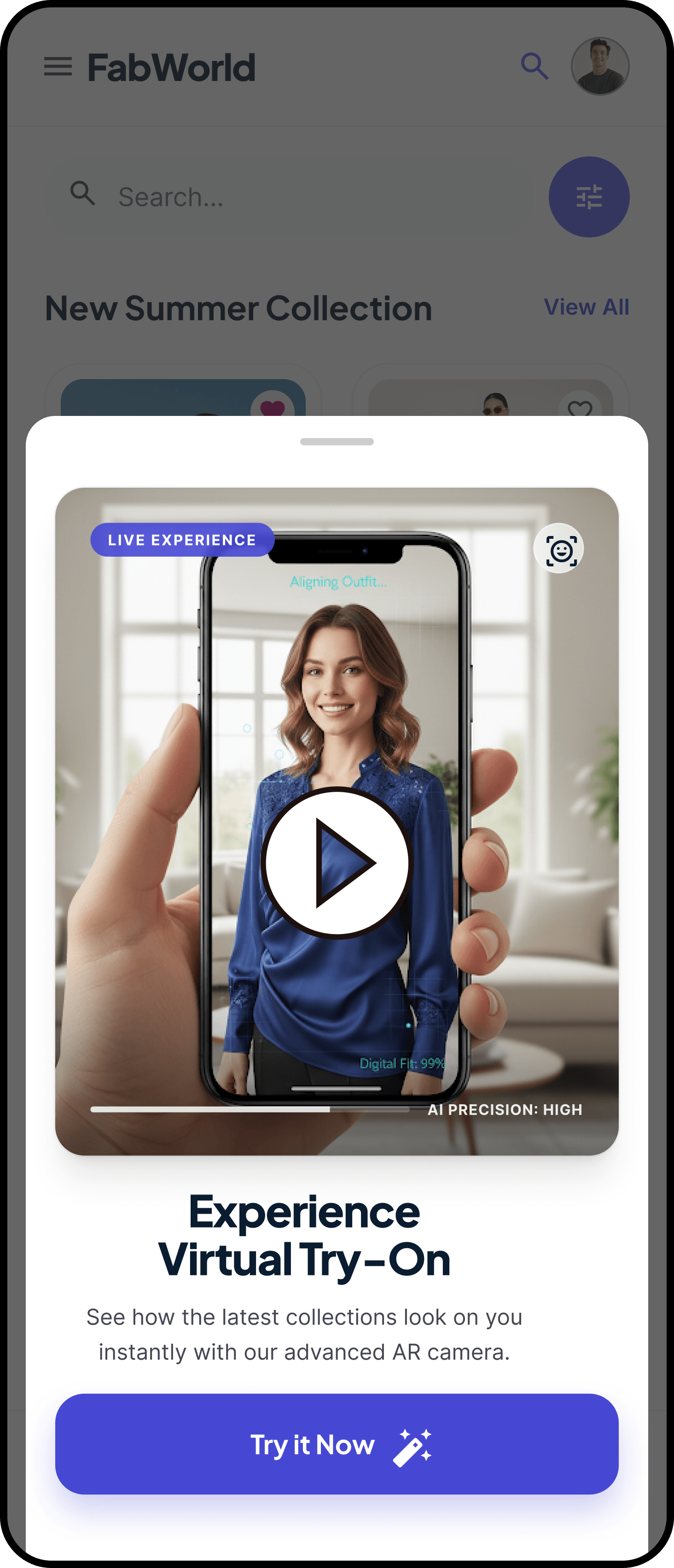
Feature launches and announcements
Short video walkthroughs that show users what changed and how to use it. More effective than a changelog.
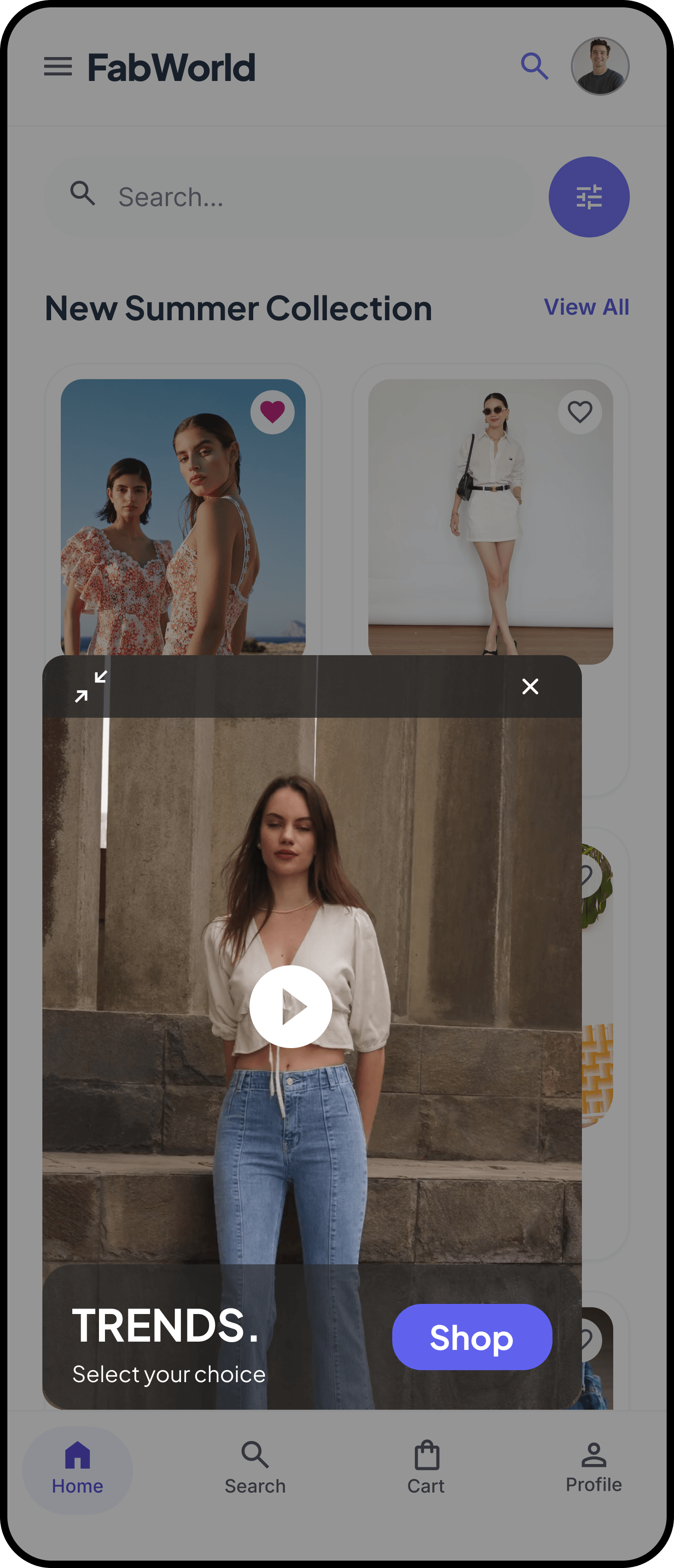
Product education and onboarding
Video tutorials embedded at the moment users need them. Cuts time to value and reduces support load.
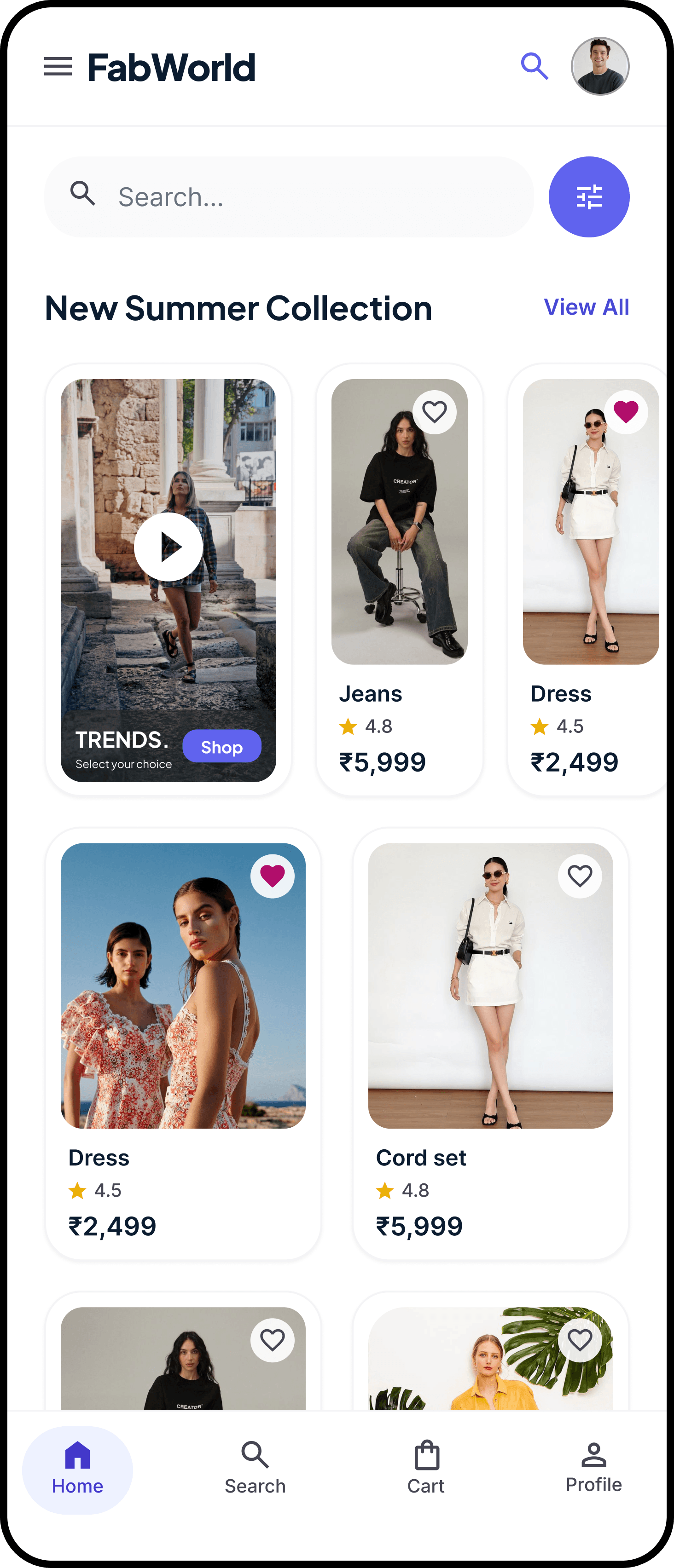
In-app advertising and monetization
Native video campaigns for partner brands. Video widgets and PiP overlays that fit the app instead of breaking it.
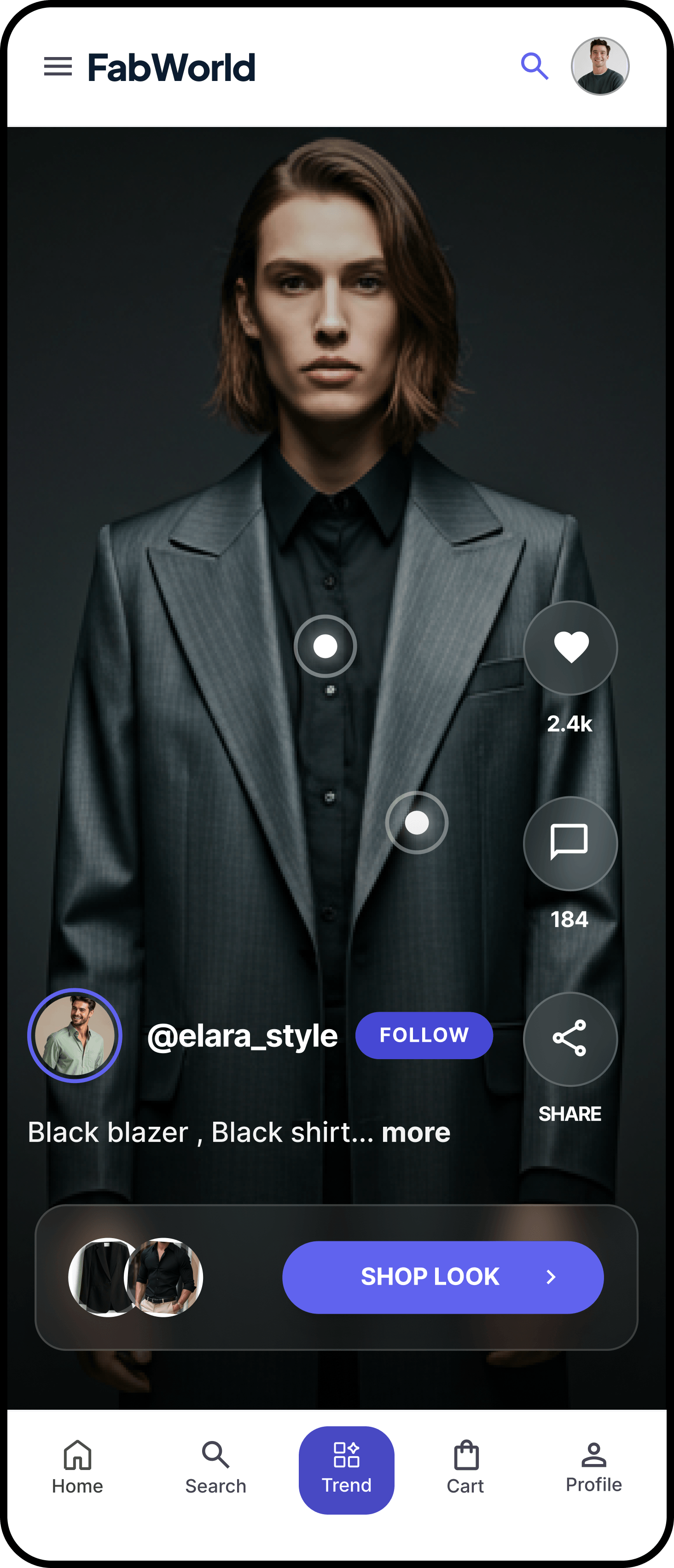
Shoppable commerce
Users browse, explore, and buy from video content. Product demos with inline CTAs so the purchase doesn't require a separate step.
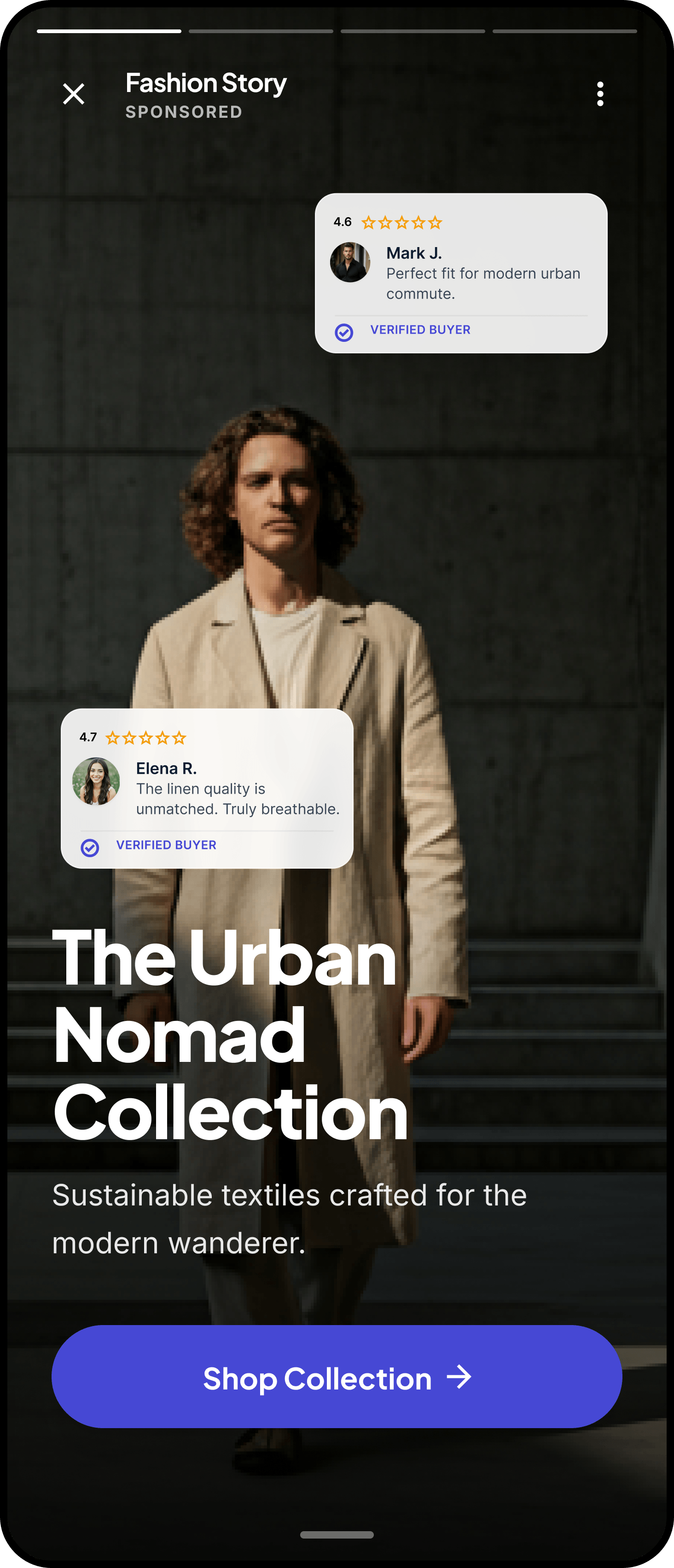
Social proof and trust
Customer testimonials and expert reviews in stories and PiP videos, surfaced when users are deciding.
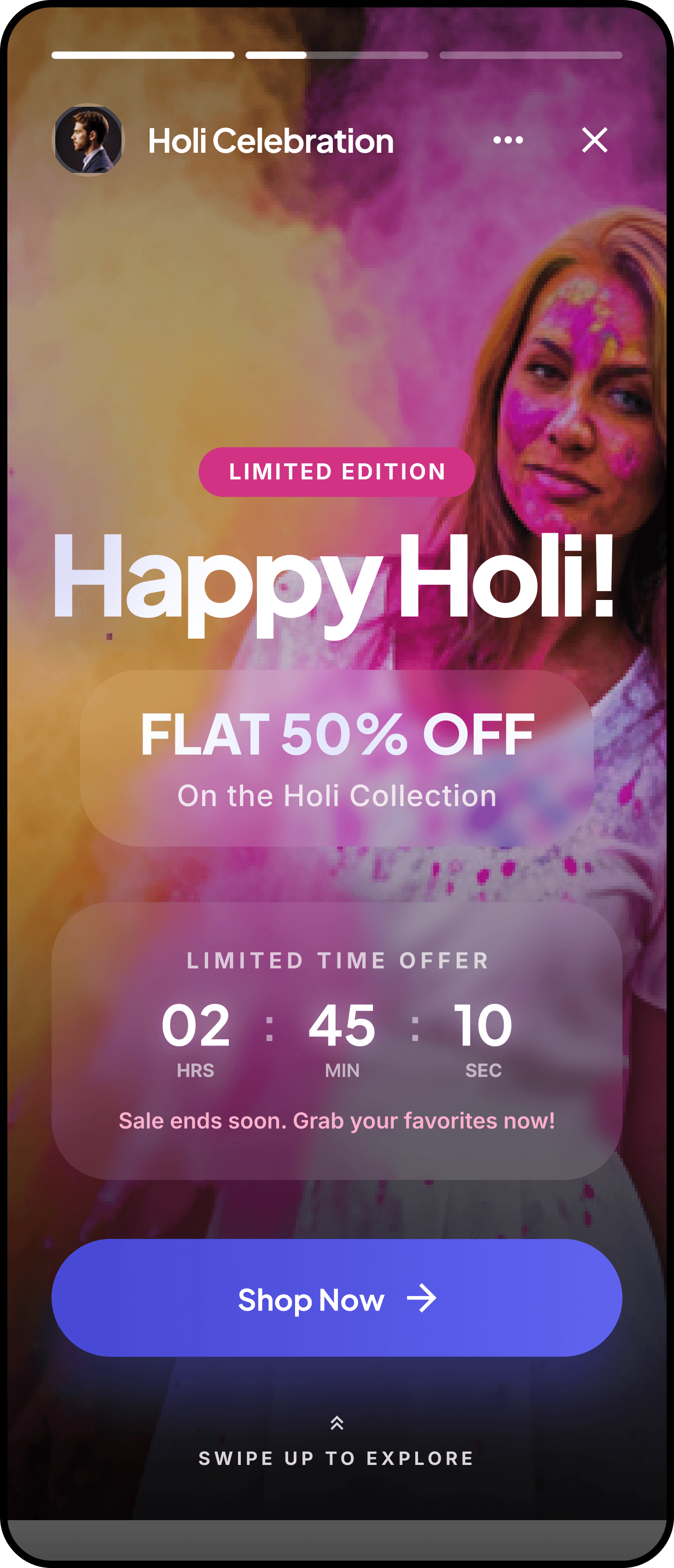
Seasonal and event campaigns
Time-bound video campaigns for festivals, sporting events, and sales. Stands out from static banners.
FAQ
Common questions
What in-app video formats does Digia Engage support?
Can videos be personalised per user?
Does adding video slow down my app?
What analytics are available for video campaigns?
Do I need an app release to update a video campaign?
Ready to take control of your app's growth?
Integration takes under 20 minutes. After that, your growth team runs campaigns without an engineering ticket.