Onboard users faster. Activate more of them.
Guide new users from sign-up to their first meaningful action with contextual walkthroughs, checklists, and timely reminders, without an app release.
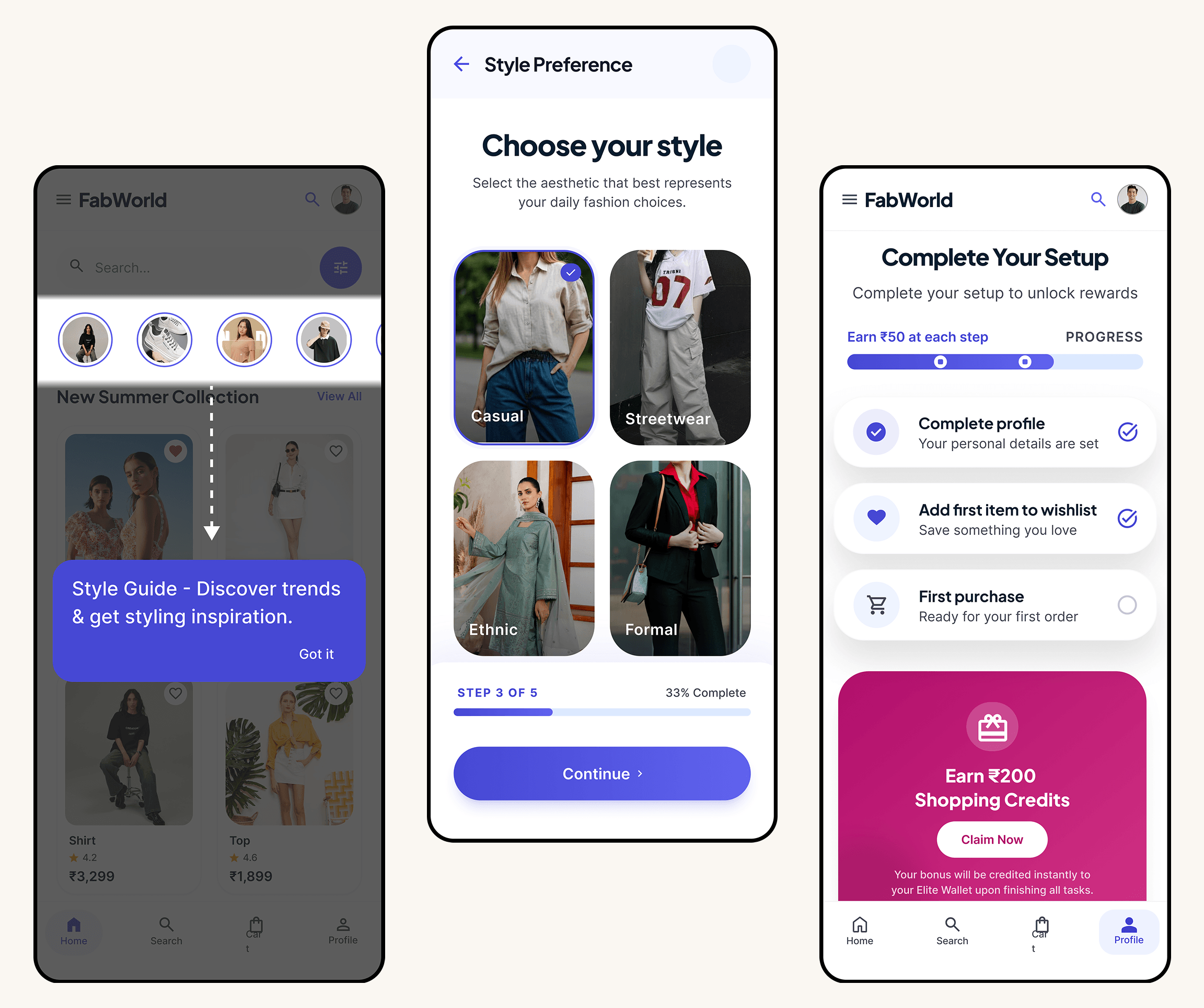
Powering growth at consumer apps














Activation focus
Make the first week easier to complete
Use context, progress, and follow-up prompts to keep new users moving toward value.
First session
A clear next step
Guide users to the action that makes the product click.
Setup progress
Less friction
Break a complex setup into visible, achievable steps.
Week one
More momentum
Bring users back with a timely reason to complete the next milestone.
How it works
How do teams use Digia Engage?
Get users to key milestones without waiting on an engineering sprint.
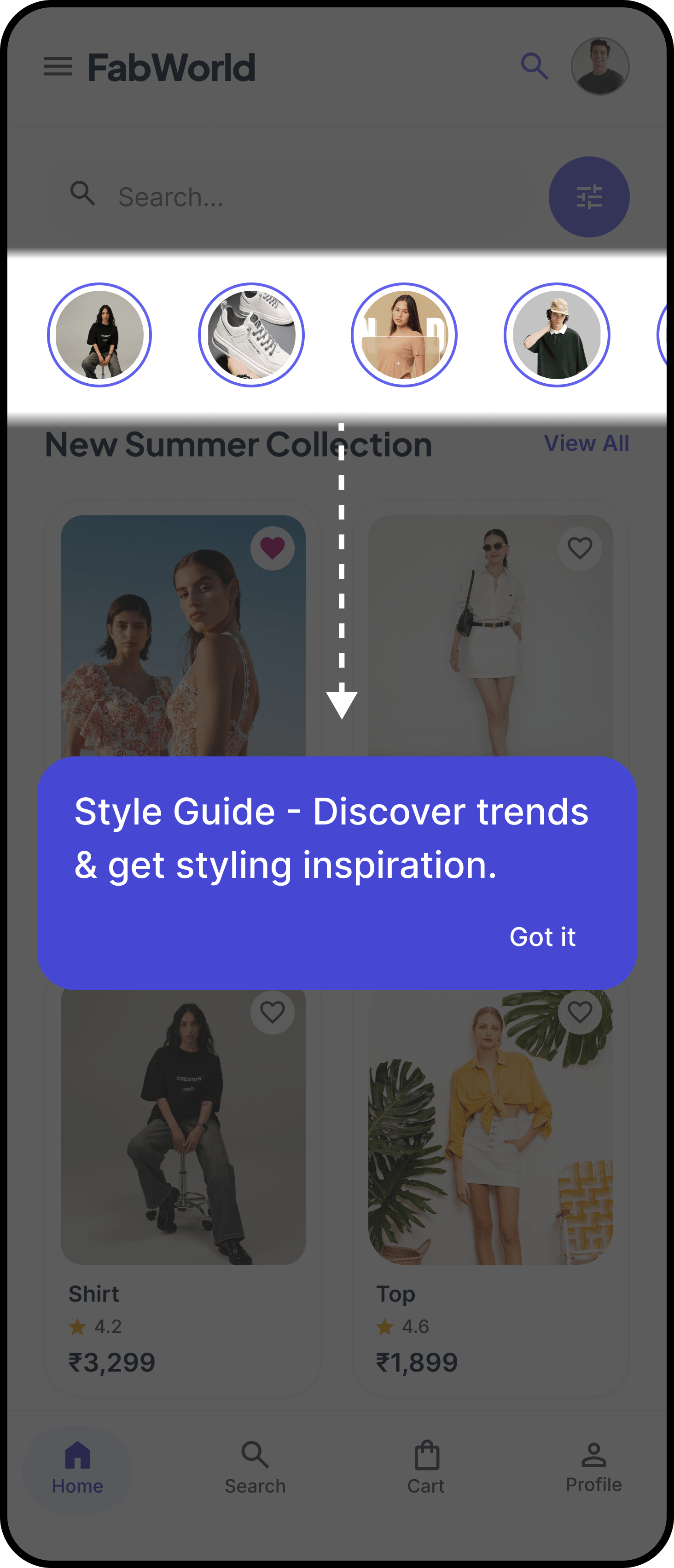
Guided product walkthroughs
Take new users through key features with multi-step tooltips and spotlights. No app release required.
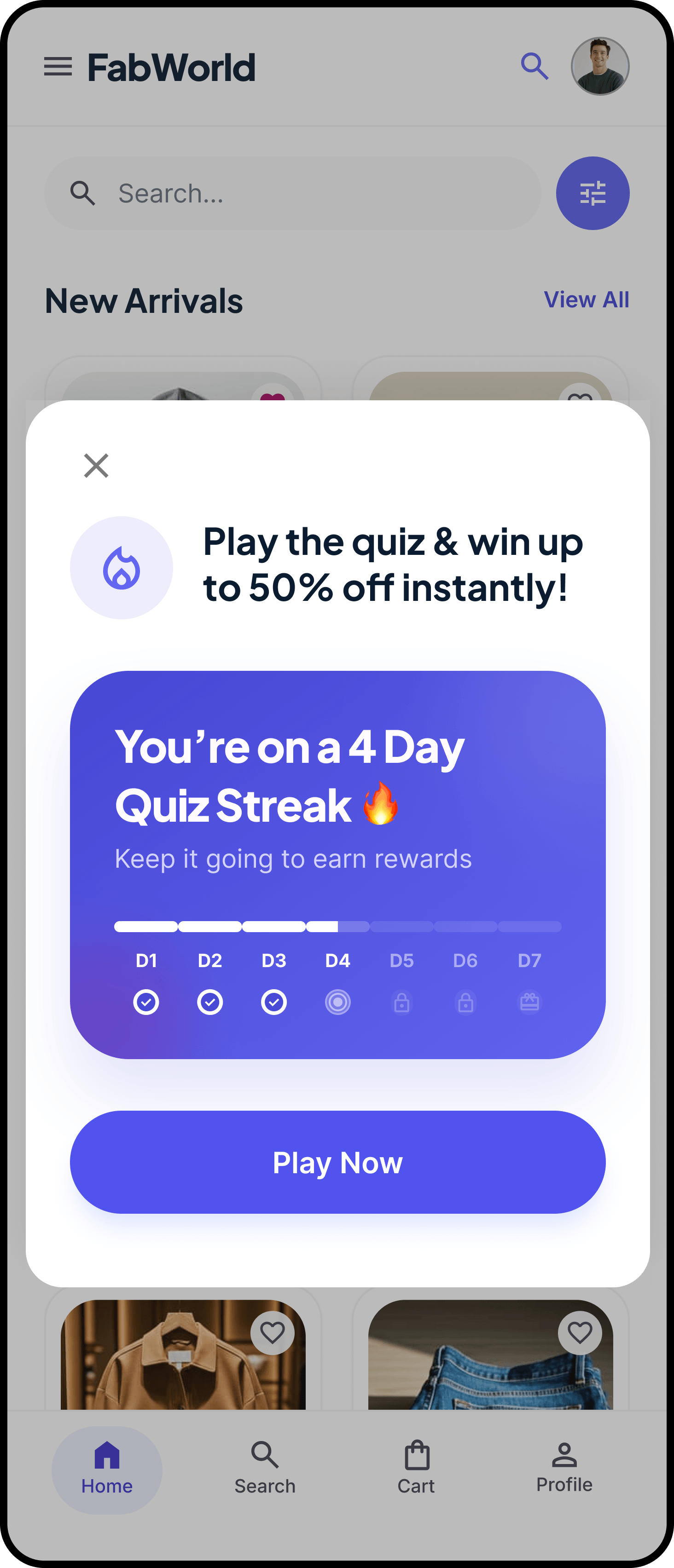
First-week momentum
Use progress and lightweight rewards to make the next onboarding action feel obvious throughout the first week.
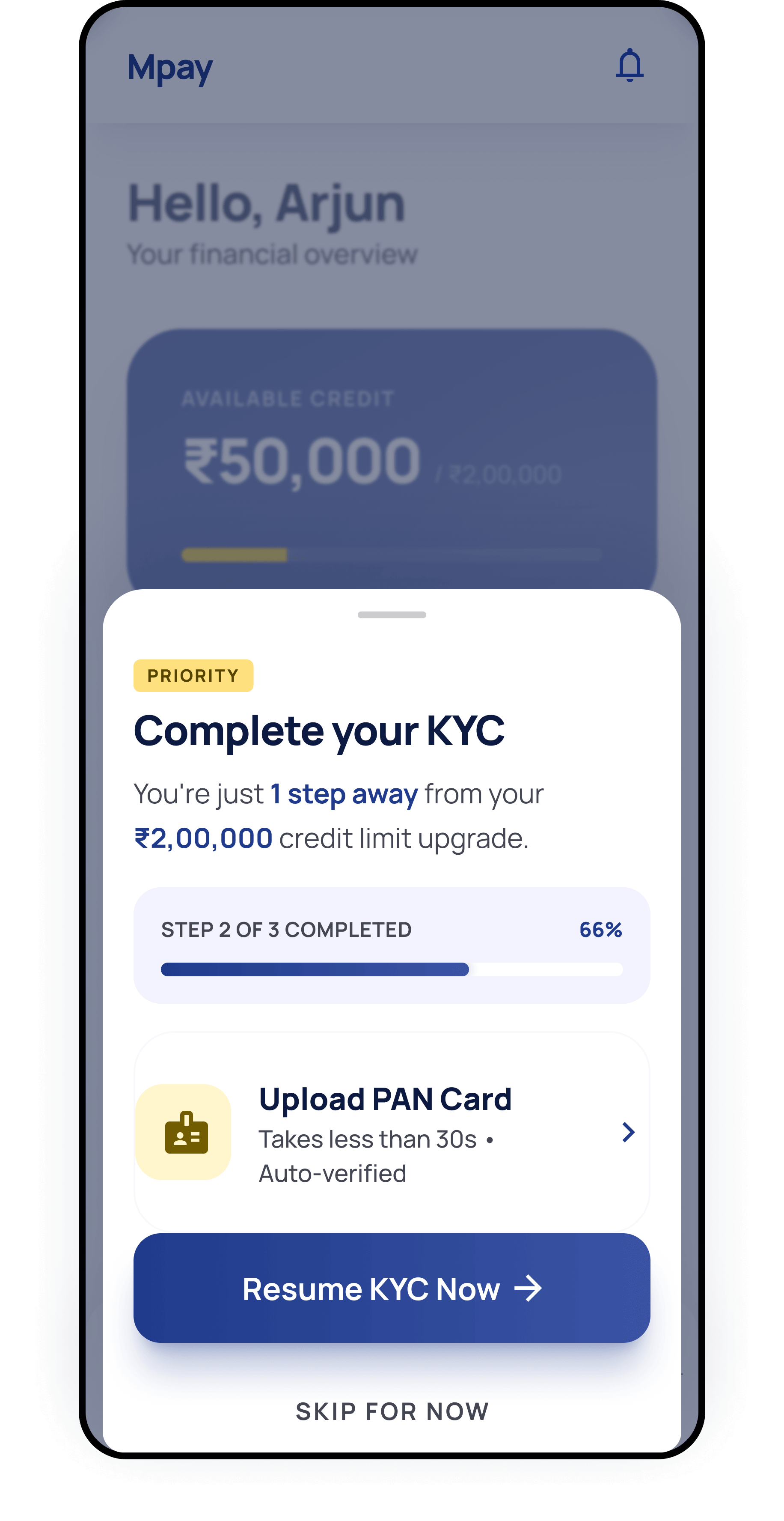
Verification & KYC completion
Catch users who drop off mid-verification with bottom sheets and timed reminders that pull them back.
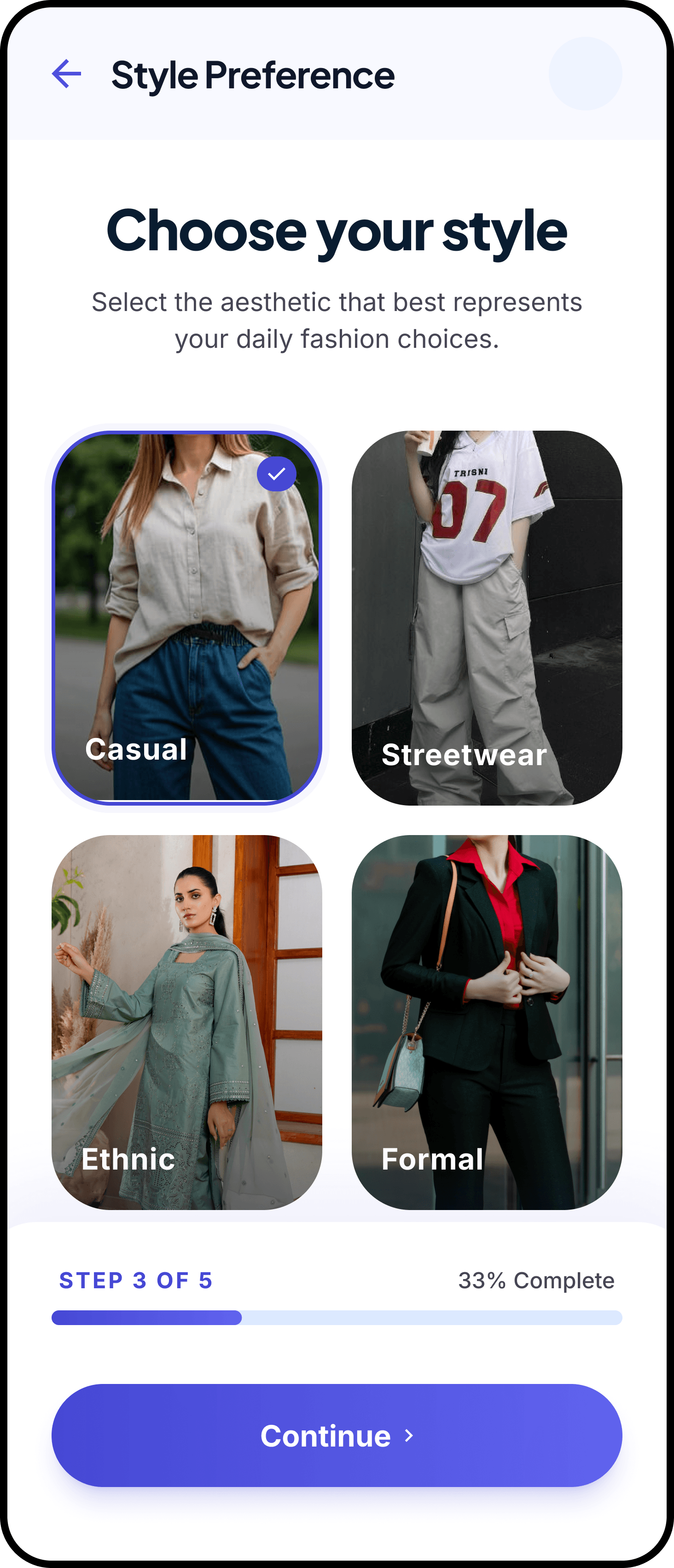
Contextual next steps
Show the most helpful prompt after a first login, an incomplete setup step, or a moment of hesitation.
FAQ
Common questions
What should an activation journey help a new user do?
Can different users see different onboarding steps?
How can I help someone resume an incomplete setup or verification flow?
Can I revise an onboarding campaign without another app release?
Which app platforms can use these onboarding experiences?
Ready to take control of your app's growth?
Integration takes under 20 minutes. After that, your growth team runs campaigns without an engineering ticket.