In mobile app development, combining drag-and-drop widgets with JSON data integration simplifies creating dynamic, user-driven interfaces. This approach eliminates the need for constant app updates, enabling real-time content delivery through server-driven UI platforms like Digia Studio. Here's what you need to know:
- Drag-and-Drop Widgets: Create app interfaces visually by dragging components onto a canvas. Widgets can be customized and linked to live data for dynamic functionality.
- JSON Data: Lightweight and easy to use, JSON allows seamless data exchange for features like user profiles, product details, or analytics.
- Server-Driven UI: Separates app design from code, so changes to layouts or data can be instantly deployed without app store approvals.
- Key Tools: Platforms like Digia Studio streamline widget creation, JSON mapping, and live updates, ensuring efficient workflows.
Master FlutterFlow's Drag and Drop Widget | Everything You Need to Know - Build Beautiful Interface

Prerequisites and Setup Requirements
Before diving in, ensure you meet the following prerequisites: familiarity with JSON, experience integrating APIs, and access to a server-driven UI platform like Digia Studio.
Technical Requirements
To get started, you'll need a solid understanding of JSON, experience with API integration, and basic debugging skills using tools like Postman.
- JSON proficiency is crucial. Knowing how to work with JSON objects, arrays, and nested data structures will streamline your workflow and help avoid common pitfalls during implementation.
- API integration experience is another must-have. Connecting widgets to external data sources involves working with REST APIs, managing authentication, and handling data responses. If you’ve worked with APIs before, even in a different context, this process will feel familiar.
- Access to a server-driven UI platform like Digia Studio is essential. Unlike traditional app development, where updates often require lengthy app store approval, server-driven platforms let you update your app’s interface and data connections instantly. This flexibility is key to creating dynamic, real-time user experiences powered by JSON.
Additionally, equip your environment with tools like Postman for testing APIs. These tools will help you prepare your app for seamless JSON integration and live updates.
Once you’ve checked off these prerequisites, you’re ready to set up your project in Digia Studio.
Setting Up Your Project in Digia Studio
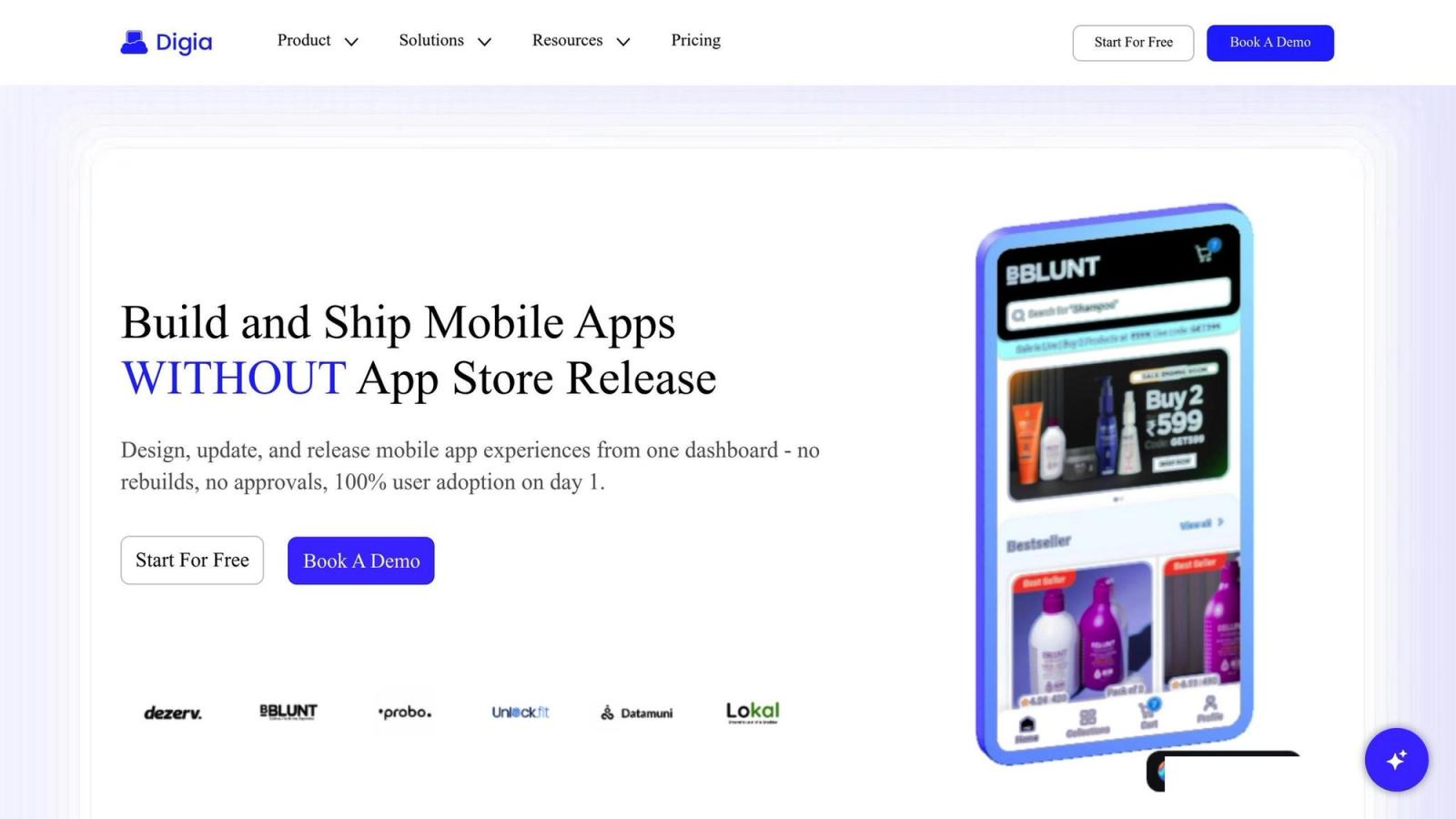
Start by creating a new project in Digia Studio to enable server-driven UI capabilities. The platform is built around a straightforward concept:
"Design, update, and release mobile app experiences from one dashboard - no rebuilds, no approvals, 100% user adoption on day 1".
When you create a project, Digia Studio automatically configures the server-driven architecture, allowing your app to receive UI configuration and JSON data directly from the server. This eliminates the need for users to download updates, ensuring a seamless experience.
Next, configure your JSON endpoints and authentication settings through Digia Studio’s API settings panel. The platform’s infrastructure ensures smooth data delivery and efficient caching.
"Digia lets developers take full control - customizing components, tokens, and APIs to fit any mobile app workflow".
If you’re working on a larger project, Digia Studio’s secure Git integration allows you to manage project configurations alongside your backend code. This ensures consistency across your development workflow.
Once the setup is complete, you can start connecting your JSON data to widgets. Any changes you make will reflect instantly across all user devices, giving you real-time control over your app’s interface and functionality.
Adding and Configuring Drag-and-Drop Widgets
Once Digia Studio is set up and your project is ready, you can start designing a dynamic user interface using drag-and-drop functionality. This method allows you to create native mobile screens effortlessly and efficiently.
Adding and Customizing Widgets
To get started, simply drag widgets from the component library onto your canvas. If needed, you can also import pre-existing widgets or create your own custom widgets directly within the studio. After placing the widgets, you can link them to live JSON data, ensuring your interface is both functional and responsive.
Connecting Widget Properties to JSON Data
By linking your widgets to JSON data sources, you can turn static interface elements into dynamic components. This means your UI will automatically update to reflect any changes in the data, keeping your content fresh and relevant.
Configuring Drag-and-Drop Interactions
Interactive drag-and-drop features make your application more engaging for users. You can set widgets as draggable items and define specific drop zones to trigger actions - like reordering items or initiating a process based on user gestures. With the groundwork already in place, these drag-and-drop interactions will seamlessly integrate with live JSON data, ensuring smooth and automatic updates.
Connecting JSON Data with Dynamic Widgets
Once you've set up your widgets in Digia Studio, the next step is to link them to live data sources, enabling real-time updates. This connection transforms static widgets into dynamic components that automatically refresh as the data changes.
Fetching and Processing JSON Data
Digia Studio's API framework makes it easy to connect to almost any data source that provides JSON responses. Whether you're integrating backend systems, third-party services, or cloud databases, the unified dashboard streamlines the process. The platform handles data retrieval and manages the flow with user-friendly controls. Since Digia Studio uses a server-driven UI architecture, all these operations are processed server-side, ensuring smooth and consistent performance across devices. After fetching the data, the next step is to map the JSON fields to the relevant widget properties.
Mapping JSON Fields to Widget Properties
Using Digia Studio's visual mapping interface, you can link JSON data fields to specific widget properties. This creates automatic data binding, so widgets update in real time as the data changes. For instance, a text widget can display a value from a JSON field like "product_name", while an image widget can pull URLs from fields such as "thumbnail_url" or "hero_image." For more complex widgets like lists or grids, you can bind entire JSON arrays, with each array item dynamically creating a new instance of the widget. The mapping system also supports nested JSON structures, allowing you to use dot notation or a visual selector to connect deeply nested fields. This ensures your application stays up-to-date with live data, no matter how complex the structure.
Managing State and Real-Time Updates
Keeping widget state in check is a critical part of integrating JSON data. The system needs to monitor user interactions, data updates, and widget settings to ensure everything stays aligned.
Managing Widget State
In server-driven UI setups, managing widget state means tracking how data moves between JSON sources and interactive components. For instance, when users rearrange widgets or tweak their settings, the system must handle these changes while staying connected to the core data.
Digia Studio gives developers full control over how widgets behave, which is key when working with JSON data. This control lets you define exactly how widgets respond to user actions - whether users are reordering items in a list, applying filters, or customizing their view.
The trick lies in clearly separating state boundaries for each widget. Take a product catalog widget as an example. You might divide its state into two parts: the display state (which products are shown, their order, and any filters applied) and the data state (the actual product details from the JSON source). By keeping these separate, user interactions won’t disrupt data updates, and vice versa.
When users move widgets around or change their settings, these actions should be tracked independently from the JSON data. This way, user preferences remain intact even when the data updates. Such a structured approach ensures that user-driven adjustments don’t get overwritten during live updates, preserving a seamless experience.
Live Updates with Digia Studio
Solid state management lays the foundation for smooth, real-time updates. Traditional apps often require lengthy app store approval processes for even minor UI changes, slowing down critical updates.
Digia Studio sidesteps this entirely with its server-driven architecture, enabling instant live updates without rebuilds or approvals.
"Design, update, and release mobile app experiences from one dashboard - no rebuilds, no approvals, 100% user adoption on day 1."
This system keeps widget definitions and state configurations on the server. When you update a widget’s behavior, data connections, or appearance, those changes are immediately pushed to all users. This ensures everyone gets the latest features or fixes without delay.
For JSON data integration, this means you can adjust how widgets handle and display data on the fly. Need to reformat a data field or add interactive elements to a widget? These changes can go live instantly, no app updates required.
The platform’s unified dashboard simplifies the entire process. From designing and previewing to releasing and monitoring live deployments, everything happens in one place. This rapid iteration is especially useful when working with dynamic data sources that may change structure or need new ways to be presented.
"Skip the Store. Ship Instantly. Design → Preview → Release → Live - all from one dashboard."
Even updates to state management configurations are streamlined. Whether you’re fine-tuning how widgets sync data, adjusting interaction patterns, or testing new state management approaches, these changes can be previewed, tested, and deployed without the delays typically associated with app updates.
Summary: Building Dynamic UI with JSON and Drag-and-Drop Widgets
Combine JSON data with drag-and-drop widgets to craft dynamic mobile experiences. This method blends the flexibility of server-driven UI with the real-time power of data, allowing apps to adapt instantly to changing content and user needs.
To ensure success, focus on precise JSON-to-widget mapping and effective data structuring. For a seamless, localized experience, format your data properly for U.S. audiences - using currency symbols ($), date formats (MM/DD/YYYY), and imperial measurements. This attention to detail makes your app feel intuitive and native to your users.
Managing widget state is equally important. By separating display states from data states, you can preserve user customizations even during live updates. This means users can rearrange widgets, apply filters, or adjust their views while the underlying JSON data refreshes in real time - without disrupting their preferences.
Digia Studio takes this process a step further by removing traditional development delays. Unlike traditional mobile development, which often gets bogged down by app store approvals and manual coding, Digia Studio’s server-driven approach eliminates these hurdles entirely.
"Build and Ship Mobile Apps WITHOUT App Store Release" – Digia Studio
With this setup, any changes to JSON data - whether it’s updating widget layouts, modifying data formats, or introducing new interactive elements - are pushed live immediately. No app updates. No waiting for store approvals. Your users see changes as soon as they’re made.
A visual design environment makes this process even simpler. With drag-and-drop functionality, you can connect JSON endpoints to the UI without writing complex code. Build custom widgets visually or import and tweak existing ones to match your data needs.
"Build Visually. Ship Instantly. ⚡️ Drag, drop, and design native mobile screens - no code needed." – Digia Studio
This streamlined workflow translates directly into operational speed and flexibility.