WebEngage handles your channels. Digia handles your app.
Digia vs WebEngage: In-App Engagement
WebEngage's in-app messages are rendered through its own layouts, and its documented gamification formats are customizable HTML templates. The Spin the Wheel template rendered with visible layout defects in our testing, while in-line content is a paid add-on. Digia Engage is built only for in-app: native components, gamification, widgets, and video, shipped without engineering.
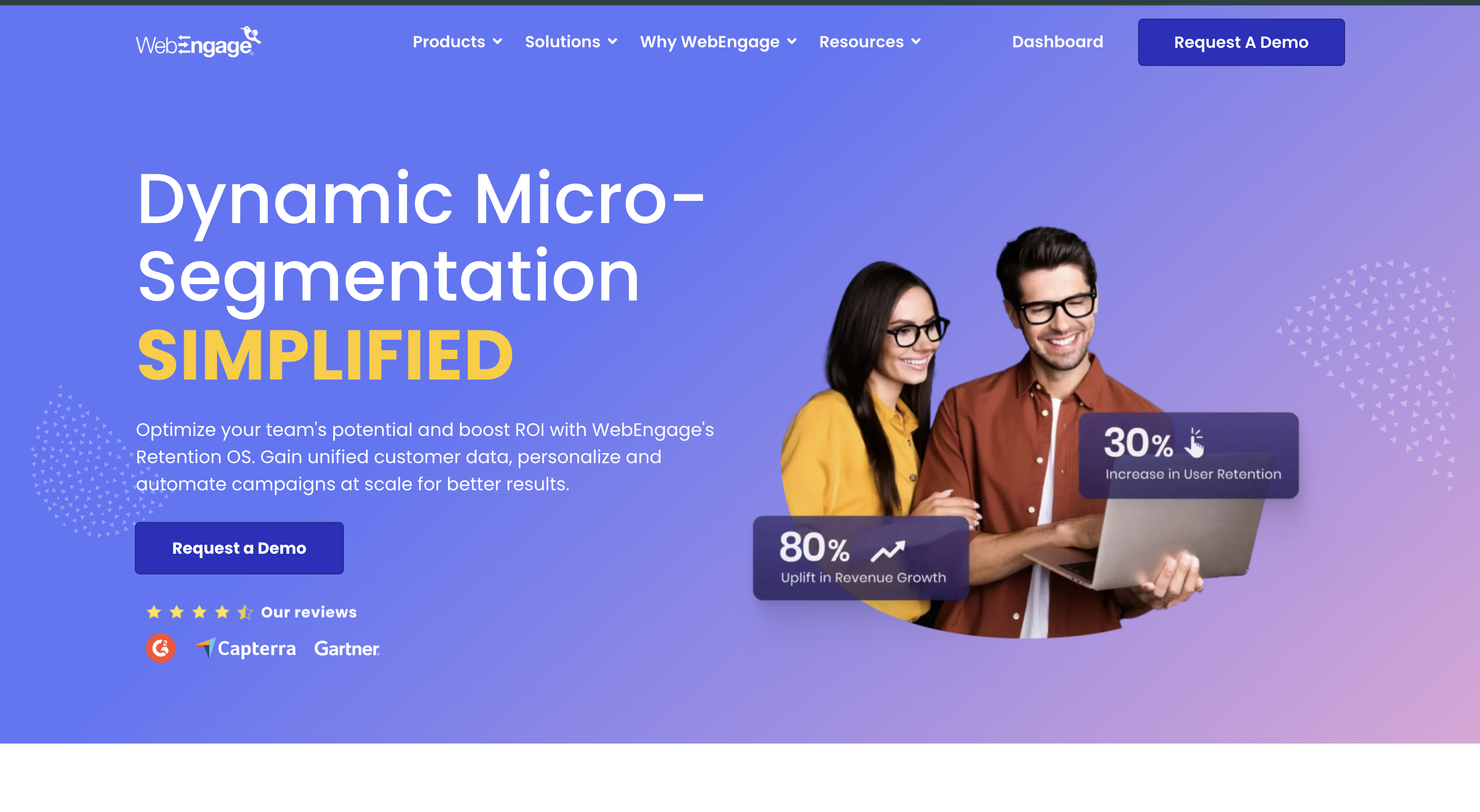
Digia Engage is a dedicated in-app engagement layer built from native widgets, gamification, video, and nudges. It runs alongside your existing customer engagement platform rather than replacing it. WebEngage is a cross-channel customer engagement and CDP platform whose in-app messages are authored as HTML templates and rendered through WebEngage's own layouts. This page compares the two specifically on the in-app layer, not on outbound messaging, journeys, or segmentation, where WebEngage is a capable and separate product.
What we found, in short
- WebEngage documents Spin the Wheel and Scratch Card gamification as customizable HTML templates rather than native components. The Spin the Wheel template rendered with visible layout defects in our testing.
- In-line content exists, but it is a paid add-on and its placement is bound to Screen Names your engineers tag through the SDK.
- We found no in-app video support and no AI layer for in-app segmentation, creative, or campaign review in the dashboard we tested.
- WebEngage's in-app targeting is genuinely capable, firing on custom events, dwell time, and screen conditions. The gap we found is in authoring and rendering, not in decisioning.
How we tested
We built and shipped in-app campaigns through the WebEngage dashboard on its trial plan into a production Flutter app and testing on Nothing Phone (4a), Android, in July 2026. Findings marked as tested are our own observations, expanded in the full WebEngage in-app testing writeup. Findings about WebEngage's documented behaviour link to WebEngage's own pages, listed in full at the bottom of this page.
Scope and limitations. We tested the plan and dashboard available to us. Where we report not finding a capability, that means we did not find it in what we tested, not that WebEngage cannot offer it on another tier or behind a feature flag. WebEngage ships changes regularly, and its documentation can lag the product. If we have something wrong, we would rather fix it than defend it.
Broader market comparisons. The Braze, MoEngage, CleverTap, Klaviyo, and Airship sections are high-level comparisons compiled from each company's public positioning and the homepage captures shown on the page, reviewed in August 2026. They are not hands-on integration tests of those five platforms.
Disclosure. Digia sells Digia Engage, which competes with WebEngage on in-app engagement. This comparison was conducted, written, and published by Digia. It is not independent, and it is not sponsored by or affiliated with any platform named here. WebEngage findings are linked to its documentation or attributed to the test described above; broader market positioning is linked to each company's homepage below.
Tested and written by Premansh Tomar, Full Stack Developer, Digia. . Something out of date? Email info@digia.tech and we'll correct it.
At a glance
Feature comparison across customer engagement platforms
A high-level market map based on each platform's published positioning and documentation, reviewed August 2026. Product packaging varies by plan and region.
| Feature / Capability | Digia Engage | WebEngage | Braze | MoEngage | CleverTap | Klaviyo | Airship |
|---|---|---|---|---|---|---|---|
| Best fit | Mobile teams already running a CEP | Retention teams wanting journeys, CDP, and outbound channels together | Enterprise cross-channel engagement and journey orchestration | Consumer brands running AI-led omnichannel engagement | Retention teams combining lifecycle engagement and analytics | Commerce brands centered on email, SMS, and customer data | Large brands coordinating mobile-first customer experiences |
| In-app experience depth | Nudges, widgets, stories, surveys, video, and native gamification | Layout-led messages, carousels, inline content, and HTML templates | In-app messages and content cards inside a broad channel suite | In-app campaigns, cards, surveys, and gamification templates | In-app messages, inbox, product experiences, and HTML templates | Primarily email, SMS, forms, and service workflows | In-app automation, scenes, surveys, and mobile wallet experiences |
| Authoring model | Visual mobile-native builder with AI assistance | Editable layouts plus custom HTML for advanced formats | Cross-channel campaign and Canvas journey authoring | Visual campaign creation with Merlin AI assistance | Campaign editor with CleverAI and customizable templates | Template and prompt-led campaign creation | Journey and experience editors for mobile-first programs |
| Gamification | Native scratch cards, spin-to-win, streaks, milestones, and quizzes | Spin the Wheel and Scratch Card HTML templates | Not positioned as a core native format | Spin wheel and scratch card templates | Spin wheel and scratch card HTML templates | Not positioned as a core in-app capability | Not positioned as a core native format |
| Architecture | Adds a dedicated rendering layer to the CEP already in place | Standalone CDP and omnichannel engagement suite | Standalone enterprise customer engagement platform | Standalone customer engagement and analytics platform | Standalone retention and engagement platform | Standalone B2C CRM and marketing platform | Standalone mobile-first customer experience platform |
| Pricing | Custom quote | Custom quote | Custom quote | Custom quote | Plan and usage dependent | Usage-based plans | Custom quote |
WebEngage vs Braze
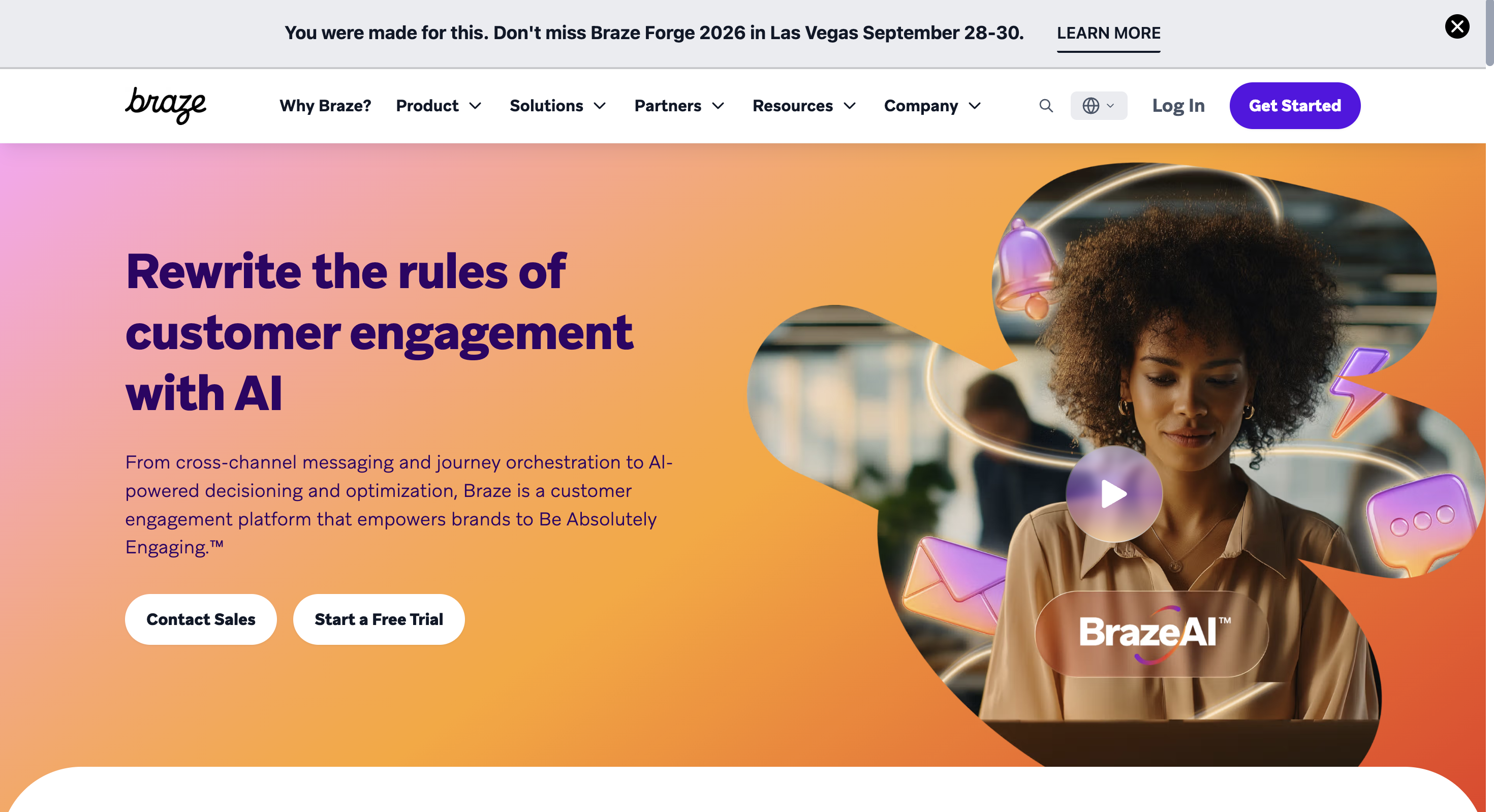
Both platforms cover cross-channel customer engagement. WebEngage emphasizes retention automation and a CDP-style data layer, while Braze is positioned for enterprise-scale journey orchestration and AI-assisted decisioning.
- Core scope: Both are broad engagement suites rather than dedicated in-app products.
- In-app layer: WebEngage uses editable layouts and HTML templates; Braze combines in-app messages with Content Cards and cross-channel Canvas journeys.
- Buying motion: Both are generally evaluated through custom enterprise sales processes.
- Where Digia differs: Digia can sit beside either platform and specialize in what renders natively inside the app.
| Feature / Capability | WebEngage | Braze |
|---|---|---|
| Primary strength | Retention automation, journeys, and CDP | Enterprise cross-channel orchestration |
| In-app approach | Layouts, inline content, and HTML templates | In-app messages and Content Cards |
| Gamification | Spin wheel and scratch card HTML templates | Not positioned as a core native format |
| Best for | Teams wanting retention and data tools together | Enterprises coordinating complex global journeys |
Choose WebEngage if:
You want retention automation, journeys, analytics, and a CDP-style layer in one suite.
Choose Braze if:
You need enterprise-scale cross-channel orchestration and a large integration ecosystem.
WebEngage vs MoEngage
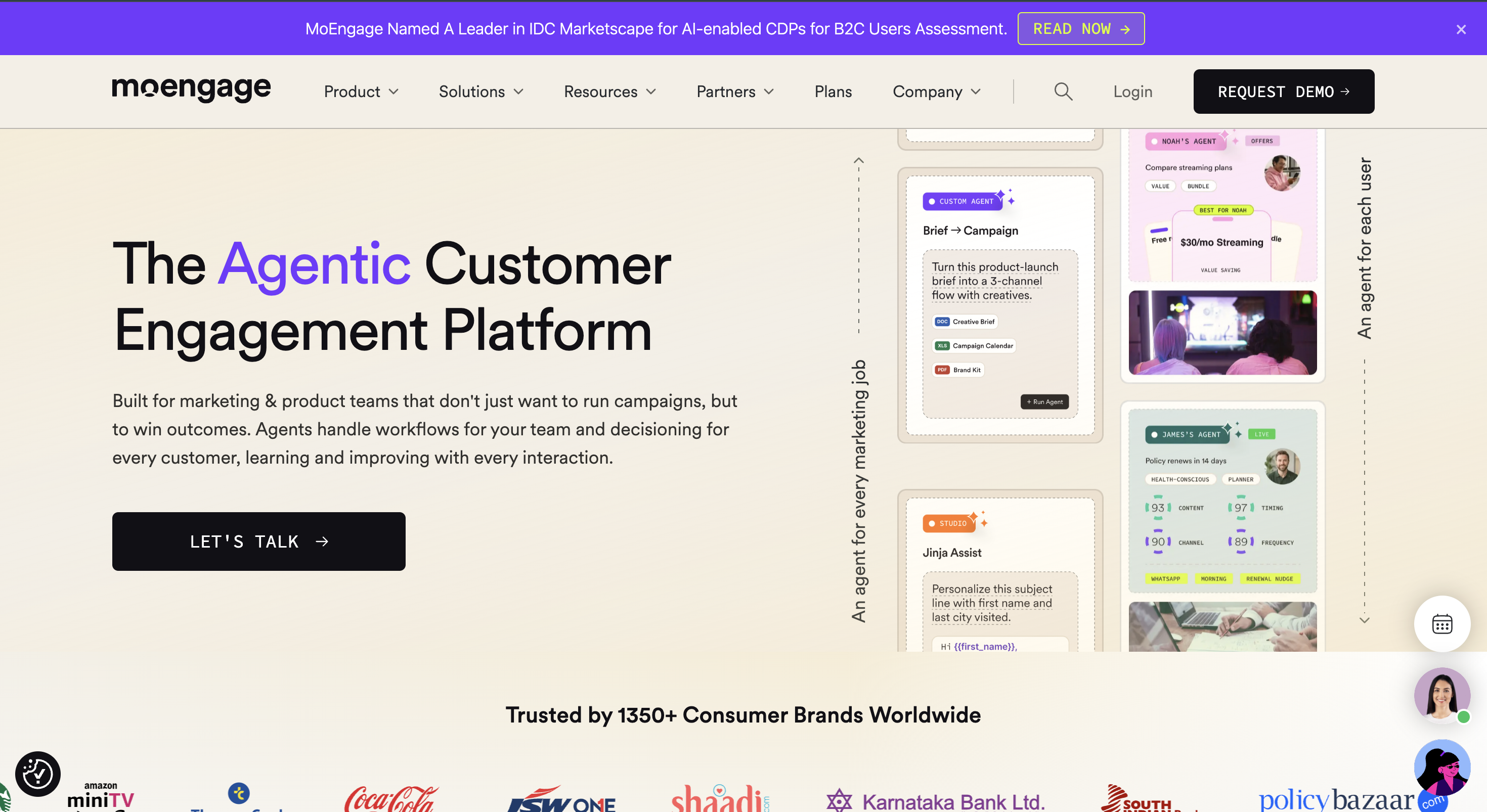
WebEngage and MoEngage compete directly as omnichannel retention platforms. The practical choice is usually driven by journey tooling, analytics workflow, regional support, and how each platform's AI layer fits the team.
- Core scope: Both combine customer data, segmentation, journeys, analytics, and outbound messaging.
- In-app formats: Both publish standard in-app layouts and HTML-based gamification templates.
- AI positioning: MoEngage foregrounds agentic campaign workflows; WebEngage foregrounds retention automation and segmentation.
- Where Digia differs: Digia adds a deeper mobile-native rendering layer without requiring a change to either CEP.
| Feature / Capability | WebEngage | MoEngage |
|---|---|---|
| Primary strength | Retention OS, journeys, and CDP | AI-led customer engagement and analytics |
| In-app approach | Editable layouts and custom HTML | Campaign templates and no-code authoring |
| Gamification | Spin wheel and scratch card HTML templates | Spin wheel and scratch card templates |
| Best for | Teams already invested in WebEngage journeys | Teams prioritizing MoEngage analytics and AI workflows |
Choose WebEngage if:
Its retention workflows, data model, and service footprint already match your stack.
Choose MoEngage if:
You prefer its analytics workflow and agentic campaign positioning.
WebEngage vs CleverTap
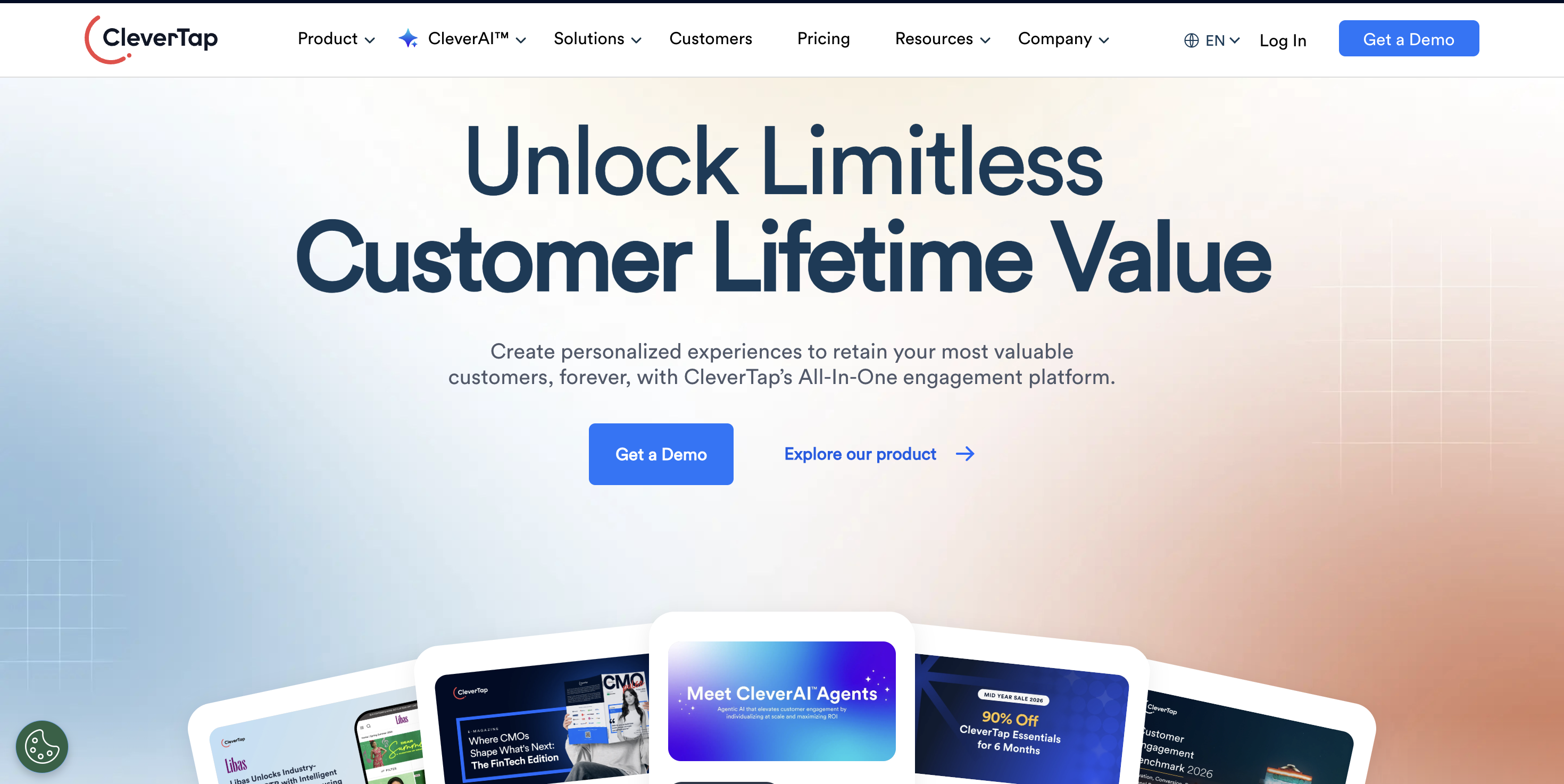
Both products combine engagement, segmentation, analytics, and lifecycle automation. CleverTap leans into customer lifetime value and product analytics; WebEngage emphasizes retention journeys and omnichannel orchestration.
- Core scope: Both are broad customer engagement platforms with mobile in-app as one channel.
- In-app layer: Both provide standard layouts, custom HTML, and HTML-based scratch-card and spin-wheel templates.
- Analytics: CleverTap strongly connects engagement to lifecycle and retention analytics; WebEngage combines analytics with journeys and CDP capabilities.
- Where Digia differs: Digia is intentionally narrower and focuses on native in-app rendering depth.
| Feature / Capability | WebEngage | CleverTap |
|---|---|---|
| Primary strength | Retention journeys and omnichannel automation | Lifecycle engagement and retention analytics |
| In-app approach | Layouts, inline content, and custom HTML | In-app editor, product experiences, and custom HTML |
| Gamification | Spin wheel and scratch card HTML templates | Spin wheel and scratch card HTML templates |
| Best for | Teams centered on WebEngage journeys | Teams centered on CleverTap lifecycle analytics |
Choose WebEngage if:
You prioritize its journey orchestration, segmentation, and channel mix.
Choose CleverTap if:
You prioritize lifecycle analytics and CleverTap's retention workflow.
WebEngage vs Klaviyo
WebEngage is an omnichannel retention suite with a substantial mobile engagement layer. Klaviyo is a B2C CRM best known for commerce-focused email, SMS, customer data, and service workflows.
- Core strength: WebEngage centers on cross-channel retention journeys; Klaviyo centers on commerce marketing and customer relationships.
- Mobile in-app: WebEngage publishes in-app layouts, targeting, inline campaigns, and gamification templates. In-app messaging is not Klaviyo's primary product surface.
- Commerce fit: Klaviyo is especially aligned with commerce teams connecting store data to email and SMS.
- Where Digia differs: Digia supplies a dedicated native in-app layer alongside whichever outbound platform a team keeps.
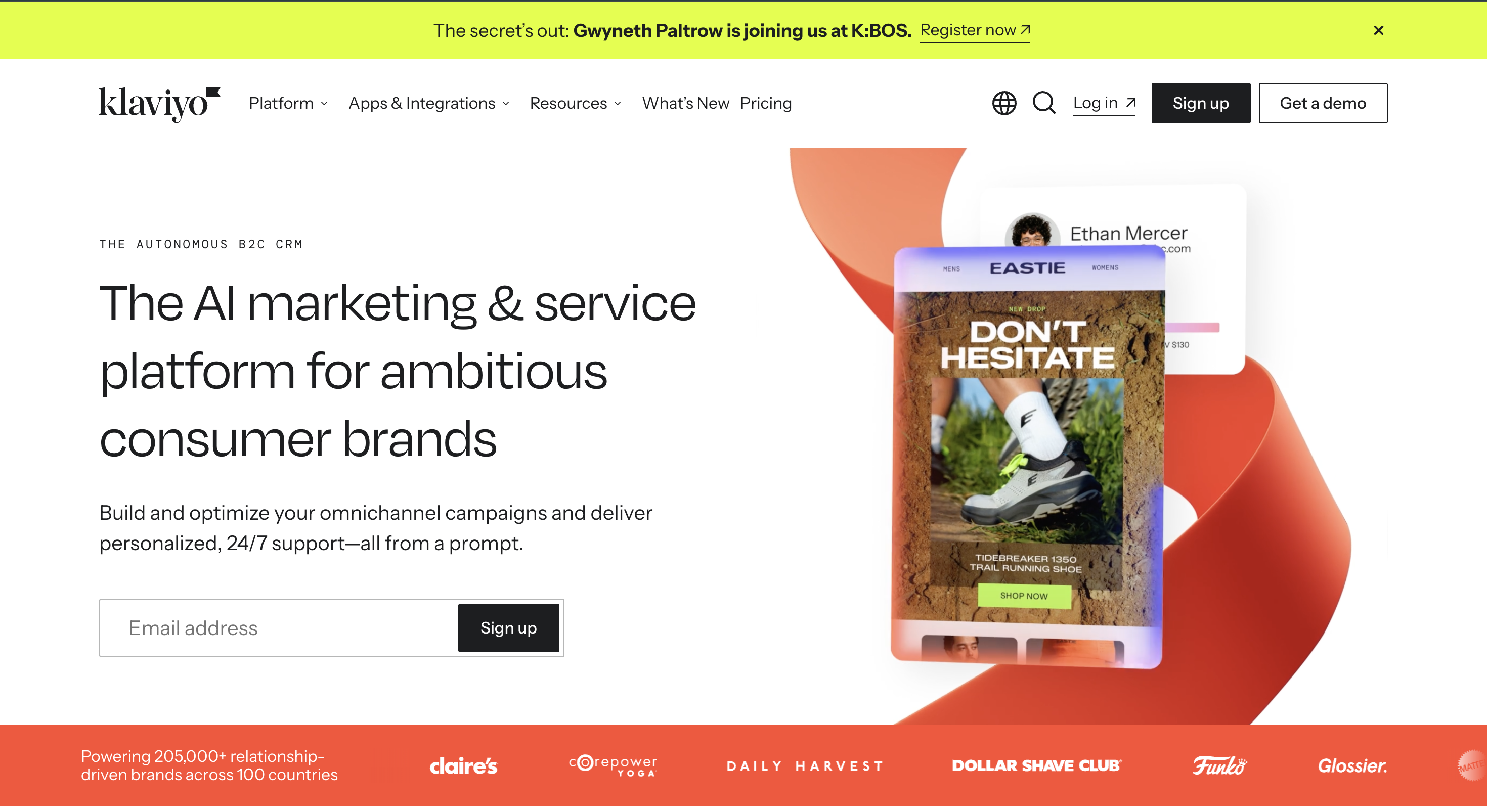
| Feature / Capability | WebEngage | Klaviyo |
|---|---|---|
| Primary strength | Omnichannel retention and journeys | Commerce CRM, email, SMS, and service |
| In-app approach | Dedicated in-app channel with layouts and targeting | Not positioned as the primary engagement surface |
| Gamification | Spin wheel and scratch card HTML templates | Not positioned as a core in-app capability |
| Best for | App-first retention teams | Commerce teams centered on email and SMS |
Choose WebEngage if:
In-app messaging and omnichannel mobile retention are central to the program.
Choose Klaviyo if:
Commerce data, email, SMS, and customer service are the center of your stack.
WebEngage vs Airship
WebEngage is a broad retention and customer engagement suite. Airship describes itself as a mobile-first customer experience platform, with particular emphasis on app experiences, journeys, and mobile wallet.
- Core scope: WebEngage combines CDP, analytics, journeys, and outbound channels; Airship centers its platform narrative on mobile-first customer experience.
- In-app layer: Both support in-app experiences, but Airship makes mobile experience orchestration a larger part of its platform identity.
- Gamification: WebEngage documents HTML-based spin-wheel and scratch-card templates; Airship does not position gamification as a core native format.
- Where Digia differs: Digia focuses even more narrowly on native components, widgets, gamification, stories, and video rendered through the existing CEP.
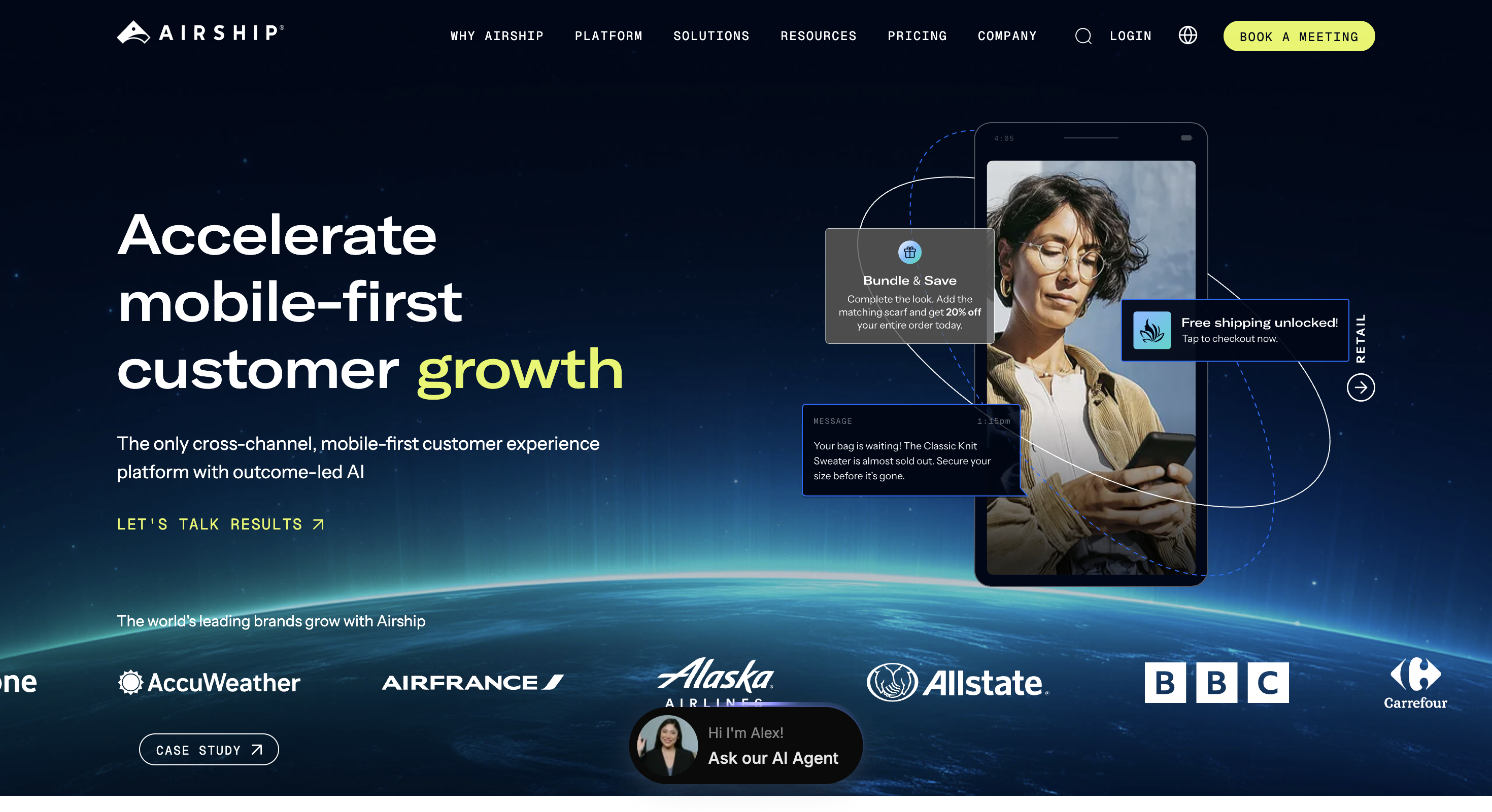
| Feature / Capability | WebEngage | Airship |
|---|---|---|
| Primary strength | Retention, CDP, and omnichannel journeys | Mobile-first customer experience orchestration |
| In-app approach | Layouts, inline content, and HTML templates | In-app automation, scenes, surveys, and app experiences |
| Gamification | Spin wheel and scratch card HTML templates | Not positioned as a core native format |
| Best for | Teams wanting broad retention tooling | Large brands prioritizing mobile experience programs |
Choose WebEngage if:
You want CDP, retention analytics, journeys, and outbound channels in one platform.
Choose Airship if:
Mobile-first experience orchestration and Airship's enterprise ecosystem are the priority.
To be clear: WebEngage is a well-regarded platform for outbound messaging, journey orchestration, and CDP work, with real strength across email, SMS, WhatsApp, and push. Its in-app targeting is also genuinely capable, firing on custom events with attribute filters, session and screen dwell time, and screen-count conditions, and it worked correctly in our testing. This page is not about the decisioning layer. It is about the authoring and rendering layer, where WebEngage treats an in-app experience as an HTML template to configure and Digia Engage treats it as the product.
Where WebEngage's in-app falls short
The gaps Digia Engage fills
Gamification is HTML-template based
WebEngage documents Spin the Wheel and Scratch Card as customizable HTML templates rather than native components. The Spin the Wheel template rendered with visibly off-position elements in our testing; Digia also offers native streak and milestone mechanics.
Observed in our own testing, July 2026.
Source [2]: WebEngage, Unlock the Power of Gamification This Festive SeasonInline content is a paid add-on
App In-line Content is sold as a paid add-on rather than included, and its placement is bound to Screen Names your engineers tag through the SDK. Every new placement is an engineering ticket.
Observed in our own testing, July 2026.
Source [4]: WebEngage, Creating App In-line CampaignsNo in-app video
We found no picture-in-picture, full-screen, or story-style video in the in-app layouts available to us during testing. Digia Engage supports all three natively.
Observed in our own testing, July 2026.
No AI layer for in-app
We found no AI-assisted segmentation, creative generation, or pre-launch campaign review in WebEngage's in-app product during testing. Digia Engage AI handles all three.
Observed in our own testing, July 2026.
Advanced formats expose HTML
WebEngage provides editable stock layouts, but going beyond them means selecting Custom HTML and writing the body in raw HTML. WebEngage describes that option as access-controlled and enabled via your Customer Success Manager; Digia Engage's visual builder is available by default.
Source [3]: WebEngage, Amplify Conversions with Custom HTMLRendered in WebEngage's layouts
In-app messages are composed inside WebEngage's own layout set, so matching your app's typography, motion, and spacing is a styling exercise rather than a default.
Source [1]: WebEngage, Creating In-app CampaignsBased on hands-on testing and WebEngage's published documentation, July 2026. See the full testing writeup for methodology and screenshots.
Side by side
Digia vs WebEngage, in-app
Capabilities compared as of July 2026, based on hands-on testing and WebEngage's published documentation. Entries marked "during testing" reflect what we found on the plan we tested. WebEngage's product changes over time, so if something below is out of date, we'd genuinely like to know.
| Dimension | WebEngage (in-app) | Digia Engage |
|---|---|---|
| Gamification | Spin the Wheel and Scratch Card HTML templates; Spin the Wheel rendered with layout defects in our test | Native scratch cards, spin wheel, streaks, and milestones |
| In-app video | Not found in the in-app layouts available during testing | Picture-in-picture, full-screen, and story-style |
| AI layer | Not found for in-app segmentation, creative, or review during testing | AI segmentation, creative, and campaign review |
| Inline placement | Paid add-on, positioned by SDK-tagged Screen Names | Included, positioned from the dashboard, no app release |
| Custom layouts | Custom HTML, access-controlled, enabled via your CSM | Full visual builder, available by default |
| Authoring model | HTML templates selected from a layout picker | Native components configured visually |
| Where in-app sits | One channel inside a broader CDP and omnichannel suite | The entire product. In-app is all Digia does |
Which one fits
Choose based on your architecture, not just your feature list
Choose Digia if:
You already run WebEngage and want native in-app components: inline widgets without an engineering ticket for every placement, native gamification, and in-app video, rendered as native UI rather than HTML templates.
Choose WebEngage if:
You want the Retention OS to own customer data, journeys, analytics, and outbound channels, and its stock in-app layouts and custom HTML cover your in-app needs.
You don't have to choose one or the other.
Digia Engage plugs directly into the WebEngage segments and journey events you already manage. WebEngage keeps deciding who qualifies and when, and Digia Engage takes over what renders on screen.
Not a rip-and-replace
How teams actually make the switch
-
Keep WebEngage where it's strong
Leave journeys, outbound messaging, and CDP segmentation running exactly as they are. WebEngage's in-app targeting held up in our testing and is not what this page is about.
-
Connect your existing segments
Digia Engage syncs to the WebEngage segments and journey events your team already maintains. No rebuild required.
-
Move in-app rendering to Digia
The same WebEngage trigger fires, and Digia Engage renders the experience as native components published from a no-code dashboard.
-
Measure both in one view
Compare in-app outcomes next to your existing WebEngage channel metrics.
FAQ
Common questions
Does WebEngage have gamification?
Yes. WebEngage documents Spin the Wheel and Scratch Card templates for in-app campaigns. Its documentation describes them as customizable HTML templates rather than native components. In our testing, the Spin the Wheel template rendered with visibly off-position elements. Digia Engage ships scratch cards, spin wheel, streaks, and milestones as native components configured from a dashboard.
Source [2]: WebEngage, Unlock the Power of Gamification This Festive Season
Is Digia better than WebEngage for in-app engagement?
For the in-app layer specifically, we think so, and the difference is in authoring and rendering rather than in targeting. WebEngage in-app messages are HTML templates rendered through WebEngage's layouts, with custom layouts gated behind an access-controlled Custom HTML feature. Digia Engage renders native components configured visually. WebEngage remains a strong platform for outbound messaging, journeys, and CDP work, which is a different problem.
Source [1]: WebEngage, Creating In-app Campaigns
Does WebEngage support in-app video?
We did not find picture-in-picture, full-screen, or story-style video support in the in-app layouts available to us during testing. If WebEngage offers it on a plan tier we did not test, we would like to know and will correct this page. Digia Engage supports all three natively.
Does WebEngage apply AI to in-app campaigns?
We did not find AI-assisted segmentation, creative generation, or pre-launch campaign review inside WebEngage's in-app product during testing. WebEngage markets AI capabilities elsewhere in its platform, so this finding is specific to the in-app layer and to the dashboard we tested. Digia Engage AI handles all three for in-app natively.
Can WebEngage place content inline inside my app's screens?
Yes, but with two constraints. In-line content is a paid add-on rather than part of the base in-app product, and where it appears is governed by Screen Names your engineers tag through the WebEngage SDK, so adding a new placement means shipping an SDK change. Digia Engage's inline widgets are included and positioned from the dashboard.
Source [4]: WebEngage, Creating App In-line Campaigns
How does WebEngage target in-app messages?
On real behavior, not just screens. WebEngage in-app campaigns trigger on custom events with attribute filters, time spent in a session or on a screen, screen visits, screen counts, or combinations of those. Screen tags govern where a message renders rather than when it fires. This is a genuine strength of the platform and not something Digia Engage replaces.
Source [1]: WebEngage, Creating In-app Campaigns
Do I need engineering help to build a custom in-app experience in WebEngage?
For anything beyond the stock layouts, generally yes. WebEngage's Custom HTML option requires authoring the content body in raw HTML, and WebEngage's own post describes it as access-controlled, directing you to your Customer Success Manager or product@webengage.com to enable it. Digia Engage's visual builder is available by default and is designed for growth and marketing teams.
Source [3]: WebEngage, Amplify Conversions with Custom HTML
Can I use Digia Engage alongside WebEngage instead of replacing it?
Yes. Digia Engage integrates with WebEngage's segments and journey events, so you can keep WebEngage for outbound messaging and CDP while Digia Engage handles what renders inside the app. See the WebEngage integration page for setup details.
What are the best WebEngage alternatives for in-app engagement specifically?
Most WebEngage alternatives, including Braze, MoEngage, CleverTap, Netcore, and Insider, are broad omnichannel platforms where in-app is one channel among many. Digia Engage is different in scope. It is a dedicated in-app rendering and engagement layer rather than a full outbound suite, so it is best compared on in-app depth rather than on channel breadth.
Sources cited on this page
- WebEngage, Creating In-app Campaigns (layout picker, pre-built HTML templates, trigger conditions): knowledgebase.webengage.com , accessed July 2026.
- WebEngage, Unlock the Power of Gamification This Festive Season (Spin the Wheel and Scratch Card shipped as customizable in-app templates): webengage.com/blog , accessed July 2026.
- WebEngage, Amplify Conversions with Custom HTML (Custom HTML layouts are access-controlled and authored in raw HTML): webengage.com/blog , accessed July 2026.
- WebEngage, Creating App In-line Campaigns (in-line content placed via SDK-tagged Screen Names): knowledgebase.webengage.com , accessed July 2026.
- WebEngage homepage (current Retention OS positioning): webengage.com , accessed August 2026.
- Braze homepage (current customer engagement and AI positioning): braze.com , accessed August 2026.
- MoEngage homepage (current agentic customer engagement positioning): moengage.com , accessed August 2026.
- CleverTap homepage (current customer lifetime value positioning): clevertap.com , accessed August 2026.
- Klaviyo homepage (current B2C CRM and commerce positioning): klaviyo.com , accessed August 2026.
- Airship homepage (current mobile-first customer experience positioning): airship.com , accessed August 2026.
WebEngage product findings not tied to a linked source come from our own testing, described in How we tested above. The broader market sections summarize the public positioning captured in sources 6–10.
Ready to see what a dedicated in-app layer looks like?
Book a demo and we'll walk through gamification, widgets, and how fast your team can ship without engineering tickets.