Developing mobile apps has traditionally been a time-intensive process requiring expertise in coding, meticulous attention to design, and the use of advanced tools. But what if you could bypass the complexities of traditional app development and create fully functional, visually rich mobile apps in just 30 minutes? Thanks to advances in AI, this is now possible. In this article, we’ll explore how to harness cutting-edge AI tools to "vibe design" a mobile app from scratch - without writing a single line of code.
Whether you’re a professional app developer, part of a large software team, or an enterprise looking to streamline app deployment, this guide will give you a clear, actionable roadmap to creating sophisticated apps quickly and efficiently.
What Is Vibe Design?
"Vibe designing" refers to the process of using AI-powered tools to design, develop, and deploy mobile apps. It’s a subset of a broader methodology called "vibe coding", which applies AI to build apps by emphasizing rapid prototyping and intuitive design. This approach eliminates the need for manual coding, making app creation accessible to a wider range of users while maintaining professional results.
In this walkthrough, we’ll focus on the vibe design process - building the visual and functional elements of an app using AI tools like Cursor, Xcode, and others to create a polished product.
Tools You’ll Need to Start Vibe Designing
To follow this approach, you’ll need the following tools:
- Cursor: A powerful AI coding agent and integrated development environment (IDE) for managing your project and making automated code adjustments.
- Xcode: Apple’s official development environment for building and testing iOS apps.
- AI Icon/Image Generators (e.g., Crea or OpenAI’s DALL-E): For creating custom app icons and images with no backgrounds.
- Bezel: A tool for mirroring and testing iPhone apps on your computer.
- 11 Labs: An AI tool for generating sound effects and background music.
Step-by-Step: Building Your App with AI
Here’s a streamlined guide to creating a mobile app using vibe design principles:
1. Set Up Your Project Environment
Begin by downloading Cursor and Xcode. Cursor serves as your AI-powered coding assistant, while Xcode is used to compile and run your app on an iPhone simulator or a physical device.
- Open Cursor and create a new project directory (e.g., "VibeDesign").
- In Xcode, create a new iOS app project. Name the project, select a location, and generate a blank app. At this stage, you’ll see a simple, default "Hello World" screen.
2. Integrate Cursor with Xcode
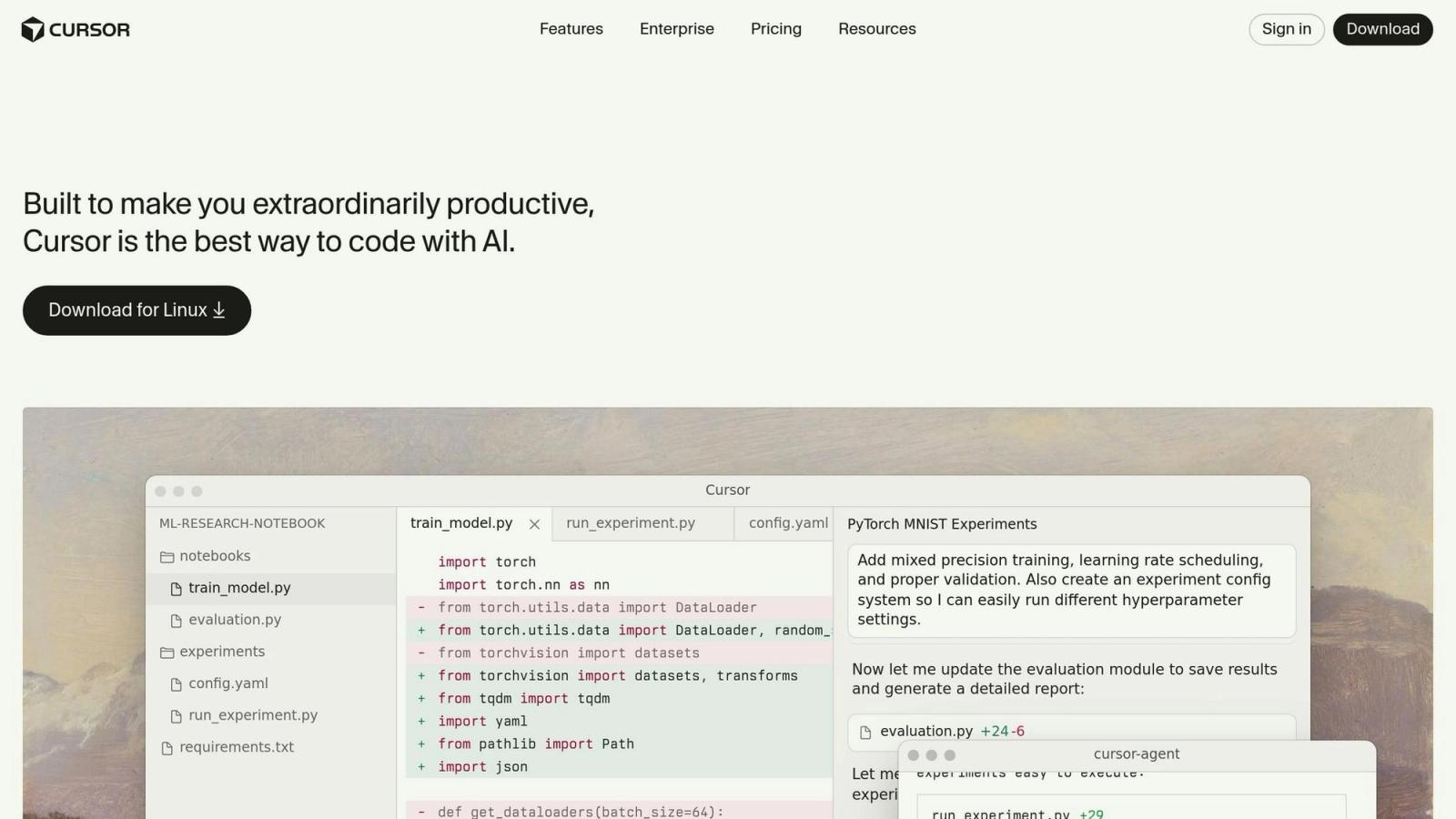
Synchronize the project between Cursor and Xcode by opening your project directory in Cursor. This allows Cursor to generate and edit code directly. For example, you can instruct Cursor with natural language prompts like, "Change the text to ‘Hello Riley’ and increase the font size by 50%." Cursor will make the necessary code adjustments automatically.
3. Add Visual Design Elements with AI
To customize your app’s design, use AI tools like Crea or OpenAI’s image generator:
- Create visually appealing icons and graphics. For instance, generate a "3D cartoon icon of a notepad with no background."
- Replace the default app images with your custom graphics by adding them to your project directory.
You can also tweak additional design elements by instructing Cursor to adjust layout spacing, colors, or animations.
4. Develop Functional Mini Apps
The app structure in this tutorial was set up as a multi-app interface, where a main navigation bar links to smaller "mini apps." For example:
- A Notes App: Allows users to write and save notes.
- A YouTube App: Scrapes recent video thumbnails from a specific YouTube channel, displaying them interactively within the app.
- An Icons App: Includes an AI-powered generator for creating custom icons directly within the app.
These mini apps are modular and can be expanded upon for additional functionality. Cursor’s AI capabilities make it simple to implement these features by providing precise natural language prompts.
5. Incorporate Sound Effects and Music
Using 11 Labs, you can generate sound effects to enhance user interactions. For instance:
- Create a "success" sound to play when a task (e.g., generating an icon) is completed.
- Add relaxing background music to improve the app’s ambiance.
Add the downloaded sound files to your project directory, and instruct the AI to integrate them into specific interactions, such as button presses or page transitions.
6. Test and Refine Your App
Run the app on an iPhone simulator or test it on a physical device using Xcode. Use Bezel to visually test your app’s functionality and design. If you encounter issues, such as overlapping layouts or build errors, Cursor can automatically debug and fix code based on error messages.
Key Takeaways
- Rapid Prototyping: AI tools like Cursor enable developers to build functional app prototypes within minutes, drastically reducing development time.
- No Coding Needed: Vibe design eliminates the barrier of manual coding, making app development accessible to non-coders.
- Custom Visuals: Tools like Crea and OpenAI’s image models allow you to generate professional icons and images tailored to your app’s theme.
- Modular Design: Creating mini apps within a main app framework enhances scalability and reusability.
- Enhanced User Experience: Features like sound effects and music generated via 11 Labs add a polished, professional touch.
- Iterative Improvements: AI debugging tools streamline the process of identifying and fixing errors, ensuring a smooth development cycle.
Why Vibe Designing Is a Game Changer
Vibe designing with AI is transforming how developers approach app creation. What used to take weeks or months can now be done in hours or even minutes. This methodology empowers developers to focus on creativity and functionality rather than repetitive coding tasks.
For enterprise teams, the ability to prototype and deploy apps rapidly means reduced costs and faster time-to-market. Meanwhile, individual developers can use these tools to bring their ideas to life without needing advanced technical skills.
Final Thoughts
The convergence of AI and app development is opening up a world of possibilities. Whether you’re designing apps for personal use, a client, or a large organization, tools like Cursor, Xcode, and 11 Labs can help you deliver results faster than ever before. By leveraging these innovations, you can stay ahead of the curve and produce polished, user-friendly apps that meet today’s demanding standards for speed, efficiency, and customization.
Start experimenting with vibe design today, and discover how AI can transform your development workflows.
Source: "I Built a Fully Polished App in 30 Minutes (No Code)" - Riley Brown, YouTube, Oct 13, 2025 - https://www.youtube.com/watch?v=6VDpkO9RWqs