TL;DR: Mobile bugs are difficult because apps run across fragmented devices, unstable networks, and unpredictable real-world conditions. Reproducing issues is often harder than fixing them. Effective mobile debugging depends on observability, logging, realistic testing, and production monitoring rather than guesswork.
A user opens a food delivery app during a crowded commute home. They place an order, complete payment, and wait for confirmation. Instead, the app freezes for a few seconds before suddenly returning to the home screen. The payment has already been processed, but the order never appears.
The user leaves a review immediately:
“Money deducted. No order placed. App crashed.”
Inside the engineering team, confusion begins almost instantly. The crash dashboard shows no critical spikes. QA attempts the same payment flow repeatedly across multiple test devices and everything works perfectly. Developers inspect recent commits and find nothing suspicious. Hours later, another complaint appears from a different device model running a different operating system version.
This is the reality of mobile debugging.
The hardest part of debugging mobile apps is often not fixing the issue itself. The real challenge is understanding how the issue happened in the first place. Mobile applications operate inside highly unpredictable environments filled with fragmented hardware, unstable networks, background interruptions, operating system restrictions, and user behaviors that are impossible to fully simulate in development environments.
Unlike backend systems where infrastructure is relatively controlled, mobile apps execute inside conditions developers do not own. That unpredictability is exactly why mobile bugs are significantly harder than they appear.
Why Mobile Bugs Are Fundamentally Different
Most software systems fail in somewhat predictable ways. Mobile apps rarely do.
A web application typically runs inside a browser with standardized rendering engines and centralized deployment pipelines. A mobile app, however, must function consistently across thousands of device combinations, screen resolutions, battery states, hardware capabilities, operating system versions, and network conditions. Even two users running the same app version can experience entirely different outcomes.
A feature that performs perfectly on a flagship smartphone may fail silently on an older device with limited memory. An API request that succeeds over stable Wi-Fi may timeout repeatedly on congested mobile networks. A background synchronization task may work normally on one Android manufacturer while being aggressively terminated by another manufacturer’s battery optimization system.
The variability is enormous, and that variability creates an entirely different debugging experience.
| Area | Web Applications | Mobile Applications |
|---|---|---|
| Environment Control | Relatively standardized | Highly fragmented |
| Device Variations | Minimal | Massive |
| Connectivity | Usually stable | Frequently unstable |
| App Lifecycle | Mostly continuous | Constant interruptions |
| Deployment | Centralized updates | Gradual user adoption |
| Performance Constraints | Browser-managed | Hardware-dependent |
In many situations, the issue developers see is only the visible symptom of a much deeper environmental condition.
Environment Fragmentation: The Hidden Enemy
Environment fragmentation is one of the biggest reasons mobile debugging becomes exhausting.
Mobile engineers are not debugging one application running in one environment. They are debugging thousands of slightly different versions of the same experience. Android fragmentation is especially difficult because manufacturers customize memory management, notification delivery, background processing behavior, and permission handling differently. Some devices aggressively terminate apps running in the background while others allow them to persist for longer periods.
Even within iOS, differences emerge through operating system adoption gaps, hardware limitations, storage constraints, and connectivity transitions. A feature that behaves correctly on iOS 18 may encounter unexpected restrictions on an older version still widely used by customers.
Third-party integrations increase the complexity further. Payment gateways, analytics SDKs, authentication systems, deep-linking frameworks, and push notification providers all introduce dependencies developers cannot fully control. A payment SDK may fail only under weak network conditions. A push notification service may behave differently after a silent operating system update. An authentication library may trigger race conditions only when the app resumes from the background after prolonged inactivity.
“Mobile bugs are rarely isolated failures. Most are interaction failures between systems, environments, and timing conditions.”
This is why reproducing production issues often feels less like debugging software and more like reconstructing an accident scene.
The Real Cost of “Cannot Reproduce”
Few phrases slow engineering teams down more than “Cannot reproduce.”
At first glance, it sounds harmless. In practice, it creates uncertainty across the entire debugging process. Developers cannot isolate root causes confidently. QA cannot validate fixes consistently. Product teams cannot estimate impact accurately. Support teams cannot reassure users effectively because nobody fully understands the scope of the issue.
Many mobile bugs depend heavily on timing and state transitions. An issue may occur only when the app resumes from the background while a token refresh request is still pending. Another issue may appear only during network switching between Wi-Fi and mobile data. Some bugs surface only after prolonged app usage when memory pressure increases gradually over time.
The difficult part is that these scenarios are deeply tied to real-world conditions rather than obvious coding mistakes. A developer might spend days attempting to reproduce an issue manually, only to discover that the actual fix requires changing a single line of code.
Ironically, the investigation is often more expensive than the solution itself.
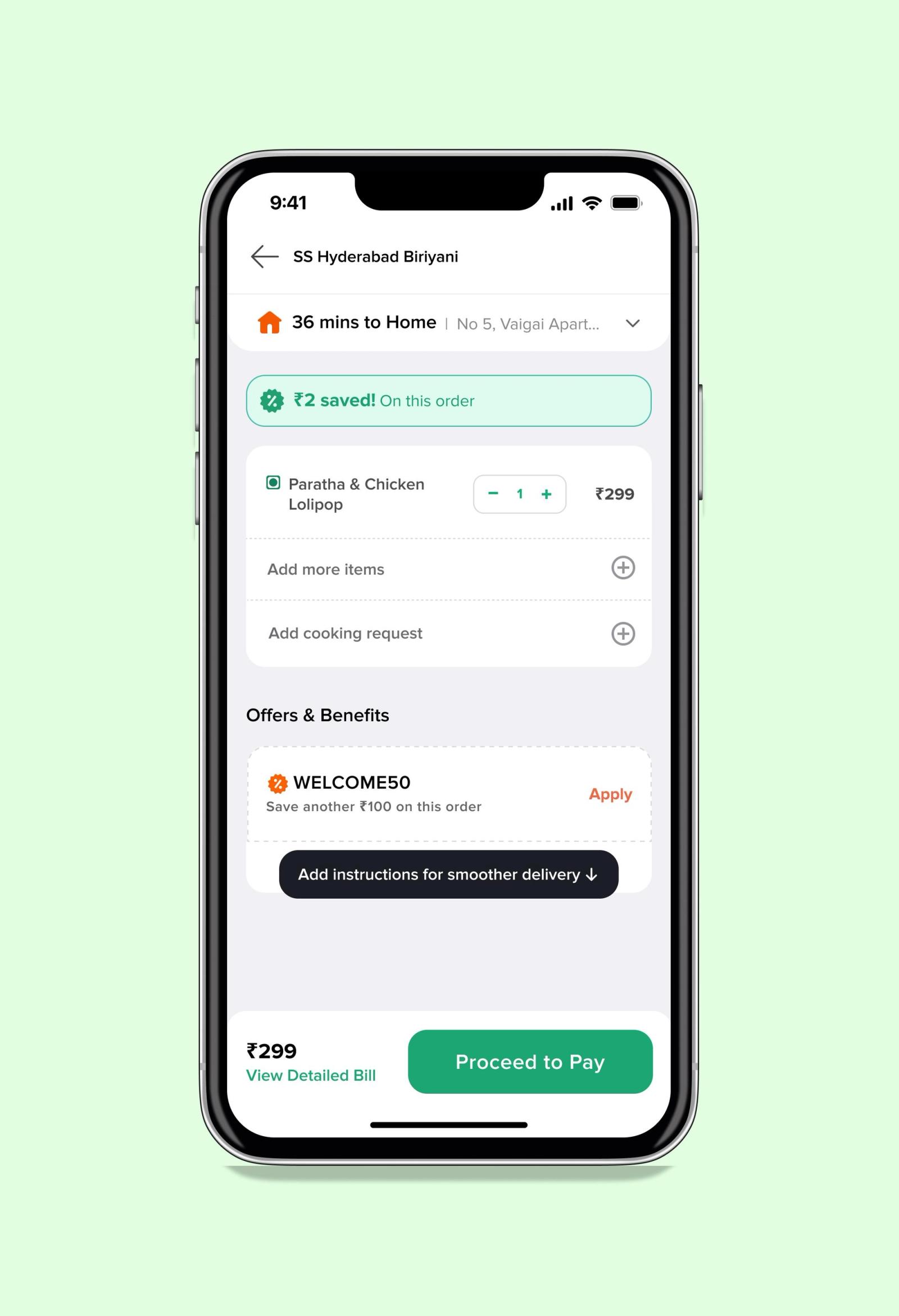
For example, imagine a scenario inside a ride-sharing or food delivery platform like Uber or Swiggy where a payment succeeds at the banking layer, but the booking confirmation never reaches the user because the app briefly moves into the background during authentication refresh. Internally, the transaction appears successful while the user believes the payment failed entirely. These bugs are extremely difficult to reproduce because they depend on timing, connectivity shifts, and app lifecycle interruptions happening simultaneously.
Logging Without Context Is Just Noise
Many teams treat logging as a backup mechanism rather than a core debugging strategy. During development, developers add temporary debug statements, remove them later, and depend primarily on crash reporting once the application reaches production.
That approach breaks down quickly in mobile environments.
A useful logging system does not simply confirm that a failure occurred. It explains the conditions surrounding that failure. Context matters far more than volume. Device type, operating system version, app state transitions, network quality, API latency, memory usage, and user navigation flows all contribute to understanding what actually happened before an issue appeared.
Consider a ride-sharing app where users occasionally fail to confirm bookings. Crash reports reveal nothing unusual, and the engineering team initially suspects server instability. Eventually, deeper logging reveals a more specific pattern. Users frequently switch applications during payment verification, causing the ride-booking request to pause while the authentication token refresh process continues in the background. Under unstable network conditions, the retry mechanism fails silently before the request expires.
The bug is no longer random. It becomes traceable.
This distinction is critical because effective debugging begins when systems provide enough context to reconstruct reality rather than forcing teams to rely on assumptions.
Observability Changes the Entire Debugging Process
Crash reporting alone is no longer enough for modern mobile applications.
Crash reports answer one question: what failed? Observability answers several more important ones: what happened before failure, how the user reached that state, what environmental conditions existed, and whether the issue is isolated or systemic.
This difference changes the entire debugging process.
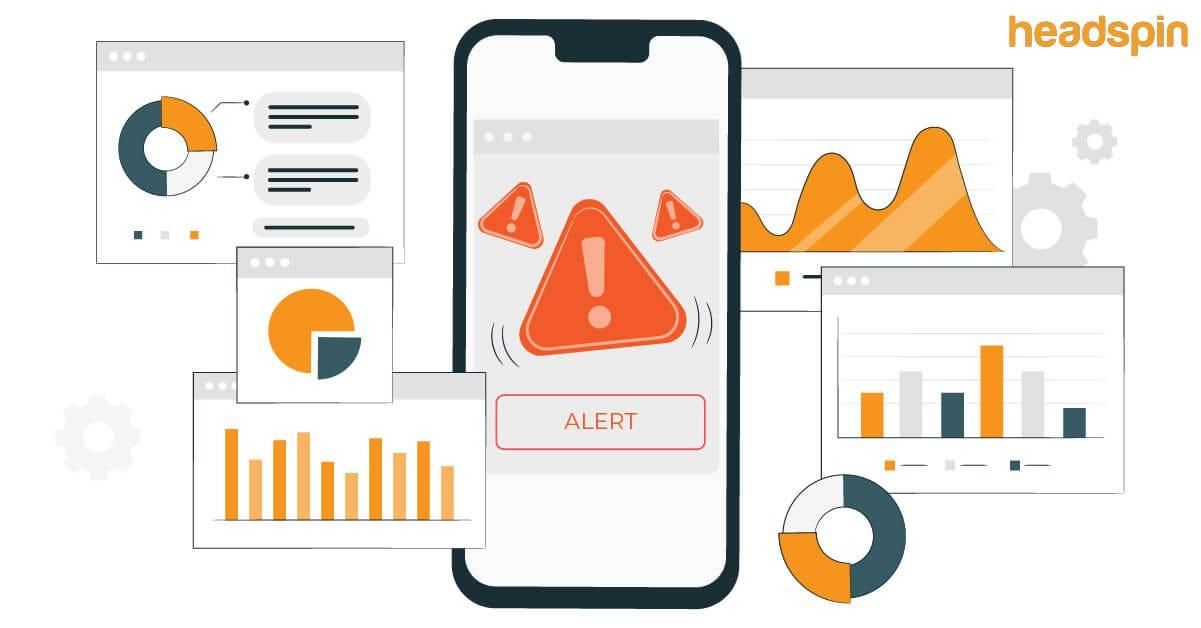
A stack trace may reveal where the application crashed, but it rarely explains why the crash occurred. Observability tools bridge that gap by connecting failures with user sessions, navigation flows, API behavior, device metrics, and performance timelines. Instead of isolated technical snapshots, teams gain a continuous view of application behavior in production environments.
Modern mobile engineering teams increasingly depend on systems that provide session replay, distributed tracing, real-time diagnostics, and behavioral analytics. These systems reduce guesswork because they transform debugging into evidence-driven investigation.
Without observability, engineers speculate. With observability, engineers investigate.
Reproduction Requires Simulation, Not Guesswork
One of the biggest mistakes teams make is testing bugs under ideal conditions while users experience them under unstable ones.
Real-world mobile environments are unpredictable. Users move between weak network zones, switch rapidly between applications, receive interruptions from calls and notifications, and operate devices under low battery conditions. These environmental shifts create edge cases that rarely appear inside controlled QA environments.
Experienced mobile engineers intentionally simulate instability. They test under constrained memory conditions, slow network speeds, interrupted sessions, and prolonged background states because many production issues emerge only under stress.
Streaming platforms like Netflix frequently encounter issues that appear only under unstable connectivity conditions. A user traveling through metro tunnels or switching repeatedly between cellular towers may experience interrupted playback even though the streaming infrastructure itself is functioning correctly. In many cases, the issue is not the player but poor recovery handling during rapid network transitions.

Performance Bugs Are Often Invisible Until It Is Too Late
Not all mobile bugs generate crashes. Some slowly degrade user experience over time without creating obvious warning signs.
An application may technically “work” while still frustrating users through delayed touch responses, frozen animations, memory leaks, excessive battery consumption, or degraded scrolling performance. These issues are particularly dangerous because they accumulate gradually rather than appearing as immediate failures.
A memory leak, for example, may seem harmless during short QA sessions but become catastrophic after prolonged usage across thousands of devices. Background synchronization processes may appear efficient internally while silently draining battery in production. Startup performance may degrade incrementally after every release until users begin abandoning the application before it fully loads.
| Performance Issue | Typical User Impact |
|---|---|
| Memory Leaks | App slowdowns and crashes |
| ANRs | Frozen screens and forced exits |
| Battery Drain | Reduced user retention |
| Excessive API Calls | High data usage and lag |
| Frame Drops | Poor scrolling experience |
The absence of crashes does not mean an application is healthy. In many cases, users abandon apps because of poor responsiveness long before crash metrics begin rising significantly.
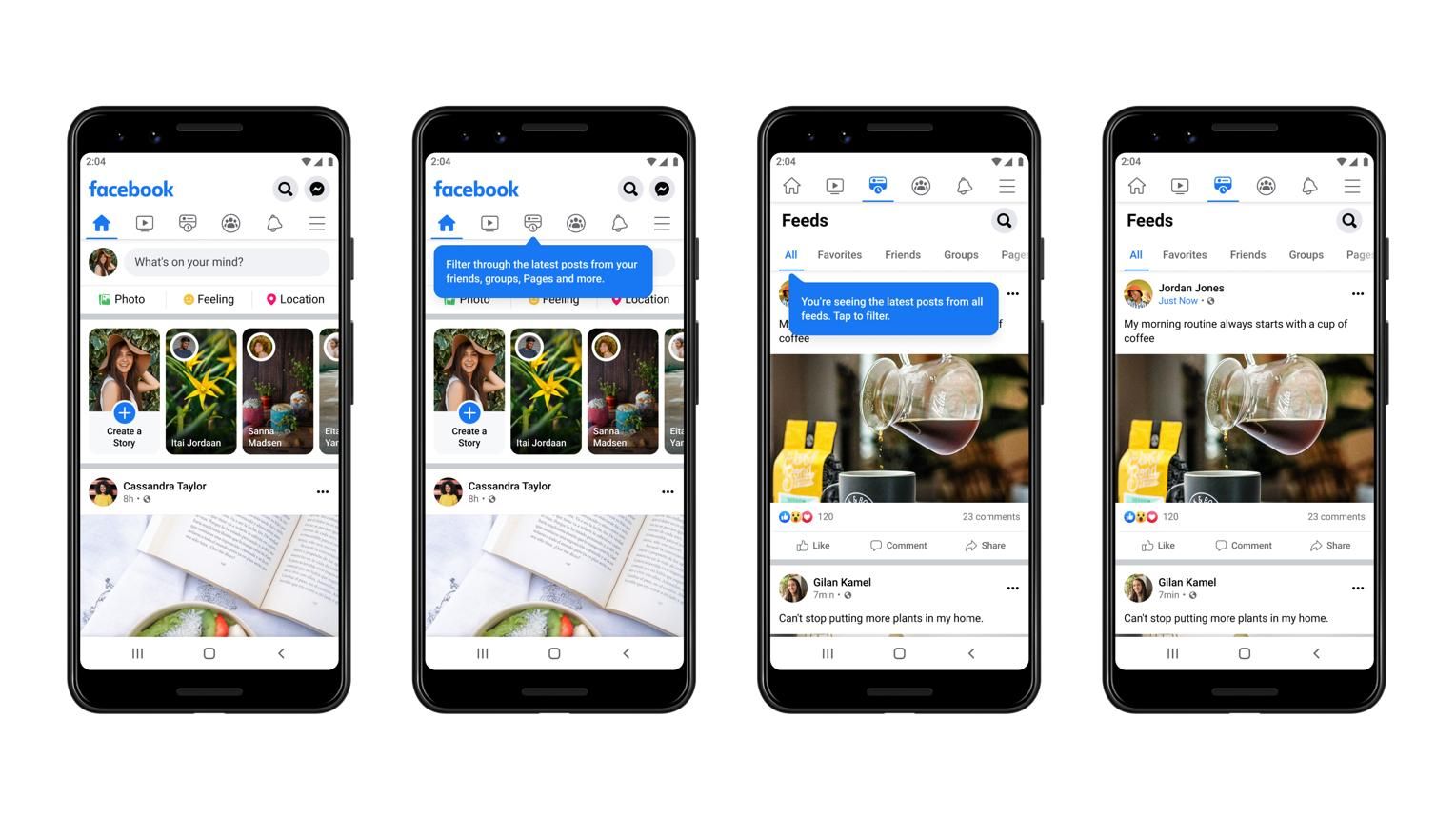
Social platforms like Instagram and Facebook process massive amounts of media content continuously through video autoplay, image rendering, background caching, and live interactions. On high-end devices, these experiences may appear smooth, but lower-memory devices often experience frame drops, delayed scrolling, overheating, and battery drain long before users encounter actual crashes.
The Human Side of Mobile Debugging
Technical complexity is only one part of the challenge. Communication failures often make debugging even harder.
Support teams may receive vague reports such as “payment failed” or “screen froze,” while developers attempt to reconstruct technical events from incomplete descriptions. QA teams may not have access to the exact devices, connectivity conditions, or account states needed for reproduction. Product managers may struggle to understand whether the issue affects ten users or ten thousand.
Strong debugging cultures reduce this ambiguity through structured workflows and collaboration. High-performing engineering teams document reproduction patterns carefully, centralize production telemetry, maintain incident response processes, and encourage communication between QA, support, and development teams.
The goal is not simply fixing bugs faster. The goal is reducing uncertainty across the entire debugging lifecycle.
Release Strategies Are Part of Debugging
Many mobile incidents begin after deployment rather than during development.
Unlike web platforms where updates are immediate and centralized, mobile releases roll out gradually across fragmented user bases. Some users update instantly while others continue using older versions for weeks or months. This creates overlapping production environments where debugging becomes significantly more complicated.
This is why mature engineering teams rely heavily on staged rollouts and feature flag systems. Instead of exposing every user to new functionality immediately, they release updates incrementally while monitoring crash rates, API stability, startup performance, and device-specific anomalies.
Feature flags add another layer of protection because problematic functionality can be disabled remotely without requiring emergency app store approvals. This flexibility dramatically reduces production risk and shortens incident response time.
In modern mobile engineering, release management is no longer separate from debugging strategy. It is part of it.
Privacy, Security, and the Visibility Problem
Modern applications process sensitive user information, which creates additional debugging challenges.
Teams cannot simply log every event or capture unrestricted user sessions. Authentication tokens, payment details, personal identifiers, and location data all require careful protection. This creates a difficult balance between visibility and privacy.
Too little logging reduces observability. Too much logging introduces security and compliance risks.
As privacy regulations become stricter globally, engineering teams must design debugging systems that preserve technical visibility without exposing sensitive information. This requirement has transformed observability itself into a serious engineering discipline rather than a simple monitoring feature.
The Shift Toward Proactive Debugging
Traditional debugging is reactive. A problem appears first, and teams investigate afterward.
Modern mobile engineering is shifting toward proactive debugging through anomaly detection and continuous monitoring. Advanced telemetry systems now identify rising crash trends, unusual memory growth, degraded startup performance, and abnormal API latency before users begin reporting widespread failures.
This shift changes debugging from incident response into operational awareness.
The strongest mobile teams no longer depend entirely on app store reviews to discover instability. They detect problems before customers notice them. That capability significantly improves both engineering efficiency and user trust.
Conclusion
Mobile debugging is difficult because mobile environments are unpredictable.
Applications operate across fragmented hardware, unstable networks, varying operating systems, restrictive background policies, third-party dependencies, and constantly changing user behavior. Bugs are rarely isolated coding mistakes. More often, they emerge from interactions between systems, timing conditions, and environmental instability.
That is why reproducing a bug is frequently harder than fixing it.
The teams that debug mobile apps effectively are not necessarily the teams writing the most code. They are usually the teams building the strongest observability systems, collecting the best production context, and investing heavily in monitoring long before failures occur.
In modern mobile engineering, debugging is no longer just a technical activity.
It is an operational discipline.
Further Reading and References
- Debugging Mobile Apps in Production: Strategies, Tools, and Best Practices by Geeky Vartika
- The Difference Between Mobile Observability and Mobile Monitoring
- Not Just Crashes: Your Observability Stack for the Mobile App on DZone
- Debuggability Explained - Monitoring & Observability in Your Workflow on Sentry