Explain the product with PiP video without losing the session.
Picture-in-picture video lets you teach, demo, or sell while the user keeps browsing the rest of the app.
Glossary: What is PiP video?
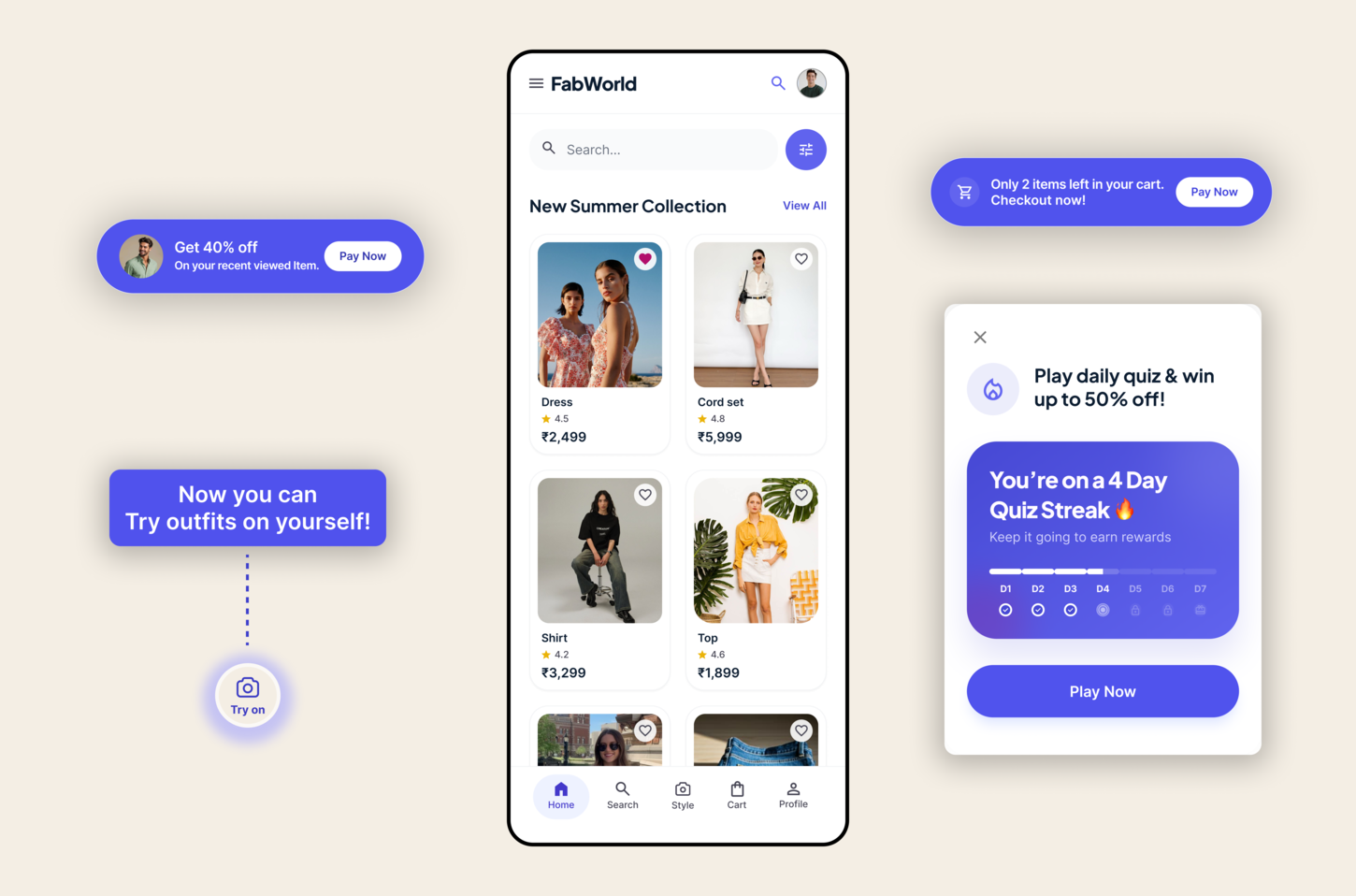
Powering growth at consumer apps







Interactive example
Tap through the live scenario
Each tab shows a different problem, the event that triggers it, and the native experience Digia can render in the app.
Demo
Walk through a feature
A small PiP player can explain a feature without hijacking the screen.
Event
Opened feature page
Targeting
User exploring a new module
Surface
PiP demo overlay
Conversion
Feature CTA is tapped
Watch the feature in action
The video stays visible while the user continues to explore.
Event
Opened feature page
Targeting
User exploring a new module
Surface
PiP demo overlay
Metric
+23% demo completions
How it works
Event to conversion in four steps
The pattern is the same across every capability: trigger on behavior, target the right segment, render the right native experience, and track the action that follows.
01
Event
A real product action, screen visit, or backend signal starts the experience.
02
Targeting
Digia uses your audience rules, user attributes, and event history to decide who sees it.
03
Experience
The capability renders natively inside the app, with the right format for the moment.
04
Conversion
You measure the next action: taps, submissions, invites, purchases, or repeat visits.
Examples
Built for the teams that need the capability most
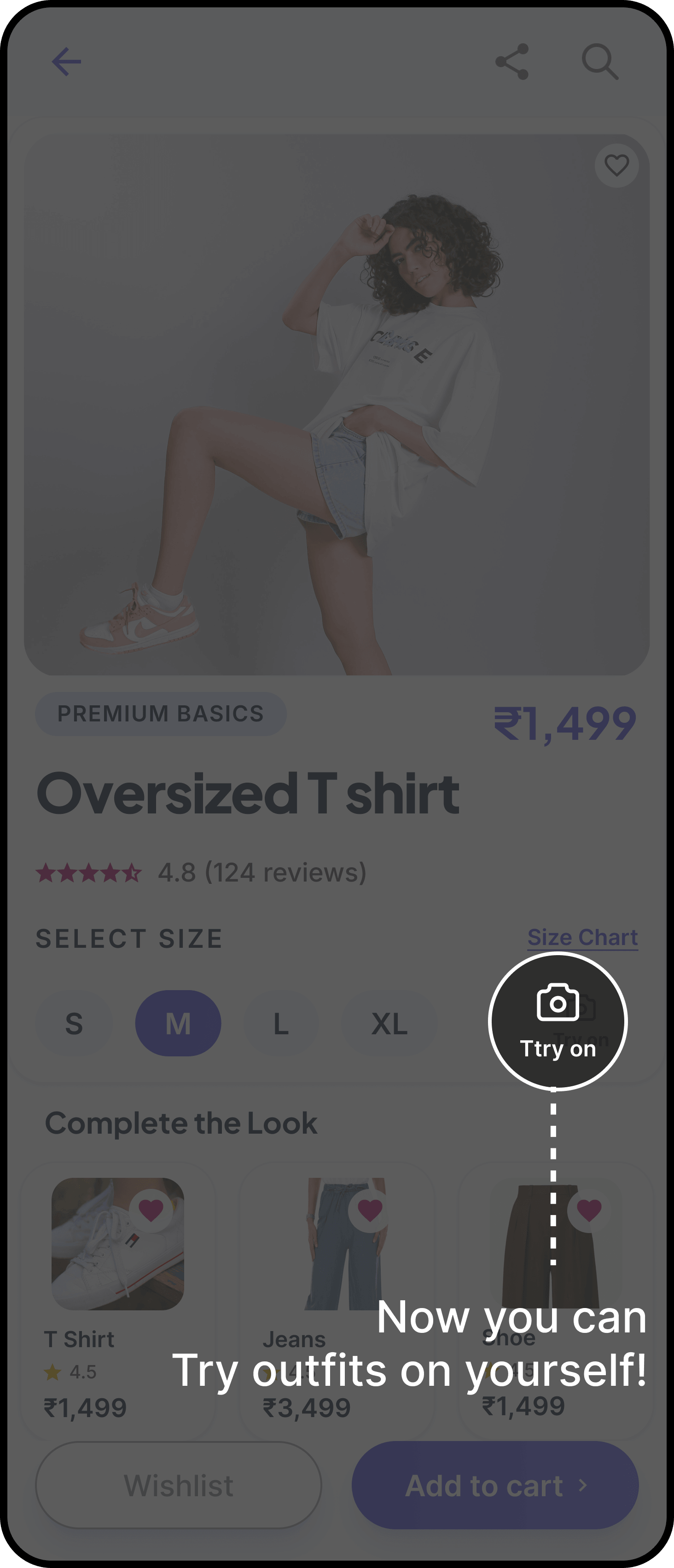
Product demo
The team wanted a richer explanation than a screenshot.
PiP video demonstrates the feature while the app stays usable.
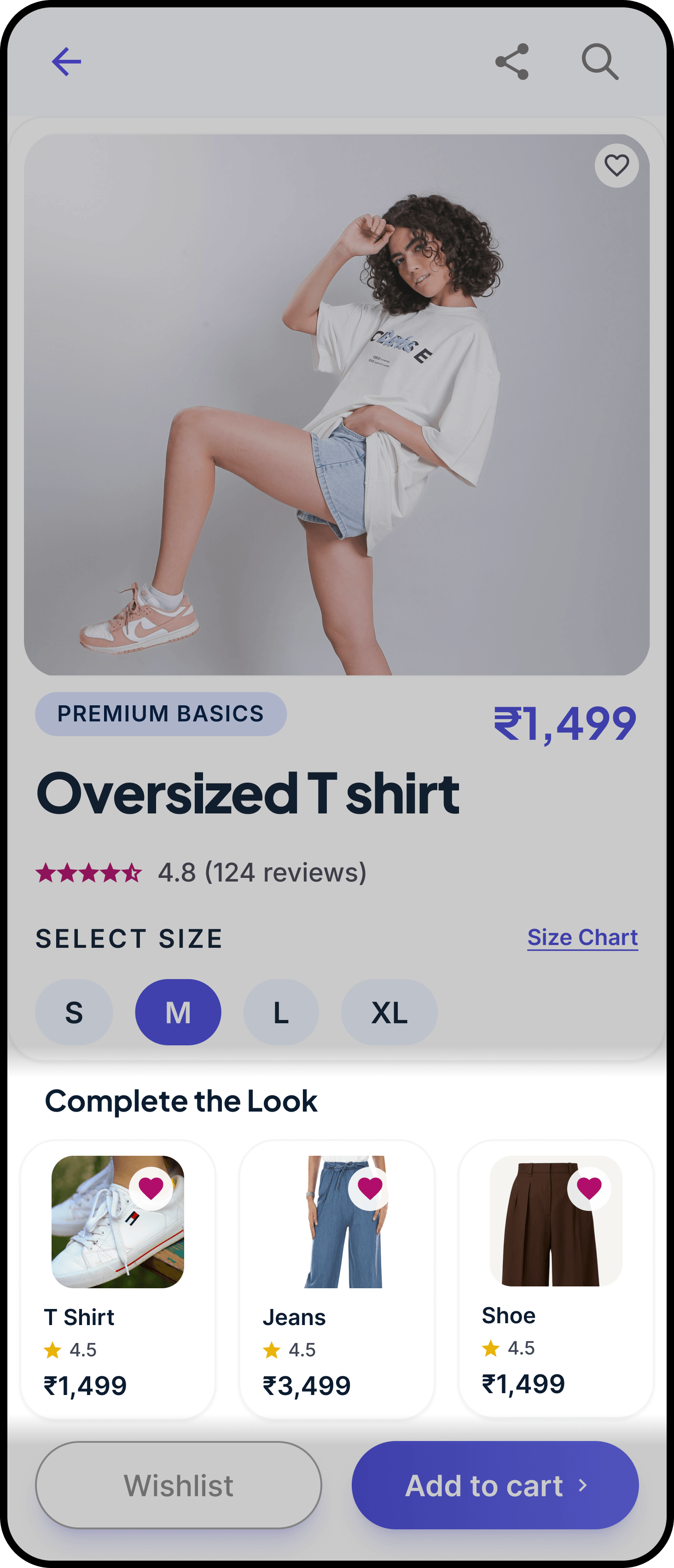
Commerce app
The product needed proof before the cart decision.
PiP keeps the video and the CTA together.
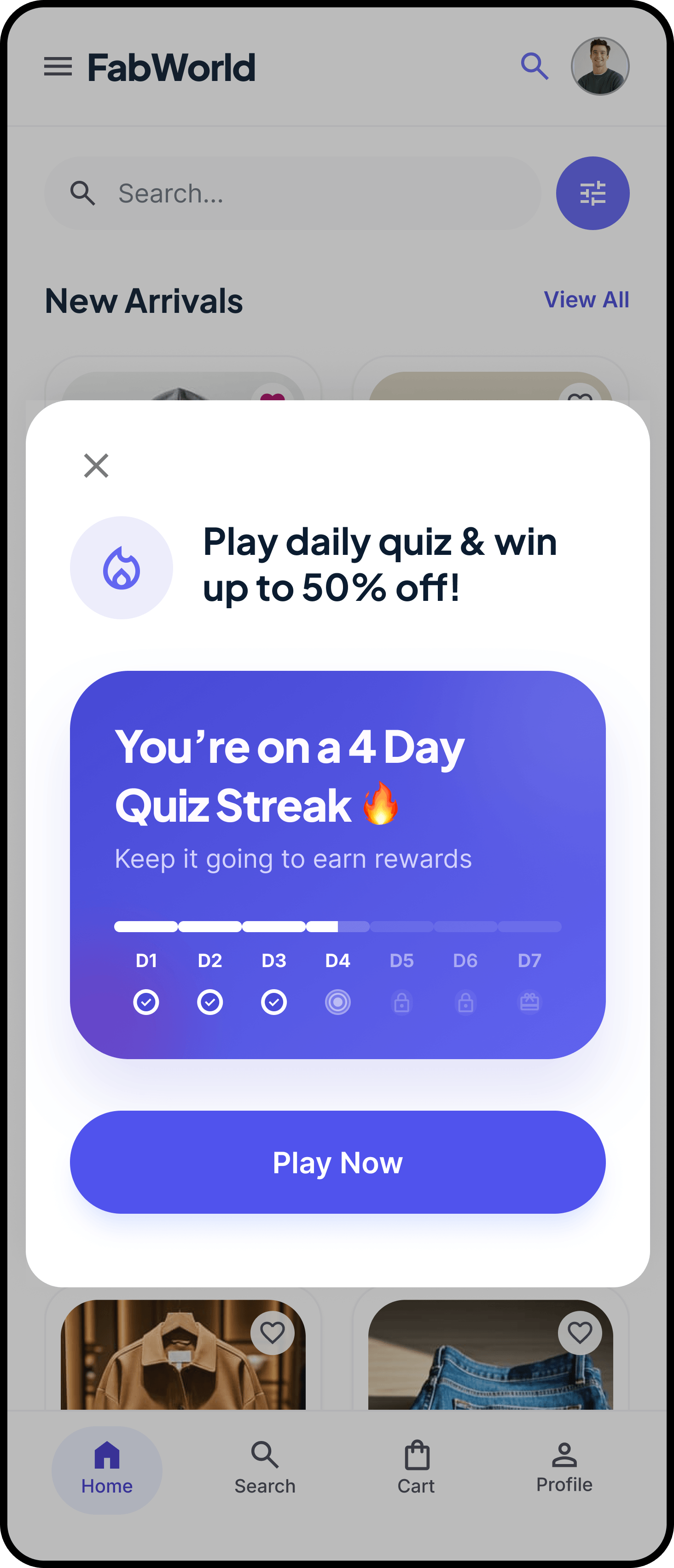
Education app
A lesson was too long as text alone.
Short video in PiP keeps the session moving.
Implementation
Works with your current stack
The same capability can run across your existing mobile platforms and CEP integrations.
Works with
Implementation
Digia renders the experience natively inside the app, so the layout feels like part of the product instead of a pasted-in widget.
Build pip video that convert
Get the pip video page, see the interactive examples, and let the team ship the experience without a new release.