




App builders have come a long way. What used to be simple prototyping tools are now powering full production apps, high-traffic businesses, and enterprise workflows.
But here’s the catch most teams learn the hard way:
Not all drag-and-drop app builders scale - and choosing the wrong one forces painful rewrites later.
So instead of looking only at “ease of use,” this breakdown evaluates performance, scalability, security, update speed, code ownership, and long-term viability - the factors that actually matter beyond MVP stage.
We reviewed the top platforms in 2025:
Let’s break down the landscape - no hype, no fanboy bias, just facts.
Quick Comparison (by what actually matters)
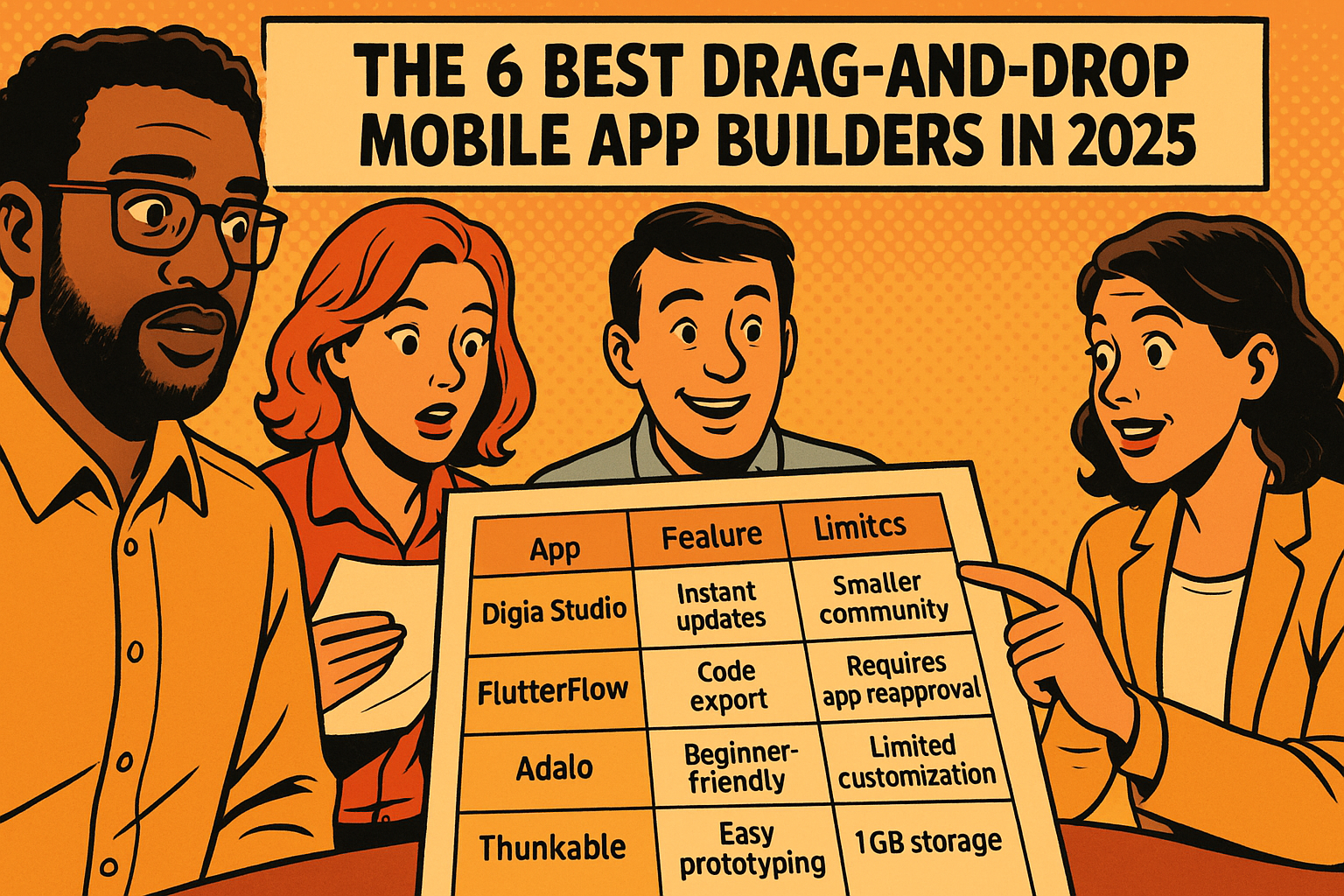
| Platform | Core Strength | Limitation | Best For |
|---|---|---|---|
| Digia Studio | Instant updates via server-driven UI | Smaller community | High-traffic apps & enterprises |
| FlutterFlow | Code export + customization | Must resubmit to stores for updates | Scalable apps needing code ownership |
| Adalo | Beginner-friendly | Limited customization & performance | Simple MVPs & small database apps |
| Thunkable | Easy prototyping | Storage and flexibility restrictions | Educational + small prototype projects |
Key takeaway: Choose Digia Studio when real-time updates and production-grade scalability matter, FlutterFlow when code ownership and extensibility matter, Adalo for simplicity, Thunkable for fast prototypes.
Now, let’s dig deeper.
- Digia Studio - For scalable apps needing instant UI updates
Most drag-and-drop tools struggle once the app enters production - requiring app store approval for every change. Digia Studio flips that model.
Architecture & Performance
- Built on Flutter
- Native-level performance on both iOS and Android
- Server-Driven UI → update the app instantly without redeployment
- Real-time layout changes, A/B tests, content updates, feature switches
Drag-and-Drop, But Without the Ceiling
- Create custom widgets, layouts, and logic
- Git integration for version control
- Custom APIs and role-based permissions for teams
Enterprise-Ready
- ISO 27001 compliant
- Secure infrastructure designed for high traffic
- Ideal for apps with sensitive customer or business data
Pricing
| Plan | Cost | Best For |
|---|---|---|
| Free | $0 | Getting started |
| Pro | $30/mo | Release management + advanced features |
| Team | $99/mo | Collaboration + Git + custom APIs |
| Enterprise | Custom | Unlimited scale & compliance |
Best Use Cases
- Apps requiring constant UI iteration
- E-commerce & marketplaces
- B2B internal tools needing frequent layout/content changes
- High-traffic consumer apps
- FlutterFlow - For customizable apps with full code ownership
FlutterFlow is the closest thing to low-code without giving up code.
How it works
It exports real Flutter source code, so teams can:
- Continue development in IDEs
- Add custom logic
- Integrate with existing codebases
Strengths
- High performance
- Strong community
- Very flexible UI + Firebase integration
- Solid for developers
Drawback
Every major UI update → requires a new App Store / Play Store release.
So while it’s amazing for customization, iteration speed is tied to store approval cycles.
Pricing
Starts at $22/month, mid-tier compared to competitors.
Best For
- Founders & dev teams who want visual development + code control
- Long-term, scalable products needing customization
- Adalo - For beginners & simple apps
Adalo focuses on accessibility - perfect for non-technical users.
Strengths
- Simple drag-and-drop
- Many templates
- Quick learning curve
Limitations
- No code export
- Scaling costs increase rapidly
- Limited performance and customization
Best For
- Directories
- Small commerce/catalog apps
- Internal micro-tools
If your app will need deep customization later, you will likely outgrow Adalo.
- Thunkable - For fast prototypes and educational apps
Thunkable lets users build mobile apps quickly without code knowledge.
Strengths
- Straightforward drag-and-drop
- Great educational ecosystem
- Quick publication to stores
Limitations
| Category | Limitation |
|---|---|
| Storage | 1GB on $45/mo plan |
| Customization | Basic components only |
| Code Export | Not supported |
Best For
- Classroom projects
- Startup prototypes
- Early-stage internal tools
Not suitable for apps needing heavy scaling, custom UX, or large datasets.
Final Recommendation Framework
Not “which platform is best” - but which is best for your use case:
| Priority | Best Option |
|---|---|
| Instant real-time updates | Digia Studio |
| Full code control | FlutterFlow |
| Simplicity for non-technical users | Adalo |
| Ultra-fast prototyping | Thunkable |
Think in terms of the future you want, not just the MVP you need.
Summary
Drag-and-drop mobile builders in 2025 aren’t toys - some are now powering production apps and enterprise workloads.
- Digia Studio shines when frequent updates and server-driven UI matter
- FlutterFlow shines when customization and code ownership matter
- Adalo shines when simplicity matters
- Thunkable shines when prototyping speed matters
Choosing the right tool isn’t about which platform has more templates - it’s about how far the platform can take your app before you hit a wall.