Server-Driven UI (SDUI) allows apps to update their interfaces instantly by shifting UI logic to the server, bypassing app store delays. When paired with Flutter’s widget-based architecture, this approach creates dynamic, responsive apps with a single codebase for iOS and Android. However, SDUI introduces challenges like network latency, increased CPU/memory usage, and potential battery drain.
Key takeaways:
- Performance Metrics: Measure latency, rendering time, and resource usage to optimize app performance. Tools like Flutter DevTools and network profilers help identify bottlenecks.
- Optimization Tips: Use caching, payload compression, and efficient widget building to reduce overhead.
- Testing: Validate on low-end devices and slower networks to ensure smooth performance.
Platforms like Digia Studio simplify SDUI by offering a visual editor for instant updates without app store submissions, Git integration for version control, and scalable infrastructure for high-traffic apps. This makes SDUI practical for apps needing frequent updates or personalized experiences.
Flutter Connection 2024 - Aloïs Deniel - Server-Driven UI with Flutter

Performance Metrics for Server-Driven UI in Flutter
When implementing server-driven UI (SDUI) in Flutter apps, keeping track of performance metrics is essential. These metrics help you understand how SDUI affects your app's responsiveness and overall user experience. Let’s look at some key areas that influence how users perceive your app’s performance.
Latency and Rendering Time
Latency refers to the time it takes to receive UI data from the server, while rendering time measures how long Flutter takes to process that data and build the widget tree. Unlike traditional apps where UI elements are stored locally, server-driven UI relies on network communication, adding an extra layer of complexity.
Together, these factors determine your app’s time-to-interactive - the time it takes for users to see and interact with updated content after an action, like tapping a button. For apps managing high traffic, platforms such as Digia Studio are designed to reduce delays and optimize this process.
Network Overhead and Resource Usage
Server-driven UI introduces ongoing communication with the server, which can increase bandwidth usage. This is particularly important for users on limited data plans or slower networks.
- CPU usage spikes due to frequent parsing of server responses and widget tree rebuilds. Tasks like JSON deserialization, widget construction, and layout recalculations demand significant processing power, especially if updates are frequent.
- Memory consumption can vary more in SDUI apps. These apps often cache server responses, maintain widget state, and sometimes store multiple UI setups at once. As a result, Flutter’s garbage collector works harder to manage memory as widgets are created and destroyed based on real-time server updates.
- Battery drain is another consideration. Frequent network requests and increased CPU activity can lead to faster battery depletion compared to apps with static, locally stored UIs.
How to Measure Performance in Flutter
To keep your app running smoothly, it’s important to measure and optimize performance regularly.
- Flutter DevTools provides a wealth of information for SDUI performance. The widget inspector lets you see how server data translates into widget trees, while the performance tab highlights frame rendering times and potential bottlenecks.
- Network profiling tools like Charles Proxy or Flipper help you monitor server requests, track response times, and analyze data sizes. These tools can pinpoint slow or overly frequent server calls.
- Device testing ensures your app performs well across a range of hardware. Testing on low-end Android devices with limited RAM or slower processors can reveal issues that might not appear on high-end devices. Similarly, testing on slower networks like 3G versus Wi-Fi highlights network-related performance challenges.
- Custom performance monitoring can be implemented by adding timing code around critical SDUI processes. This approach provides precise, app-specific insights into where delays or inefficiencies occur.
How Server-Driven UI Affects Flutter App Performance
Server-driven UI allows Flutter apps to refresh their interfaces instantly, bypassing the need for app store updates. This approach speeds up the update process, ensuring a more responsive and dynamic user experience.
Platforms like Digia Studio are designed to handle high traffic and heavy loads without compromising performance. They address potential issues like latency and rendering delays, maintaining smooth operation even as the app scales up. Up next, we’ll look at how to measure these performance metrics effectively in Flutter.
Flutter Benchmarking Methods for SDUI
Benchmarking SDUI in Flutter requires targeted techniques to uncover and address performance bottlenecks.
Widget Build Profiling
Flutter DevTools is an essential tool for tracking how widgets are built and rendered. The Performance tab in DevTools provides detailed insights into operations like construction, layout, and painting during UI updates. To get a complete picture, enable widget rebuild tracking before any SDUI updates. This allows you to follow the entire process from parsing server data to rendering the UI.
The Widget Inspector is particularly helpful in identifying components that rebuild unnecessarily. To minimize redundant widget creation, use constructors wherever applicable, especially when dealing with repeated UI elements in server payloads. Additionally, monitor memory allocation patterns through the Memory tab to check heap usage during updates. Frequent garbage collection during server-driven refreshes might indicate memory leaks or inefficient object creation. By addressing these issues, you can streamline your app’s performance. After optimizing widget builds, shift focus to network performance for further improvements.
Network Tracing and Optimization
Efficient network handling is critical for SDUI performance. Use packages like with interceptors to log the entire lifecycle of network requests. Benchmark JSON parsing times using Flutter’s and implement payload compression to reduce data transfer sizes. Adding caching headers can also help avoid redundant network calls. Tools such as Charles Proxy or Wireshark can uncover unnecessary data transfers and optimize payloads.
To pinpoint delays, monitor metrics such as Time to First Byte (TTFB) and overall download times separately. This helps distinguish whether the lag is caused by server-side processing or network-related issues. Comparing cached responses with fresh ones can reveal further optimization opportunities. Finally, validate these findings on less powerful devices to ensure your app performs well across the board.
Testing on Low-End Devices
Testing on budget or older devices is crucial for identifying performance issues that might be hidden on high-end hardware. Simulate real-world conditions by using these devices to monitor frame rate stability with Flutter’s performance overlay. This will help you detect jank - those sudden frame rate drops - during server-driven updates.
Keep an eye on CPU and network activity to measure battery consumption, as power-hungry operations can impact user experience. Gradually increase the complexity of server-driven UI configurations to uncover memory pressure issues, particularly when navigating between multiple screens. To handle these challenges, consider optimizing server responses and reducing client-side processing demands, ensuring smooth performance on a wide range of devices.
How Digia Studio Improves Server-Driven UI Performance
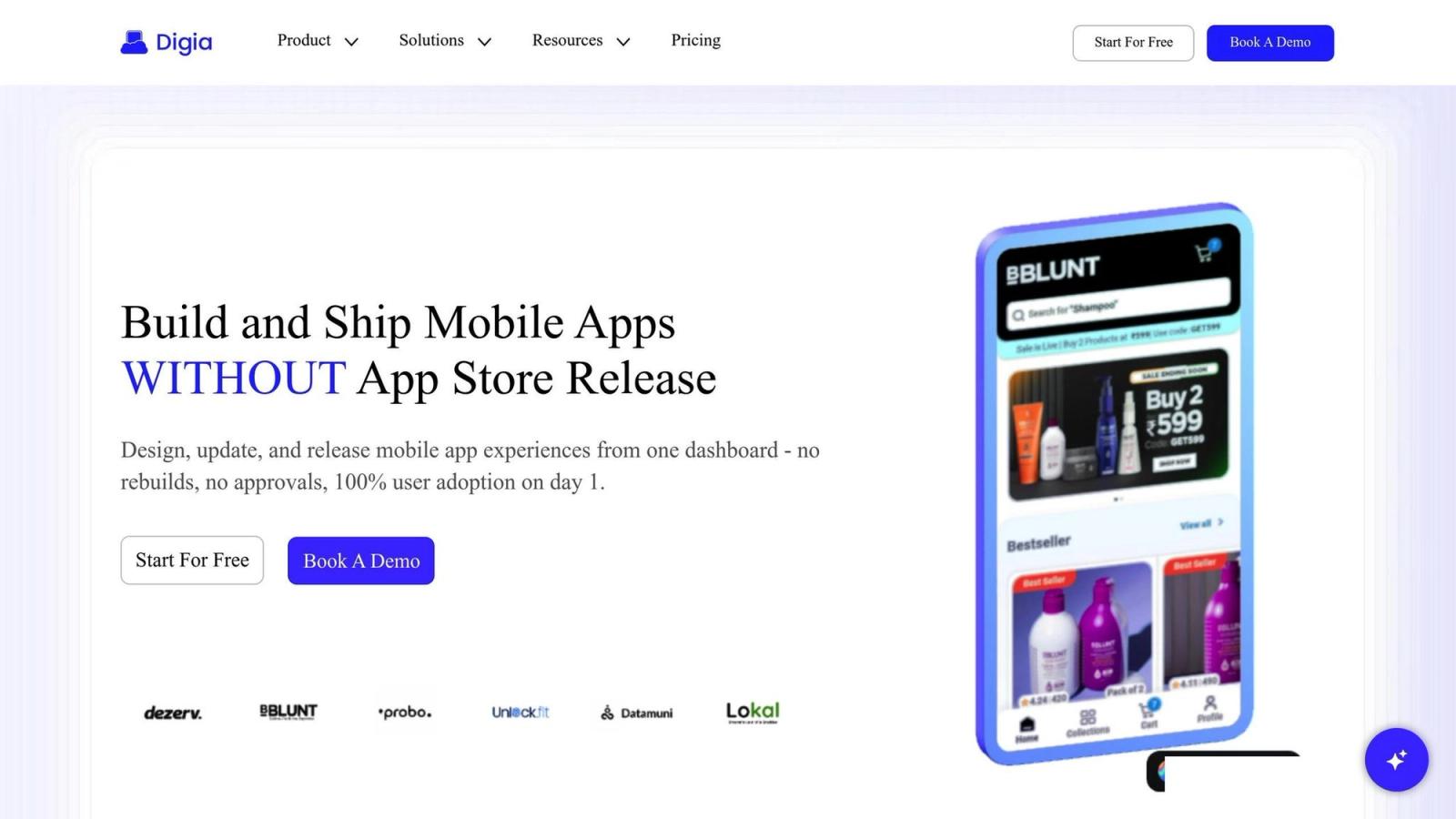
Digia Studio steps up to the plate with a solution designed to optimize server-driven UI (SDUI) performance in Flutter apps, addressing key performance challenges head-on.
Digia Studio Features
Digia Studio combines enterprise-level infrastructure with user-friendly tools to deliver top-notch SDUI performance. Its drag-and-drop interface allows developers to design native Flutter screens without writing code, while still maintaining control over critical performance elements. Secure Git integration ensures teams can manage UI configurations with ease, enabling consistent deployments and quick rollbacks when necessary.
With role-based access control, sensitive settings remain secure, and ISO 27001 compliance provides the security framework needed for enterprise apps handling sensitive data.
"Enterprise-Grade, Built for Scale... performance infrastructure built for high-traffic apps."
The platform also features a visual widget creation system, which lets teams import existing widgets or build custom ones tailored to their performance needs. This ensures lightweight, efficient UI components that enhance overall app performance.
Together, these features deliver measurable improvements in speed and efficiency.
Performance Benefits with Digia
Digia Studio eliminates many of the performance bottlenecks seen in traditional server-driven implementations. One standout feature is its ability to push instant updates without requiring app store releases. This means performance fixes and UI optimizations can reach users immediately, bypassing lengthy approval cycles.
"Design, update, and release mobile app experiences from one dashboard - no rebuilds, no approvals, 100% user adoption on day 1."
This capability is a game-changer for addressing latency issues, ensuring that updates are deployed as soon as they’re ready. By preserving Flutter’s native rendering performance, the platform maintains stable frame rates, even during demanding use cases. Developers also have full control to customize components, tokens, and APIs, reducing network overhead and speeding up rendering.
"From design to logic, Digia lets developers take full control - customizing components, tokens, and APIs to fit any mobile app workflow."
Digia Studio Use Cases
Digia Studio's versatility makes it a practical choice for a wide range of applications:
- High-traffic enterprise apps: Its robust infrastructure handles heavy loads while keeping UI updates responsive and seamless.
- Personalized experiences: Dynamic, user-specific interfaces are delivered efficiently, without sacrificing performance.
- Apps needing frequent updates: E-commerce, news, and social platforms benefit from instant deployment, enabling faster prototyping, testing, and iteration cycles.
- Low-end device compatibility: Developers can create device-specific UI configurations to optimize performance across a variety of hardware, all without maintaining separate codebases.
Conclusion
Server-Driven UI (SDUI) brings a transformative shift to Flutter app performance. While it introduces a slight network overhead, the ability to deliver instant updates far outweighs this tradeoff.
Main Takeaways
The major advantage of SDUI lies in its ability to streamline deployment processes while improving network efficiency and offering flexible customization. As highlighted in the Performance Metrics section, well-structured server-driven systems reduce payload sizes and optimize API interactions, which significantly lowers latency between server requests and UI rendering - especially vital for apps handling high traffic.
When paired with enterprise-grade infrastructure, resource efficiency takes a noticeable leap. SDUI enables apps to manage heavy loads while maintaining smooth frame rates and responsive interfaces, even during peak usage times.
These findings pave the way for leveraging specialized tools to address SDUI-specific challenges.
The Role of Tools Like Digia Studio
Platforms like Digia Studio showcase how tailored tools can address common SDUI hurdles. For instance, its ability to achieve 100% user adoption on day one highlights the potential of a well-implemented server-driven approach.
Digia Studio’s enterprise-level infrastructure is designed to handle scalability, ensuring reliable performance for high-demand applications. It also addresses critical concerns like security with features such as secure Git integration and ISO 27001 compliance, making it a robust solution for SDUI deployments.
What sets Digia Studio apart is how it maintains Flutter's native performance while enabling real-time server-driven updates. Developers can enjoy full customization control without compromising on the fast rendering and fluid animations that define Flutter apps.
The combination of visual development tools and advanced customization options signals a new era for SDUI. Teams can iterate faster using drag-and-drop interfaces while still having the flexibility to tackle complex, performance-sensitive projects.
As Flutter continues to advance, SDUI is poised to become the go-to approach for apps that demand frequent updates and highly personalized experiences. By combining these performance insights with innovative tools, developers are better equipped to create the next wave of mobile applications.