




TL;DR
- Most people searching for CleverTap alternatives do not actually want to leave CleverTap. They want the in-app experience to stop looking like a templated overlay.
- This article starts with a diagnosis: four distinct reasons teams search this term, and only two of them are actually solved by replacing the platform.
- It covers where CleverTap is genuinely strong: segmentation, orchestration, analytics, and scale.
- It covers the specific in-app UI constraints that drive the search.
- It covers four full CEP replacements: MoEngage, WebEngage, Braze, and Netcore.
- It covers two in-app layer additions that sit on top rather than replacing CleverTap: Digia and Plotline.
- It covers two product adoption tools, Appcues and Pendo, with the mobile-native question that decides whether they fit a consumer app at all.
- It closes with a comparison table and a decision guide by situation.
- Sourcing note: All product claims are attributed to their sources, including a hands-on device test of CleverTap's in-app channel published separately, and this article does not repeat that test's detail, only its conclusions where relevant.
A third of the people who search "CleverTap alternatives" should not switch platforms. They have a specific, narrow problem, usually with how something renders on screen, and they are reaching for the biggest possible solution to a smaller and more specific issue. Sorting alternatives by what problem each one actually solves is more useful than ranking them, because the correct answer for a specific reader is frequently "do not replace CleverTap, add something to it," which a ranked list of seven competitors does not communicate on its own.
The Diagnosis: Four Reasons Teams Search for This, and Which Two a Replacement Actually Fixes
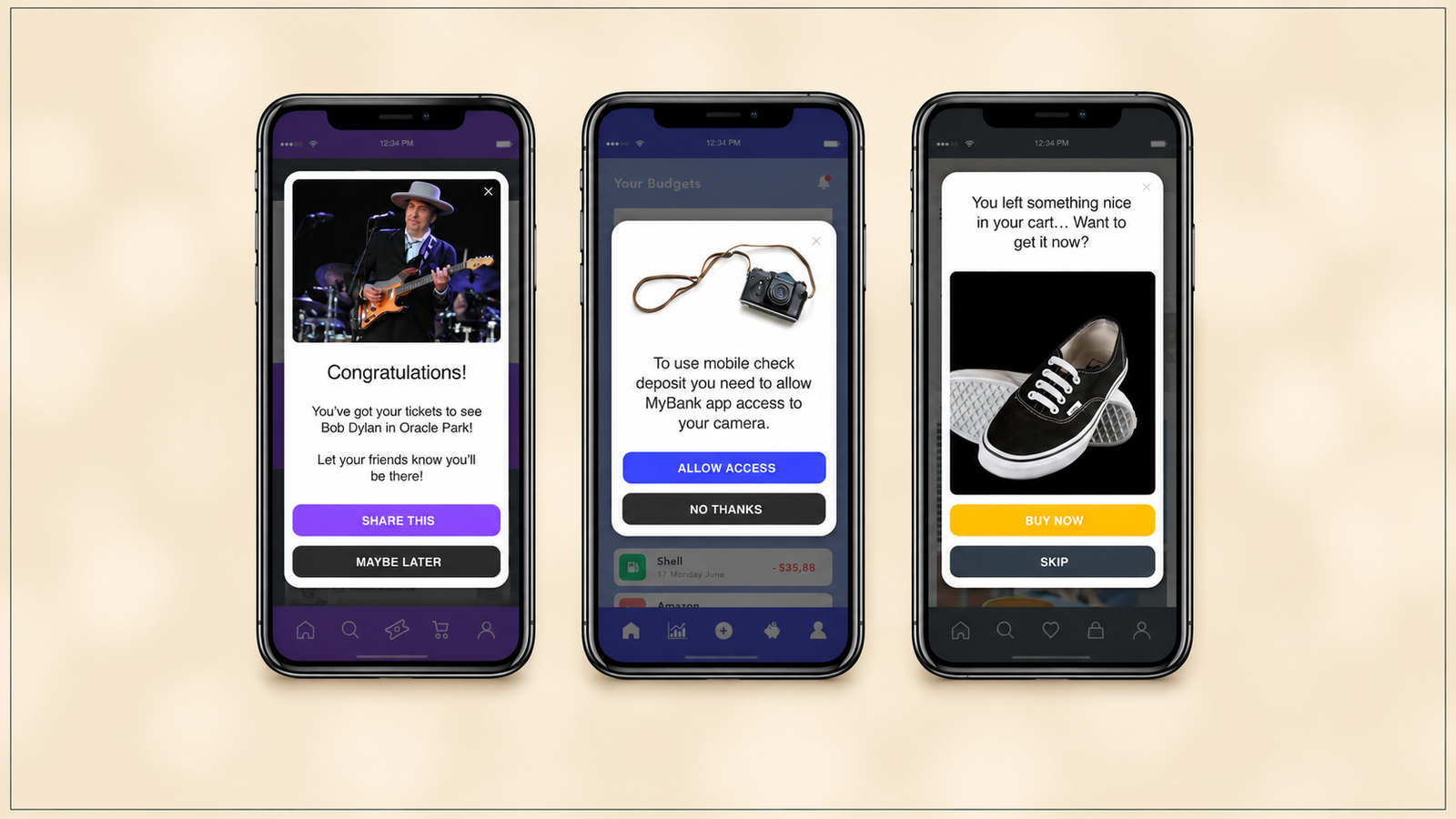
Reason one: the in-app experience looks templated and generic. This is the most common driver, and it is a rendering and design-system problem, not a segmentation problem. CleverTap's native in-app templates render as native UI rather than inside a WebView, which is a genuine architectural advantage over platforms that route every template through a browser surface, but the template set itself is limited to overlay shapes: cover, interstitial, half-interstitial, header, footer, and banner. A team whose complaint is "everything looks like a popup" has correctly identified the constraint. Switching CEPs does not fix this, because every full CEP replacement in this article ships a comparable overlay-first template model. Only an in-app layer addition changes what actually renders.
Reason two: campaigns cannot be placed inline inside a screen, only on top of it. Every CleverTap in-app template is an overlay, and the documented route to inline placement, Native Display, delivers the data and expects the app's own engineering team to render it using the app's design elements, after completing SDK integration steps on both platforms. This is a real limitation, and it is also not unique to CleverTap. Most CEPs treat in-app messaging as a delivery surface for outbound-style content, not as a component library for inline product UI. Fixing this requires a dedicated in-app layer, not a different CEP.
Reason three: the team wants a genuinely stronger segmentation, analytics, or orchestration engine. This is a legitimate reason to evaluate a full replacement, because the underlying data and targeting engine differs meaningfully between CEPs. If the actual complaint is about audience precision, cross-channel journey depth, or predictive modelling, a full CEP switch is the correct category of solution, and this article covers the four main contenders.
Reason four: the organisation is under a vendor consolidation mandate or a renewal decision is approaching. This is procurement-driven rather than product-driven, and it deserves its own decision path, covered in the final section, because the right answer here depends on contract timing and organisational appetite for a migration project, not purely on feature comparison.
Reasons one and two are solved by adding an in-app rendering layer. Reasons three and four are solved, or at least properly evaluated, by considering a full replacement. Conflating the four, evaluating a full CEP switch to fix a rendering complaint, is the single most common and most expensive mistake in this category of decision.
Where CleverTap Is Genuinely Strong
A comparison that pretends CleverTap is weak across the board is not credible, and it is worth stating plainly what the platform does well before covering its constraints.
Event-property targeting is exact and reliable, with custom event and property-filter conditions evaluating precisely with no false positives across sustained testing. The platform's core investment is behavioural analytics, segmentation, and cross-channel orchestration, spanning push, email, SMS, WhatsApp, and in-app from a single event pipeline, with funnels, cohorts, journeys, RFM, and predictive models all operating on that same data layer. G2 reviewers rate the platform 4.6 out of 5 across 654 reviews, with analytics and customer support as the two most frequently praised attributes, and CleverTap was named a Leader in Gartner's 2026 Magic Quadrant for Personalization Engines. On scale, the platform serves consumer apps with meaningful volume across gaming, fintech, and D2C, and its pricing structure, an Essentials plan starting at $75 per month for up to 5,000 MAU with a 30-day trial, scaling to 100,000 MAU, gives teams a genuine self-serve entry point that several enterprise-first competitors do not offer.
None of the constraints covered next contradict any of this. They describe a specific, narrower gap: what happens downstream of the targeting decision, once the platform has correctly decided who should see a message and when.
The Specific In-App UI Constraints
Template rigidity. CleverTap's Advanced In-App Builder is a genuine WYSIWYG canvas with drag-and-drop placement, stacking controls, per-element styling, and custom font loading, which is a real no-code path for a standard overlay and better than several direct competitors ship. The constraint is scope, not quality: the builder produces overlay shapes, and a team that needs a recommendation carousel embedded inside a category page, or a progress tracker inside a profile screen, is outside what the template system was built to produce.
Component library limits, particularly for gamification. CleverTap ships Spin the Wheel and Scratch Card templates that render and function correctly, but configuring them means editing raw HTML, CSS, and JavaScript with a CONFIG object at the top of a script block, which is a materially different experience from a no-code form field, and one hands-on test found the in-dashboard code editor itself would not scroll past one screenful of content on two separate browsers. A growth PM who was told a gamification template is no-code will find a script tag.
Design system mismatch. Native templates render as native UI, which closes most of the visual gap that WebView-based competitors have. What remains is a structural mismatch: the overlay template shapes do not flex into arbitrary layouts that match a specific product's own design language, because they were built as message containers, not as a general-purpose component system.
Release coupling for anything custom. Once a campaign goes live, only its content remains editable. Targeting, triggers, occurrence limits, and delivery preferences are locked, and any change beyond copy requires stopping the campaign and rebuilding it, which resets its stats. Edits to an existing campaign carry a documented three-to-five minute warm-up before reaching a device. For anything genuinely custom, a Native Display component or a new template requiring an engineer, the coupling extends further: the change waits on an engineering build and, depending on the platform, an app release cycle.
Full Replacements: The CEPs That Compete Head-On
MoEngage
MoEngage's core differentiation from CleverTap is architectural: MoEngage relies on a query-based structure rather than real-time streaming, with real-time engagement guaranteed only for filter queries within the last 30 days and restricted to six messaging channels, compared to CleverTap's real-time streaming architecture with a 10-year lookback and 10,000 data points per user per month. This is a genuine trade-off rather than a strict downgrade: MoEngage's Sherpa AI send-time optimisation and cross-channel intelligent routing are strong specifically for apps where coordinating push, email, SMS, and in-app timing matters more than deep historical behavioural lookback.
On in-app rendering specifically, a separate hands-on test found MoEngage's in-app channel shares CleverTap's core limitation: overlay-first templates with inline placement requiring custom engineering work, and campaign editing constraints comparable to what CleverTap enforces. Teams switching from CleverTap to MoEngage specifically to solve an in-app rendering complaint are likely to find a structurally similar wall on the other side.
What genuinely differs: send-time AI and cross-channel orchestration depth. What doesn't: the fundamental in-app template architecture.
WebEngage
WebEngage's core strength is lifecycle journey orchestration and cost efficiency, typically priced 15 to 20% lower than MoEngage for comparable functionality, with a visual journey builder that is more accessible to non-technical marketing teams than CleverTap's targeting-first interface. A separate hands-on review of WebEngage's in-app channel found the same overlay-first constraint pattern, with growth teams hitting comparable walls around inline placement and live-campaign iteration speed.
What genuinely differs: price point and journey builder accessibility for non-technical teams. What doesn't: the underlying in-app rendering architecture.
Braze
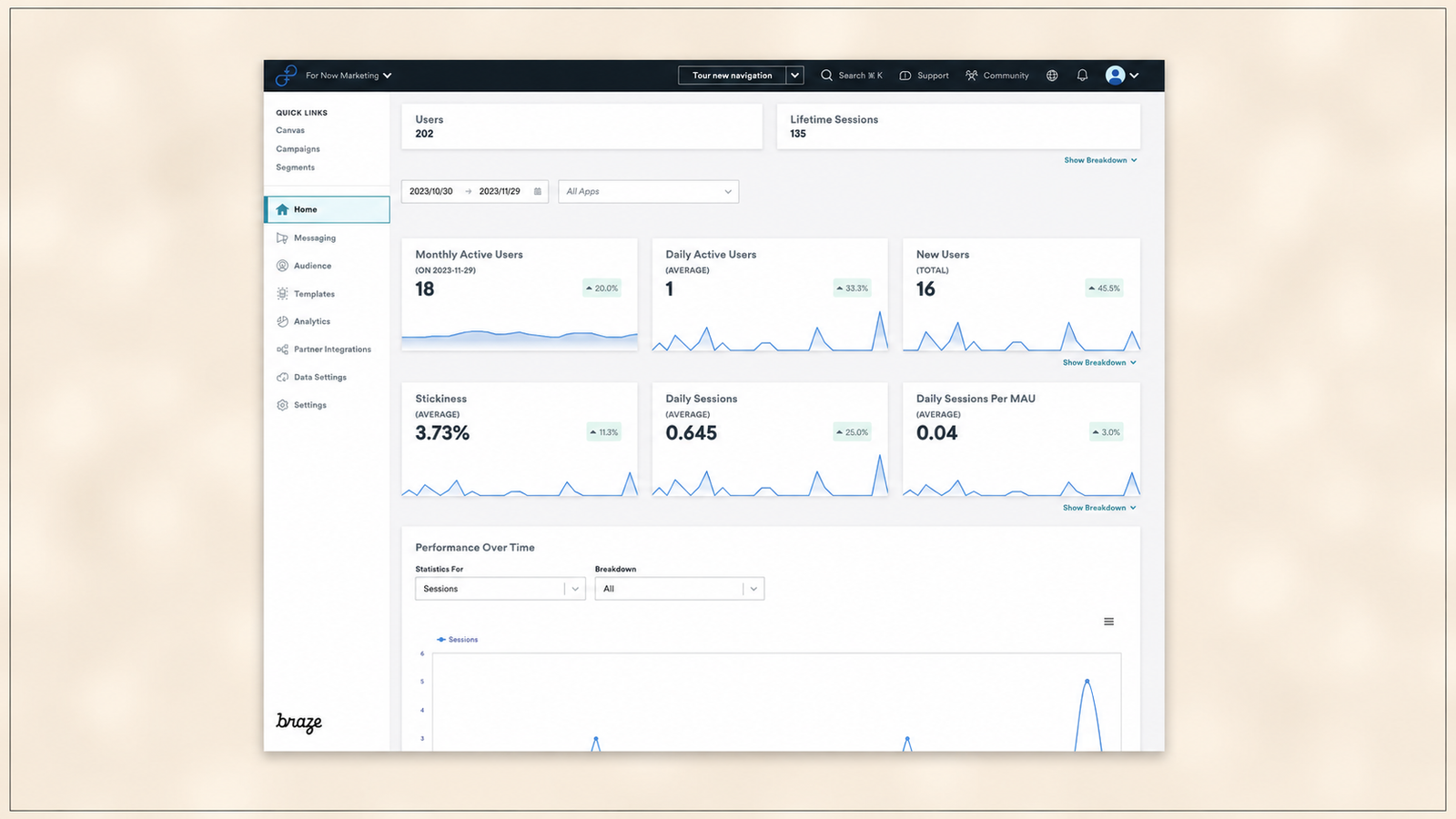
Braze is the enterprise-tier option in this category, built for global consumer brands sending billions of personalised messages monthly with the broadest integration ecosystem and the most sophisticated experimentation framework available off the shelf. Braze pricing typically runs 2 to 3 times higher than MoEngage for comparable capability, and Braze lacks a WYSIWYG in-app editor for web personalisation specifically, with G2 reviewers consistently noting a steep learning curve. Digia's own comparison against Braze covers the specific architectural gap for in-app rendering in more depth.
What genuinely differs: enterprise governance, integration breadth, and experimentation sophistication at scale. What doesn't: the in-app rendering layer, which Braze also treats as a delivery destination within a broader outbound-first architecture.
Netcore
Netcore is a full-stack customer engagement platform with strong presence in Indian e-commerce, media, and BFSI verticals, offering in-app messaging alongside email, push, SMS, and a personalisation and search layer through its Unbxd acquisition. Netcore's in-app messaging is positioned as a no-code, fast-to-integrate channel for targeted alerts, product recommendations, and discounts, which is functionally comparable in scope to CleverTap's and MoEngage's overlay-first approach, aimed at the same category of use case: timely, triggered promotional and lifecycle messaging rather than embedded product UI.
What genuinely differs: vertical specialisation in Indian retail and BFSI, and the bundled personalisation and search capability through Unbxd. What doesn't: the fundamental scope of what the in-app channel is built to render.
In-App Layer Additions: Tools That Sit on Top Rather Than Replacing
The architecture that makes this category work is consistent across both entries here: the CEP keeps deciding who qualifies for an experience and when it fires, using the segmentation and event data already built up in that platform. A separate SDK takes over what actually renders on screen and how quickly a change to that rendering reaches the user, without requiring the underlying CEP relationship to change at all.
Digia
Digia Engage integrates directly with CleverTap, MoEngage, and WebEngage, syncing identity and existing segments automatically rather than requiring them to be rebuilt. Native components render on device without a WebView path, with a stated sub-100ms server-side render, compared to roughly two seconds measured from trigger to visible overlay in hands-on CleverTap testing. Widgets render inline inside an app's existing layout rather than as an overlay, component and delivery rules are editable without stopping and rebuilding a live campaign, and gamification mechanics including scratch cards, streak trackers, and spin-to-win are configured as dashboard fields rather than edited as raw HTML and JavaScript. A direct architectural comparison against a close competitor in this same category, Plotline, covers the specific technical differences in more depth.
The trade-off to weigh honestly: adding a second SDK is additional integration surface, and pricing is quoted per deployment rather than published, which means an evaluation requires a direct conversation rather than a self-serve comparison. The case for the trade-off rests on whether the specific constraints covered in the previous section, template rigidity, inline placement, gamification configuration, and live-iteration speed, are actually costing the team real hours, which for most growth teams running weekly in-app experiments, they are.
Plotline
Plotline occupies a comparable architectural position: an in-app experience layer that integrates with an existing CEP rather than replacing it, with its own no-code builder, AI-assisted creative generation, and a gamification template library. The specific technical differences between Digia's and Plotline's approaches to this same architecture, rendering method, component library scope, and integration depth, are covered directly in a head-to-head comparison, which is the more useful reference for a team specifically choosing between the two rather than deciding whether to add an in-app layer at all.
What both share: an additive rather than replacement relationship to the existing CEP, and a focus on rendering fidelity and iteration speed as the primary value proposition over segmentation or orchestration, which neither product is built to replace.
Product Adoption Tools: Appcues, Pendo, and the Mobile-Native Question
This category solves a different problem than the previous two, and it is worth being explicit that these tools are not really CleverTap alternatives in the direct sense. They are onboarding and adoption-flow builders, historically web and SaaS-first, that have added mobile capability with meaningfully different levels of depth.
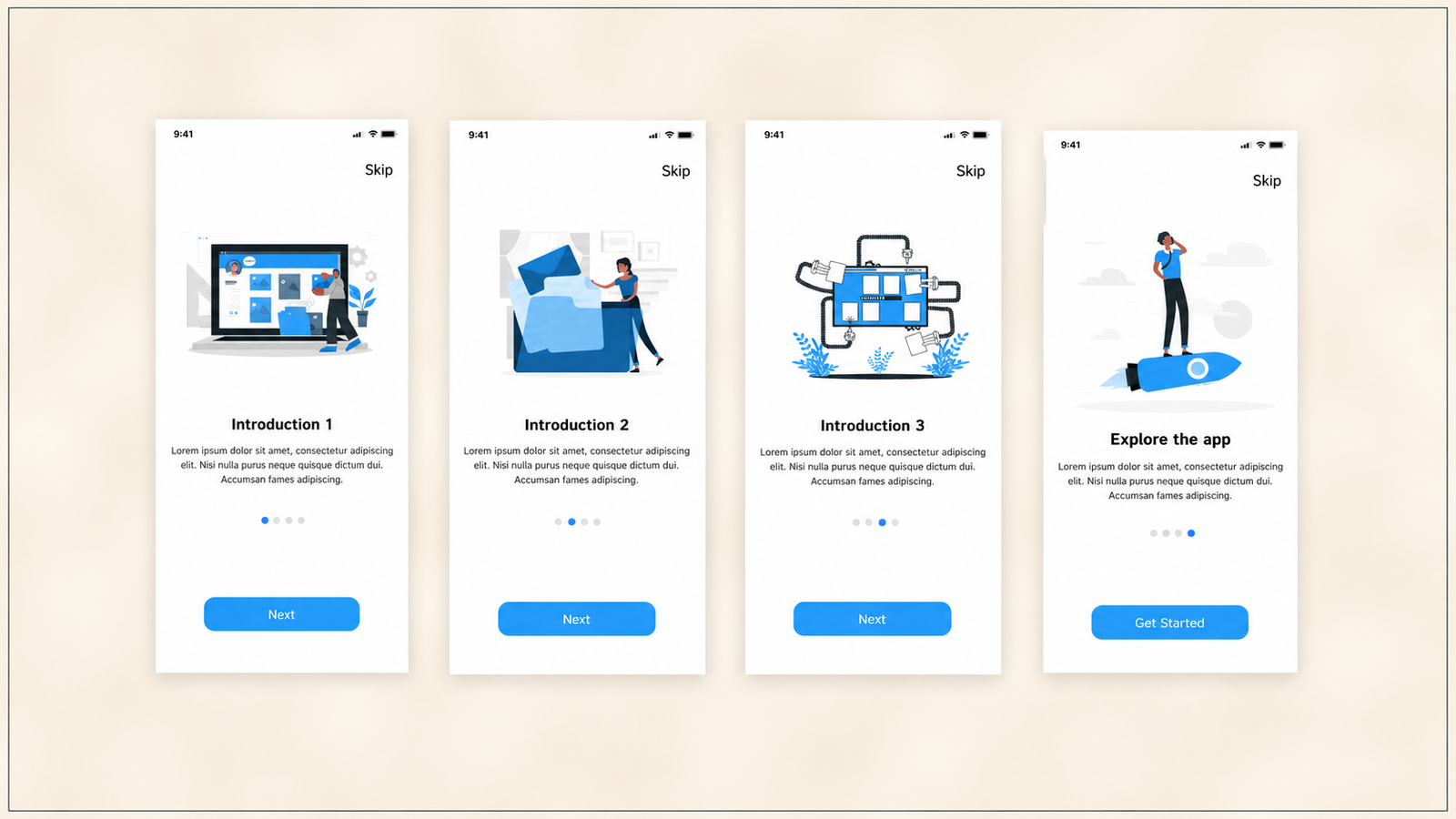
Appcues. Appcues was purpose-built for experience creation, with a low-code builder supporting Flows, Modals, Tooltips, Banners, Checklists, Slideouts, and Launchpads, designed so growth and product teams can build and iterate in hours rather than sprint cycles. The mobile-native question is the deciding factor for a consumer app specifically: Appcues Mobile is a newer addition to a platform that was originally web-first, and Appcues relies on third-party integrations such as Segment for mobile app tracking, rather than native mobile analytics built into the core product. For a team whose entire product is a mobile app, this dependency on a third-party tracking layer is a meaningful architectural difference from a mobile-native platform.
Pendo. Pendo supports native iOS, Android, React Native, and Flutter, with codeless mobile analytics, in-app messaging, and session replay built into the core product rather than layered through a third-party integration. This gives Pendo a stronger native mobile foundation than Appcues on paper. G2 reviews consistently flag Pendo's in-app guidance as unintuitive and dependent on CSS customisation to look native inside a product, which for non-technical teams turns a self-serve tool into one that still needs engineering support to produce polished, on-brand in-app guides.
The mobile-native question in practice: for a consumer mobile app evaluating either tool as a CleverTap-adjacent addition, the relevant question is not which platform has more features overall, but which one treats mobile as a first-class product surface versus a secondary integration. On the evidence available, Pendo's native mobile SDK support is the stronger starting position, while Appcues' broader experience-design maturity, product tours, checklists, launchpads, is stronger if the team's primary need is guided in-product education rather than raw mobile rendering fidelity. Neither product addresses CleverTap's segmentation, orchestration, or cross-channel delivery role at all. Both are best understood as adjacent tools solving the onboarding and adoption layer specifically, not general replacements for a CEP.
A Decision Guide by Situation
Strong segmentation, weak in-app UI. This is the most common profile among people searching this term, and the answer is almost never a full replacement. The targeting and orchestration work already invested in CleverTap carries over automatically when adding an in-app layer, which makes this the lowest-cost, lowest-risk fix available. Evaluate Digia or Plotline against the specific constraints costing the team time: inline placement, gamification configuration speed, and live-campaign iteration without a rebuild.
Weak segmentation and weak in-app UI. This profile genuinely warrants evaluating a full replacement, because fixing only the rendering layer leaves the underlying targeting problem unaddressed. Compare MoEngage, WebEngage, Braze, and Netcore against the specific segmentation depth the team needs, real-time versus query-based, cross-channel routing intelligence, or vertical-specific strength, since all four still carry a comparable in-app rendering constraint to CleverTap's. A team in this position should expect to pair whichever CEP it lands on with an in-app layer addition as a near-term second step, not treat the CEP switch as solving both problems at once.
Under a vendor consolidation mandate. If the organisational driver is reducing vendor count rather than fixing a specific product gap, the evaluation criteria shift toward integration breadth and existing contract overlap with other tools in the stack, rather than in-app rendering quality specifically. In this situation, a full CEP replacement is more likely to be the correct path regardless of the in-app UI question, because consolidation value is realised at the vendor-count level, and the rendering constraint can still be addressed afterward with an additive layer on whichever platform is chosen.
A CEP renewal approaching. This is the moment to run the diagnosis from the start of this article deliberately, rather than defaulting to either renewing without question or switching reflexively. If the in-app UI complaint is the primary driver and the segmentation and orchestration relationship is otherwise working, evaluate an in-app layer addition before the renewal date, confirm it resolves the actual pain point, and use that resolution to inform a straightforward renewal decision rather than a disruptive migration. If the renewal conversation surfaces genuine dissatisfaction with targeting depth or pricing beyond the UI complaint, that is the signal to run a full replacement evaluation on its own separate timeline, not conflated with the rendering fix.
Topics Not in the Brief That Teams Should Know
Migration cost is asymmetric between the two solution categories. A full CEP replacement typically requires rebuilding segments, re-testing journey logic, and running a parallel validation period, a process that commonly takes six to twelve weeks for mid-market apps and longer for enterprise migrations. Adding an in-app layer, by contrast, reuses existing segments and events automatically through direct integration, which means the migration cost for reasons one and two from the diagnosis is a fraction of the cost for reasons three and four. This asymmetry alone should weight the decision heavily toward the additive path whenever the underlying complaint is genuinely about rendering.
The suppression and delivery-visibility gap is a real cost, independent of rendering. A throttled CleverTap in-app campaign reports a single generic label, "Campaign limits applied," covering three unrelated mechanisms, control group holdout, message-level cap, and account-wide global cap, without distinguishing which one fired. This specific gap is not unique to CleverTap among CEPs, and it is worth evaluating separately from the rendering question during any platform assessment, since it affects debugging time regardless of which rendering solution a team lands on.
Full CEP replacements inherit the same in-app architecture pattern, not by coincidence. MoEngage, WebEngage, Braze, and Netcore all built their in-app channel as one delivery surface among several within a broader outbound-first platform, which produces a structurally similar overlay-first, template-based approach across all four. A team switching CEPs specifically to fix an in-app rendering complaint should expect to encounter a comparable, not necessarily identical, version of the same constraint on the other side, which is the single most important fact this article's diagnosis section is built around.
Key Takeaways
Four distinct reasons drive a search for CleverTap alternatives: templated-looking in-app experiences, inability to place content inline, a genuine need for stronger segmentation or orchestration, and a procurement-driven consolidation or renewal decision. Only the latter two are actually solved by replacing the platform.
CleverTap is genuinely strong at event-property targeting precision, cross-channel orchestration, analytics depth, and self-serve pricing accessibility. The constraints are specific and downstream of the targeting decision: overlay-only template shapes, code-level gamification configuration, and release-coupled iteration on anything beyond copy edits to a live campaign.
MoEngage, WebEngage, Braze, and Netcore each differ meaningfully from CleverTap on segmentation architecture, pricing, or vertical focus, but all four carry a comparably overlay-first, template-based in-app rendering approach, because in-app messaging sits within a broader outbound-first platform design in every case.
Digia and Plotline solve the rendering constraint specifically by adding a native rendering layer on top of an existing CEP relationship, reusing already-built segmentation and event data rather than requiring it to be rebuilt, which makes this the lower-cost and lower-risk path whenever the underlying complaint is genuinely about what renders on screen.
Appcues and Pendo are adoption-flow tools, not CEP replacements, and the mobile-native question, third-party tracking dependency for Appcues versus native SDK support for Pendo, decides whether either fits a consumer mobile app's actual architecture.
The decision guide by situation should start with the four-reason diagnosis, not a feature comparison: strong segmentation with weak UI points toward an additive layer, weak segmentation and weak UI warrants a full replacement evaluation, a consolidation mandate shifts the criteria toward vendor count, and a renewal decision should separate the rendering question from any genuine dissatisfaction with targeting depth before choosing a path.
Further Reading
From Digia Engage:
- CleverTap In-App Messaging: What It Can Do and Where Teams Hit a Wall — the hands-on device test this article's CleverTap section draws its evidence from
- MoEngage In-App Messaging: What It Can Do and Where Teams Hit a Wall — the equivalent hands-on review for MoEngage's in-app channel
- WebEngage In-App: What It Does Well and Where Growth Teams Get Stuck — the equivalent hands-on review for WebEngage's in-app channel
- Digia vs Plotline: Which In-App Experience Architecture Is Right for You? — the direct technical comparison between the two in-app layer additions covered in this article
- Digia vs Braze: Customer Engagement Comparison — the detailed comparison against Braze specifically
- No-Code In-App Campaigns: How Growth Teams Ship Without Developers — the architecture and evaluation criteria for a genuine no-code in-app layer
- How to A/B Test In-App Campaigns Without Engineering — relevant to evaluating iteration speed as a decision criterion in this article's comparison
- Digia Engage CleverTap Integration — the technical integration this article's additive-layer recommendation depends on
External Sources:
- CleverTap In-App Messaging Review: What Works, What Breaks — Digia, Premansh Tomar (primary hands-on testing source for all specific CleverTap claims in this article)
- CleverTap vs MoEngage Comparison — CleverTap (real-time streaming vs query-based architecture comparison)
- Groww vs Zerodha Onboarding Teardown — Product Growth Intelligence (WebEngage pricing and journey builder positioning)
- In-App Messages, Netcore Cloud — Netcore (product positioning and no-code claims)
- Pendo vs Appcues (2026): Which One Actually Fits Your Team? — Appcues (Appcues' experience-first positioning and workflow branching logic)
- Best Appcues Mobile Alternatives in 2026 — Plotline (Appcues' third-party mobile tracking dependency via Segment)
- Mobile Product Analytics & In-App Guidance Software, Pendo — Pendo (native mobile SDK support across iOS, Android, React Native, and Flutter)
- Pendo Alternatives: 9 Best Analytics & DAP Picks 2026 — Appcues (G2-sourced criticism of Pendo's CSS-dependent in-app guidance)
- CleverTap, Wikipedia — Wikipedia (2026 Gartner Magic Quadrant for Personalization Engines Leader recognition)
Digia Engage is one of the platforms evaluated in this article, alongside its close competitor Plotline and four full CEP alternatives to CleverTap. It integrates directly with CleverTap, MoEngage, and WebEngage, adding native in-app rendering, inline widgets, and dashboard-configured gamification without requiring a CEP migration. Book a demo to see how it sits alongside an existing CleverTap setup, or read the full hands-on CleverTap in-app review for the detailed evidence this article's diagnosis is built on.
