


TL;DR: Wink is a modular payments platform whose merchants onboard through four different hardware partners (Fiserv/Clover, SUNMI, PAX, and Qualcomm), each with its own API configuration, compliance steps, and go-live checklist. Every variation used to need a native build, and new features like biometric checkout sat undiscovered in a settings menu. Wink rebuilt onboarding as a four-step progress widget ("Connect your POS", "Configure payment methods", "Run a test transaction", "Go live") where each step fires a nudge specific to the merchant's hardware, added volume-triggered bottom sheets for feature discovery, and moved fraud alerts and white-label branding into in-app widgets. All of it is managed from a dashboard, with no app release per partner. The broader lesson for any B2B platform: a merchant who has just signed up will act on guidance that appears on the screen they are already on, and will mostly ignore the same guidance in a help centre.
Editorial note: Wink is a Digia Engage customer. All product facts in this piece come from Digia's published Wink case study and from Wink's public materials, with no unsupported details added. Where the public record carries no figure, this article says so rather than estimating one.
What is Wink?
Wink is a modular payments platform that connects identity, risk, and commerce in one stack. Its products include biometric checkout using face, palm, and voice authentication, payment orchestration across 200+ gateways, AI-powered fraud detection, and age verification. Merchants reach Wink through partner hardware and manage everything from the Wink dashboard.
The hardware partners matter for this story. Wink integrates with Fiserv/Clover, SUNMI, PAX, and Qualcomm, and a merchant arriving on a Clover terminal has a different setup path from one arriving on a PAX device. That single fact shaped the whole onboarding problem.
Why was merchant onboarding the bottleneck?
Merchant onboarding is slow across the industry, and merchants know it. Mastercard's Digital Merchant Onboarding report, built on interviews with more than 40 current and former acquirer and PayFac employees, puts traditional acquirer onboarding at roughly 3 to 7 days per merchant, against under 15 minutes for the leading payment facilitators. The same report found that 30 to 35% of merchants surveyed in Asia-Pacific named onboarding time and a simple process as key factors when choosing an acquirer. A platform that makes setup feel long loses merchants before the first transaction.
Wink's version of the problem had four parts.
Every partner needed its own flow
Clover, SUNMI, and PAX merchants each required a custom setup sequence: different API configurations, different compliance steps, different go-live checklists. Each variation had to be built natively, which meant every new partner or every change to an existing partner's flow went into the engineering queue.
Static documentation was carrying the load
Setup guidance lived in documentation, outside the product. The merchant had to leave the dashboard, find the right article for their hardware, and come back. This is the pattern that fails everywhere it is tried. Userpilot's 2025 SaaS Product Metrics Benchmark puts the median activation rate across SaaS products at 37%, and most of that loss happens between signup and first value, which for a payments platform is the first live transaction.
New features went undiscovered
When Wink launched biometric checkout, existing merchants did not find it. It sat in a settings menu with no mechanism to surface it when a merchant was ready for it. This is the industry default. Pendo's Feature Adoption Report found that 80% of features in the average software product are rarely or never used. For Wink, the undiscovered feature was the headline product.
White-label requests queued behind engineering
Merchants wanted to adjust checkout branding. Each request became a ticket, and each ticket slowed activation for a merchant who was otherwise ready to go live.
What did Wink build?
Wink used Digia Engage to move four pieces of guidance from documentation and code into the dashboard itself. The table lists each one as described in the published case study.
| Experience | Trigger | Format | Job it does |
|---|---|---|---|
| Onboarding progress widget | Sign-up | Four-step tracker: Connect your POS, Configure payment methods, Run a test transaction, Go live | Shows the merchant where they are and fires a partner-specific nudge at each step |
| Feature discovery bottom sheet | Merchant crosses a volume threshold | Bottom sheet with one-tap setup for biometric checkout | Surfaces a new payment method when the merchant is most likely to adopt it |
| Fraud alert inline widget | Unusual activity detected | Inline widget in the merchant dashboard, linking to flagged transactions | Puts the review action on the screen the merchant is already on |
| White-label configuration widget | Merchant opens branding settings | In-app widget for checkout branding | Applies changes immediately, no SDK update |
Two design choices do most of the work here. Guidance appears on the screen where the action happens, and every experience is configured from the Digia Engage dashboard rather than built per partner in native code.
How does partner-specific onboarding work without partner-specific code?
The four-step widget is the same for every merchant. What changes is the nudge attached to each step. A Clover merchant on "Connect your POS" sees Clover instructions. A SUNMI merchant on the same step sees SUNMI instructions. The progress structure is shared, the content is targeted by the merchant's hardware partner, and the targeting is a dashboard rule rather than a code branch.

This is the architectural shift that removes the engineering queue from onboarding. Server-driven components render natively inside the app from configuration that lives on the server, so the growth or product team changes a step's copy, adds a partner, or reorders the flow without an app release. Digia's explainer on server-driven UI for engagement covers the mechanics. In Wink's case, the practical result stated in the case study is that partner-specific onboarding is now managed from the dashboard instead of the codebase.
A second detail is easy to miss. "Run a test transaction" is a step in the widget. The widget treats the test transaction, which is the merchant's first real proof that the stack works, as a tracked milestone rather than something the merchant is expected to work out on their own. That is the first-value moment for a payments merchant, and putting it inside the tracker is what makes the progress bar honest.
Why trigger feature discovery on volume, not on launch?
The biometric checkout bottom sheet does not fire when biometric checkout ships. It fires when a merchant crosses a transaction volume threshold. The case study does not publish the threshold value, and the logic is the interesting part regardless of the number.
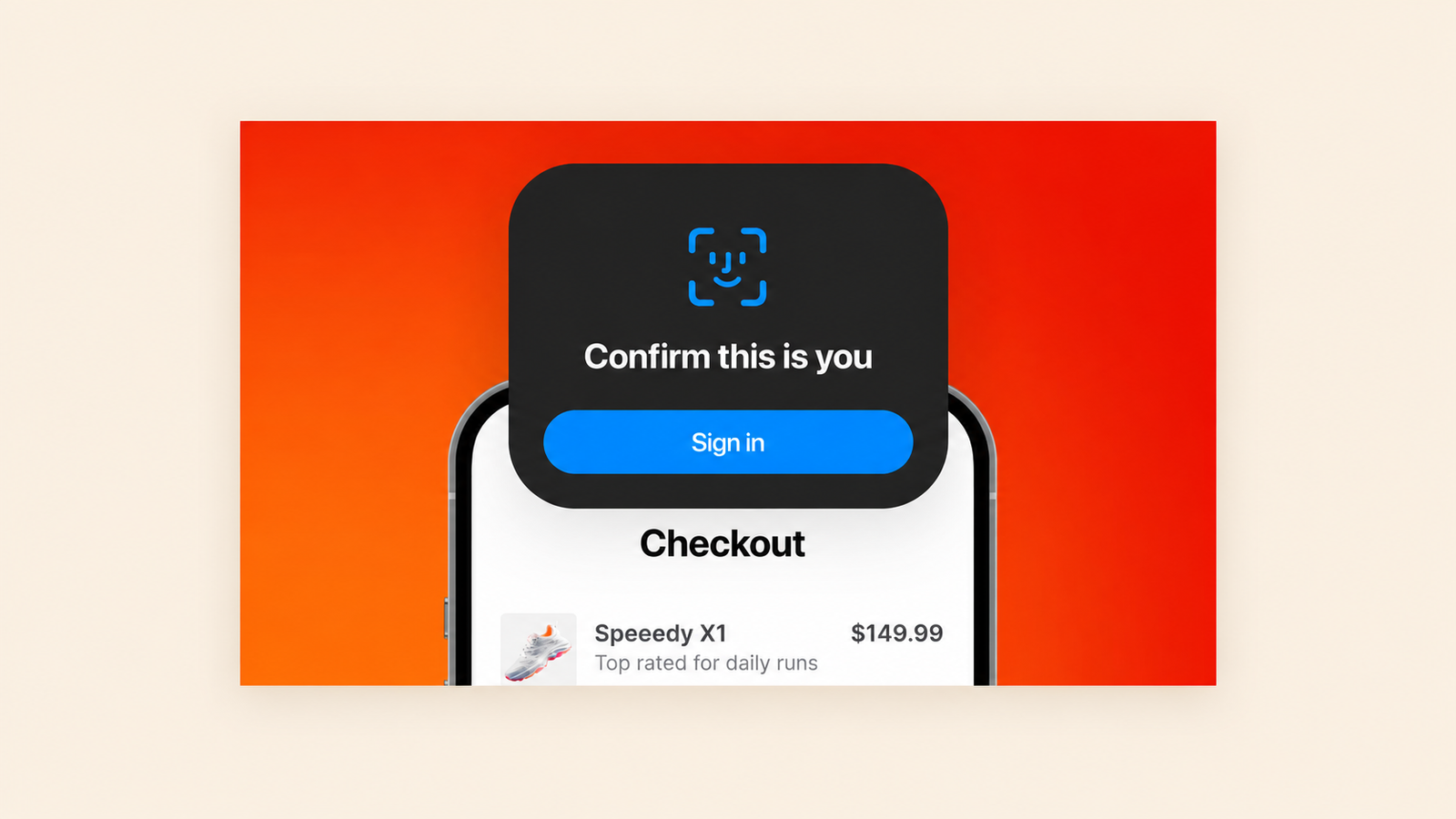
A merchant who has processed a meaningful volume has a working integration, a live customer base, and a reason to care about checkout speed and fraud. That is the merchant for whom a biometric option is relevant. A merchant on day one has none of those things, and a feature announcement on day one competes with the setup they have not finished.
Biometric payments are a growth product for the whole industry. Juniper Research forecasts biometrically authenticated remote mobile payments reaching $1.2 trillion globally by 2027. For Wink, demand existed. The feature was simply invisible to the merchants most likely to want it. A one-tap setup inside a bottom sheet, shown at the moment of relevance, is the fix the case study describes, and it is the same pattern Digia's behaviour-triggered campaigns guide recommends for any feature that has a "ready" state.
What changed for Wink?
The published case study reports four outcomes, all stated qualitatively:
- Merchant onboarding completion improved after in-app nudges replaced static documentation.
- Adoption of new payment methods increased, because options surface when merchants are most likely to act.
- Partner-specific onboarding moved from the codebase to the dashboard.
- Merchants now customise branding through in-app widgets without raising engineering tickets.
Without numbers, the honest reading is directional. The mechanisms are sound and consistent with public benchmarks on activation and feature adoption, and the scale of the improvement is Wink's to disclose.

What this case shows for other B2B platforms
Wink is a B2B product with merchants as users, and the patterns transfer to any platform whose customers have to complete a multi-step technical setup before they get value.
Put the checklist where the work happens
A progress widget inside the dashboard outperforms a help-centre article for one reason: the merchant does not have to leave. Nielsen Norman Group's guidance on progressive disclosure applies directly. Show the current step, reveal the partner-specific detail only when the merchant reaches it, and keep the rest out of the way.
Segment by integration path, not just by persona
Most onboarding segmentation runs on persona or plan. Wink's runs on hardware partner, because that is the variable that changes the instructions. Any platform with multiple integration paths (POS vendors, cloud providers, CRMs, payment gateways) has the same hidden variable.
Treat the first proof of life as a tracked step
"Run a test transaction" is the step most teams leave implicit. Making it explicit in the tracker tells the merchant what done looks like and gives the product team a measurable activation event. Digia's guide to user activation in mobile apps covers how to define that event.
Gate feature announcements on readiness
A volume threshold is one readiness signal. Others are completion of a setup step, a first successful transaction, or a date relative to go-live. The principle is that a feature prompt should fire when the user can act on it, and Digia's suppression logic guide covers the inverse case, which is when to hold the prompt back.
Decision-maker checklist
Before copying the Wink pattern, a product or growth lead should be able to answer:
- Which variable actually changes the setup instructions for your customers, and is it captured as a user attribute?
- What is the first proof-of-life event, and is it a named step in your onboarding tracker?
- Which features are sitting in settings menus with no trigger to surface them?
- What readiness signal would tell you a customer is able to act on each of those features?
- How many onboarding changes in the last quarter waited on an engineering release, and how long did each wait?
- Which customer-facing configuration requests become tickets today, and could a widget handle them?
What the public record does not say
Four things a buyer evaluating this pattern would want and cannot get from the published case study:
- The volume threshold that triggers the biometric checkout bottom sheet.
- Any quantitative result for onboarding completion, time to go-live, or feature adoption.
- Whether Wink runs a customer engagement platform alongside Digia Engage, and if so which one.
- How partner-specific nudge content is authored and approved, and by whom.
Ask about these in a demo. They are the details that turn a pattern into a plan.
Key Takeaways
- Wink's merchants onboard through four hardware partners, and every partner-specific setup flow used to need native code. A shared four-step progress widget with partner-targeted nudges moved that logic to a dashboard.
- Feature discovery for biometric checkout fires on a transaction volume threshold, so the prompt reaches merchants who can act on it rather than merchants still finishing setup.
- Fraud alerts and white-label branding became in-app widgets, which removed two sources of engineering tickets from the activation path.
- The published results are qualitative. The mechanisms match industry data on activation (37% median) and feature adoption (80% of features rarely used), and the size of Wink's gains is theirs to disclose.
Further Reading
From Digia
- How Dezerv's Growth Team Runs In-App Experiments Without a Dev Queue
- Fintech App Engagement: The Complete Guide (2026)
- How to Build an In-App Onboarding Flow That Gets Users to Their First Win
- How to Increase Feature Adoption in Mobile Apps: A 6-Step Framework
External
External Sources: All Claims Attributed
- Wink case study - Digia Engage
- Digital Merchant Onboarding - Mastercard, Aditya Ray, 2024 (research conducted 2022)
- SaaS Product Metrics Benchmark Report 2025 - Userpilot, 2025
- The Feature Adoption Report - Pendo, 2019
- Biometrically Authenticated Remote Mobile Payments to Reach $1.2 Trillion Globally by 2027 - Juniper Research via FinTech Futures, 2022
- Progressive Disclosure - Nielsen Norman Group, 2006
Want merchant or customer onboarding that adapts per integration partner, without a native build per variation? Digia Engage renders progress widgets, partner-specific nudges, and feature discovery bottom sheets from a dashboard, so your product team changes a setup step the same day instead of the next release. Book a demo to see how it works.